
Practical overview
When it fits
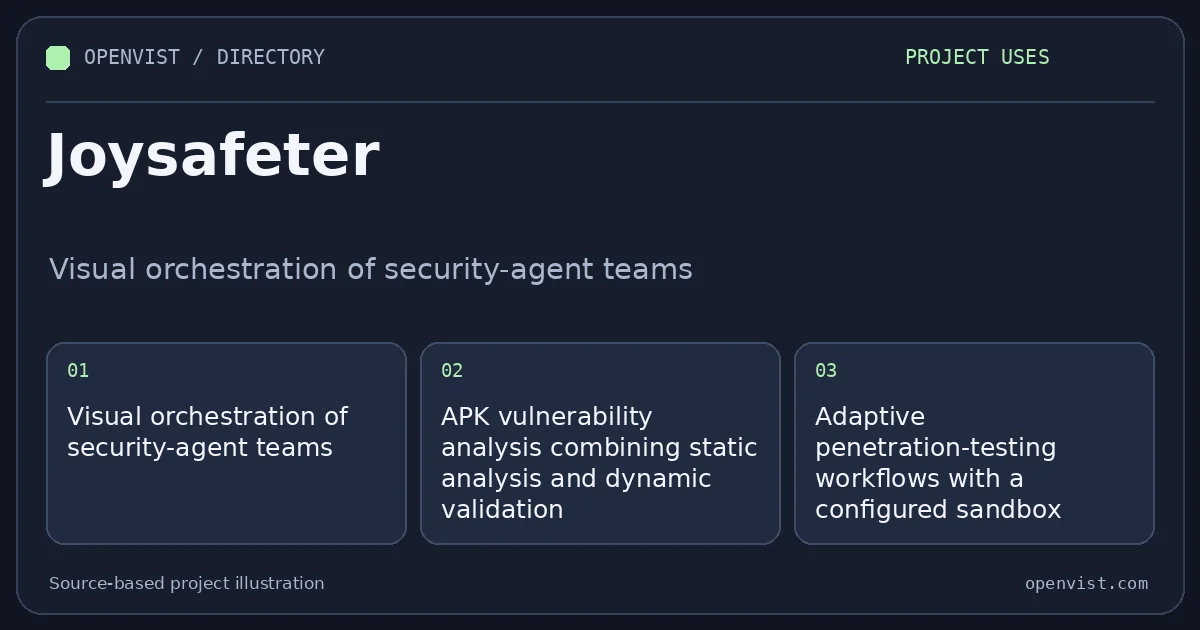
Use JoySafeter when a security task needs a coordinated agent workflow and a way to inspect its execution, rather than a single-purpose scanner.
Who it is for
- Security teams creating repeatable agent-led workflows.
- Developers assembling multi-agent systems with security tools and reusable skills.
Documented uses
- Compose agent workflows with loops, conditions and parallel steps.
- Coordinate agents and security tools for APK analysis or penetration-testing tasks.
- Test agent behavior and inspect execution traces.
Requirements & limits
The project is a self-hosted framework with Docker Compose and local setup options. The README lists Python 3.12+ and Node.js 20+.
- The frontend uses React Flow for node-based workflow editing, with LangGraph, LangChain and DeepAgents in the orchestration stack.
- MCP is the documented tool protocol; the repository also lists A2A-related topics.
- The README names Nmap, Nuclei and Trivy as pre-integrated tools and describes more than 30 pre-built skills.
- The documented penetration-testing workflow requires an authorized target and a configured sandbox image.
Check current requirements in the official documentation. Source-based guidance does not mean OpenViST has run or independently tested this project.
Start JoySafeter with the interactive quick-start script
Choose and initialize one of the documented JoySafeter startup modes.
Before you start
- A checkout of the JoySafeter repository containing
deploy/quick-start.sh.
Steps
From the repository, run
./deploy/quick-start.sh.Use the interactive menu to select a startup mode and configure ports.
If needed, rerun with
--skip-envto skip.envinitialization or--skip-db-initto skip database initialization.
Expected outcome
The quick-start script launches the selected mode: Docker Compose full stack, local frontend, local backend, or local frontend and backend.
Guide limitations
- The script’s modes have different service requirements; for example, local backend mode supports remote PostgreSQL and Redis, while local frontend mode can connect to a remote backend.
- No additional prerequisites or verification procedure are specified here.
Compare options for Agent orchestration
These projects document a common task and share a project role. This is a source-based comparison, not an execution benchmark or a guarantee of interchangeability.
| Project | Documented purpose | Platform | Access and requirements |
|---|---|---|---|
| Joysafeter | Compose agent workflows with loops, conditions and parallel steps. | Self-hosted | The project is a self-hosted framework with Docker Compose and local setup options. The README lists Python 3.12+ and Node.js 20+. |
| Clawswarm | Bring multiple specialized OpenClaw agents into a shared group chat. | Docker, Web, Server, Self-hosted | The README documents Docker startup, a web interface on port 18080 and default administrator credentials. It directs users to separate OpenClaw plugin installation guides for integration. |
| Dsh Agent Team Gui | Save and reuse a team with separate model and tool settings for each member. | Web | The plugin requires a working DeepSeek Harness Web profile, a configured provider/model, Node.js in a documented supported range and pnpm. Version 1.3.0 declares DeepSeek Harness compatibility as >=0.1.5-rc.1 |
Sources & review
Source record details
- Source availability
- Active
- Sources checked
- 20 November 2026
- Original website title
- jd-opensource/JoySafeter · Official homepage title · retained in its source language