
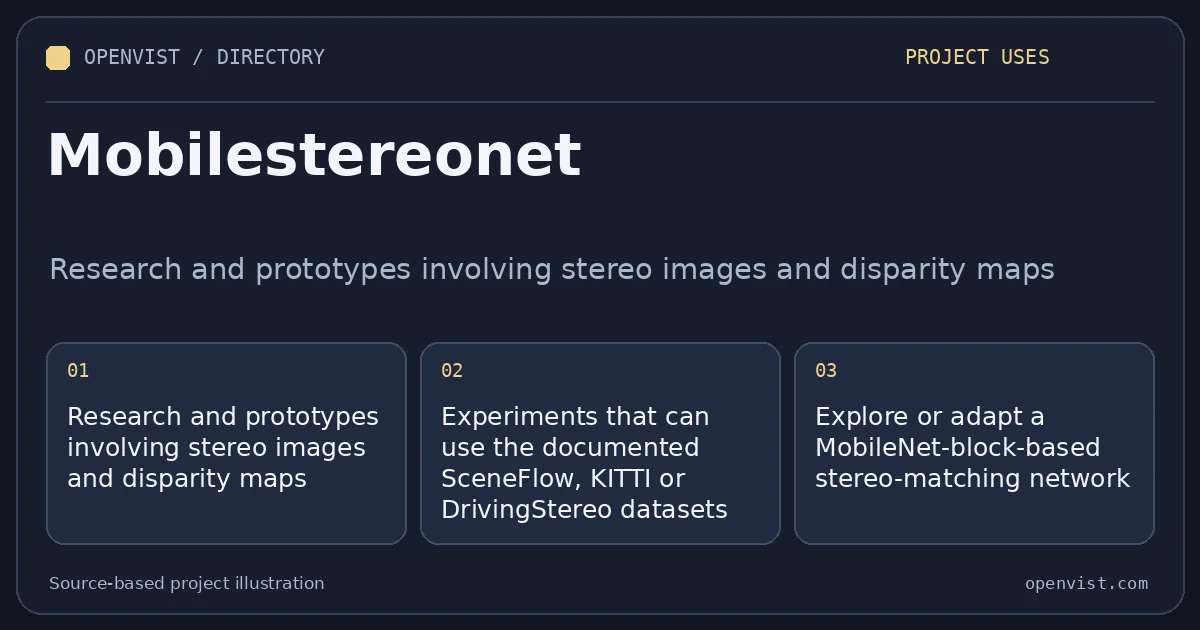
Practical overview
When it fits
Use the repository when you want code and documented workflows for training, fine-tuning or predicting disparity with a stereo-matching model, rather than a hosted image-processing service.
Who it is for
- Computer-vision researchers studying stereo correspondence or disparity estimation.
- Developers prototyping stereo-matching components who can work with Python, PyTorch, datasets and model checkpoints.
Documented uses
- Explore or adapt a MobileNet-block-based stereo-matching network.
- Train on SceneFlow and fine-tune on KITTI using the documented scripts.
- Generate disparity maps with a specified model checkpoint.
- Review the repository's reported evaluation results across SceneFlow, KITTI and DrivingStereo.
Requirements & limits
The repository is public and specifies the Apache-2.0 license.
- The README lists Ubuntu 18.04, Python 3.6, PyTorch 1.4.0, Torchvision 0.5.0 and CUDA 10.0 as tested requirements.
- The repository documents both 2D- and 3D-MobileStereoNet results and links to trained models.
- Training arguments may need adjustment for the chosen model, dataset and hardware.
Check current requirements in the official documentation. Source-based guidance does not mean OpenViST has run or independently tested this project.
Train and fine-tune MobileStereoNet
Set up the documented Conda environment and run the README's SceneFlow pretraining and KITTI fine-tuning stages.
Before you start
- Ubuntu 18.04, Python 3.6, PyTorch 1.4.0, Torchvision 0.5.0 and CUDA 10.0 are listed as tested requirements.
- Conda and the repository's mobilestereonet.yml environment file.
- Prepared SceneFlow and KITTI data, a dataset directory, and the listed training and test file lists.
Steps
Create and activate the environment with
conda env create --file mobilestereonet.ymlandconda activate mobilestereonet.Prepare the SceneFlow finalpass images and disparity data in the directory layout described in the README.
Set
DATAPATHto the dataset directory and use the documentedtrain.pycommand for SceneFlow pretraining.Use the documented KITTI
train.pycommand to fine-tune from a pretrained checkpoint.
Expected outcome
The documented workflow is configured to train the MSNet2D model on SceneFlow and fine-tune it on KITTI.
Guide limitations
- The README says arguments can vary with model, dataset and hardware resources.
- This guide covers the listed training stages; it does not establish results on other data or hardware.
Generate disparity maps with a checkpoint
Use the documented prediction script with a selected model checkpoint and KITTI test list.
Before you start
- The repository environment and its documented software requirements.
- A dataset directory,
./filenames/kitti15_test.txt, and a model checkpoint.
Steps
Set
DATAPATHto the dataset directory.Run the README's
prediction.pycommand with the KITTI test list, checkpoint path,--dataset kitti,--colored Trueand--model MSNet2D.
Expected outcome
The README describes the prediction script as creating disparity maps for the specified model.
Guide limitations
- The command requires a checkpoint and dataset files; the guide does not cover obtaining or validating a particular checkpoint.
- The documented example uses KITTI and MSNet2D.
Sources & review
Source record details
- Source availability
- Active
- Sources checked
- 20 November 2026
- Original website title
- cogsys-tuebingen/mobilestereonet · Official homepage title · retained in its source language