
Practical overview
When it fits
Use it when you want a configurable, self-hosted pipeline from paper discovery and interest-based filtering through Chinese reporting and notification.
Who it is for
- Researchers who want new and revised papers filtered against specified topics, keywords or author preferences.
- Teams or individuals seeking a self-hosted workflow for paper reports, topic trends, archiving and notifications.
Documented uses
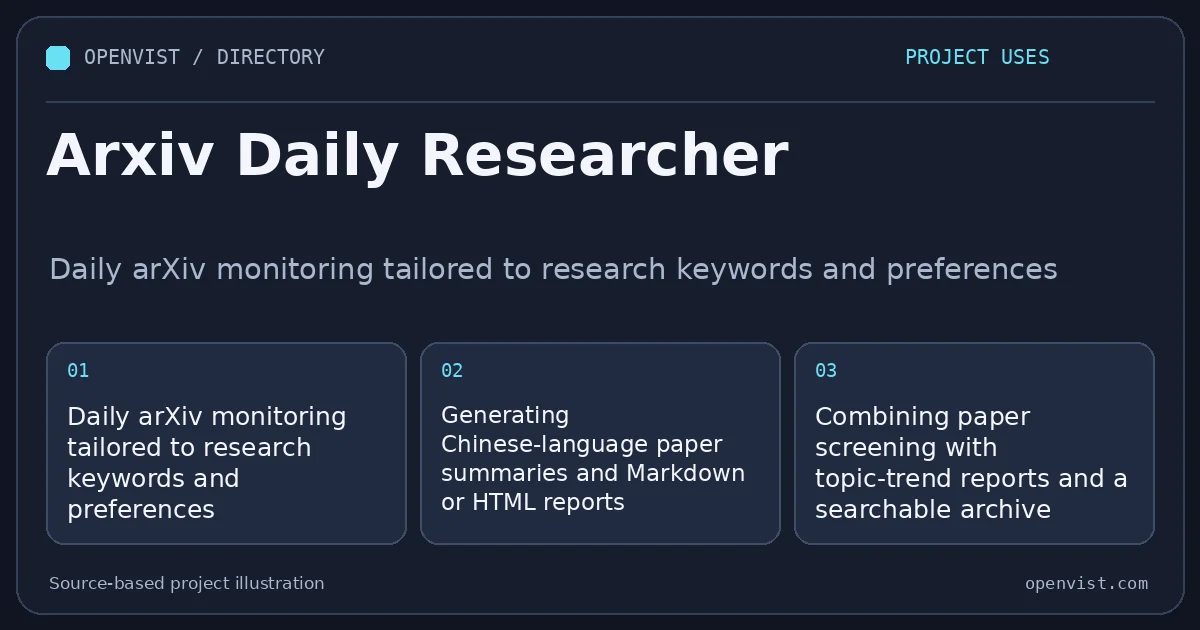
- Monitor arXiv papers and selected additional sources for new research.
- Score papers using configured interests and inspect why they passed screening.
- Generate Chinese summaries, TL;DRs and reports, with optional PDF analysis.
- Review topic trends, rerun papers by date, search and archive results, and send notifications.
Requirements & limits
The documented deployment uses Docker Compose and exposes the WebUI on port 8501. Initial setup creates an administrator account.
- The application is licensed under AGPL-3.0 and identifies Python 3.12+ and Docker as its technical baseline.
- The documented deployment expects a Linux host, Docker Compose, writable service directories, network access to paper sources and an OpenAI-compatible model service.
- PDF analysis supports PyMuPDF local parsing or MinerU; Semantic Scholar TL;DR translation can be disabled.
- The interface offers four scoring strategies, including preference learning and penalties for topics users want to avoid.
- The WebUI handles configuration, execution and report reading; notifications support email, WeCom, DingTalk, Telegram, Slack and generic Webhooks.
Check current requirements in the official documentation. Source-based guidance does not mean OpenViST has run or independently tested this project.
Set up the Docker Compose service
Prepare the documented self-hosted application and reach its browser interface.
Before you start
- A Linux host with Docker Compose
- A host able to reach the selected paper sources and an OpenAI-compatible model service
- Writable project configuration, data and log directories
Steps
Clone the repository and enter its directory.
Copy .env.example to .env, create data, logs and runtime directories, and set PUID and PGID in .env to the current user's IDs.
Start the services with docker compose pull and docker compose up -d, then inspect them with docker compose ps.
Open http://HOST:8501, replacing HOST with the machine address, and create an administrator account.
Expected outcome
The Worker and WebUI services are started, and the browser interface is available for configuration.
Guide limitations
- The setup requires access to model and paper-source services; model API details and research settings still need to be configured in the WebUI.
- The documented setup advises using direct HTTP only on a trusted network; public access should use an HTTPS reverse proxy.
Sources & review
Source record details
- Source availability
- Active
- Sources checked
- 20 November 2026
- Original website title
- yzr278892/arxiv-daily-researcher · Official homepage title · retained in its source language