
Practical overview
When it fits
Use it when a research or development workflow needs PyTorch-based photonic circuit simulation, optical neural-network modeling, or hardware-aware exploration of photonic AI designs.
Who it is for
- Researchers in neuromorphic photonics and optical AI system design
- Teams exploring photonic integrated-circuit optimization
- PyTorch practitioners developing or training optical neural networks
Documented uses
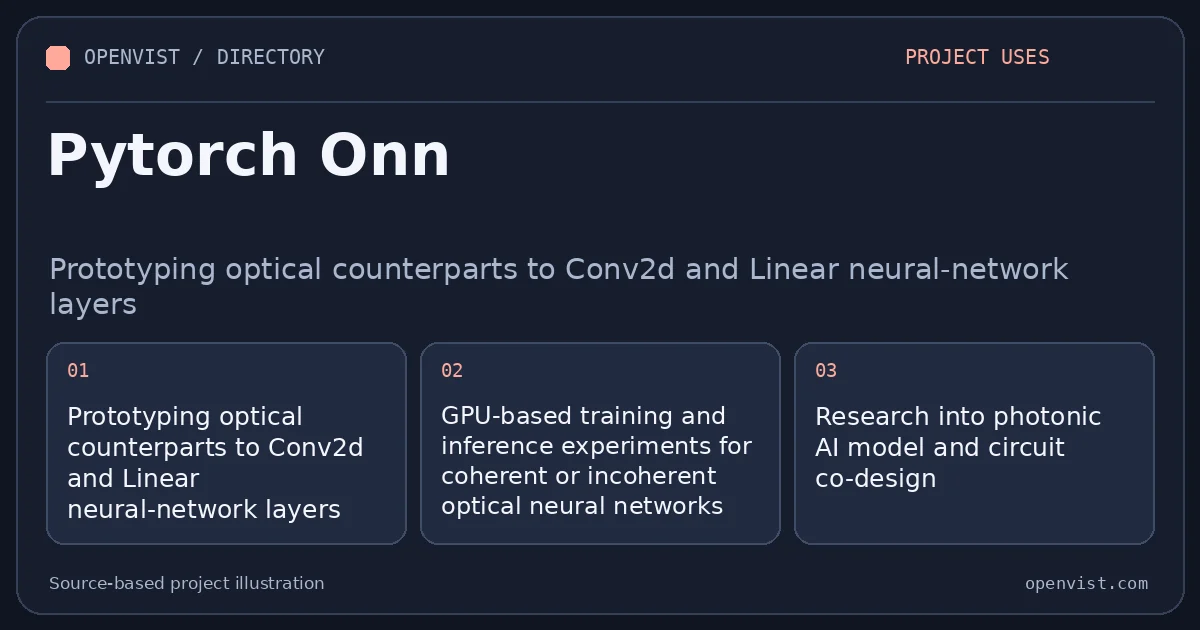
- Simulate photonic integrated circuits as part of model experiments
- Construct and train optical neural-network models with PyTorch
- Convert supported conventional PyTorch layers into optical-layer mappings
- Explore device, circuit, architecture, and algorithm co-optimization
Requirements & limits
The project is distributed as an open-source MIT-licensed Python library. The README documents installation through pip, source installation, a shell script, or a Conda build.
- The documented stack requires Python 3.6+, PyTorch 1.13.0+, TensorFlow-GPU 2.5.0+, pyutils 0.0.2+, and GCC 9+.
- GPU model training requires an NVIDIA GPU and compatible CUDA.
- The README describes CUDA-backed GPU support and tensorized processing, while also showing optical model construction and layer conversion in PyTorch.
Check current requirements in the official documentation. Source-based guidance does not mean OpenViST has run or independently tested this project.
Install Pytorch Onn from its source repository
Set up the library from a cloned repository, following the documented source-install route.
Before you start
- Python 3.6 or later
- PyTorch 1.13.0 or later
- TensorFlow-GPU 2.5.0 or later
- pyutils 0.0.2 or later and other dependencies listed in requirements.txt
- GCC 9 or later
Steps
Clone https://github.com/JeremieMelo/pytorch-onn.git.
In the cloned directory, run the command below, or use the documented
./setup.shroute.python3 setup.py install cleanFor a Conda build, the README also lists
conda mambabuild ..
Expected outcome
The documented source-install or build steps for the library are completed.
Guide limitations
- The README lists additional dependencies in requirements.txt.
- GPU model training requires an NVIDIA GPU and compatible CUDA.
Map a PyTorch model to optical layers
Use the documented model-conversion method to configure optical counterparts for Conv2d and Linear layers.
Before you start
- Pytorch Onn installed in a Python environment
- A PyTorch model containing Conv2d and/or Linear layers
Steps
Create the conventional PyTorch model.
Call
ONNBaseModel.from_modelwith the model and amap_cfgsmapping.Map Conv2d to
MZIBlockConv2dand Linear toMZIBlockLinear, as in the documented example.
Expected outcome
The conversion method returns an optical-model representation using the configured layer mappings.
Guide limitations
- The example documents mappings for Conv2d and Linear layers; it does not specify conversion behavior for other layer types.
Compare options for Model inference and serving
These projects document a common task and share a project role. This is a source-based comparison, not an execution benchmark or a guarantee of interchangeability.
| Project | Documented purpose | Platform | Access and requirements |
|---|---|---|---|
| Pytorch Onn | Simulate photonic integrated circuits as part of model experiments | Linux, Windows, macOS | The project is distributed as an open-source MIT-licensed Python library. The README documents installation through pip, source installation, a shell script, or a Conda build. |
| Ergo | Create a project with separate data-preparation, model and training scripts. | CLI | |
| Llama2Lang | Translate an instruction dataset into a target language and combine translation checkpoints. | The repository is public and identified as open source under the Apache-2.0 license. |
Sources & review
Source record details
- Source availability
- Active
- Sources checked
- 20 November 2026
- Original website title
- JeremieMelo/pytorch-onn · Official homepage title · retained in its source language