
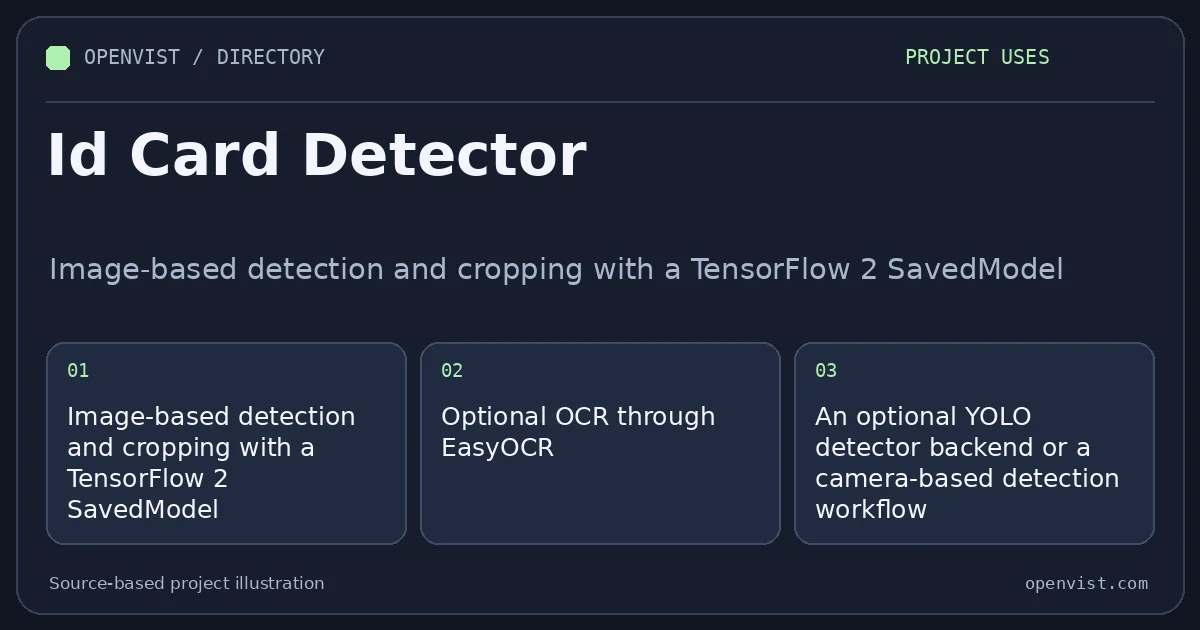
Practical overview
When it fits
Use it when you want a local Python workflow that turns identity-card images into detected crops and optional OCR text, or when you are adapting the detector and OCR stages in code.
Who it is for
- Developers building identity-card image-processing workflows.
- Users who need to detect and crop card regions before OCR-based text extraction.
Documented uses
- Locate regions of interest on an identity-card image.
- Save a detected card region as a cropped image.
- Run OCR on a detected crop and view extracted text.
Requirements & limits
- The primary image workflow is run from the command line with an image path.
- The documented TensorFlow 2 setup has separate dependency instructions for Apple Silicon macOS, Intel macOS, Linux and Windows.
- OCR is enabled with the --ocr flag; without it, the image workflow still detects and crops regions.
- The camera workflow and optional YOLO backend have separate scripts or dependencies.
Check current requirements in the official documentation. Source-based guidance does not mean OpenViST has run or independently tested this project.
Run OCR on an identity-card image
Install the documented TensorFlow 2 dependencies and run image detection with OCR enabled.
Before you start
- A Python environment with pip.
- The project repository and its SavedModel under model/saved_model/.
- Use the requirements file matching the platform: requirements-macos-apple.txt for Apple Silicon macOS, or requirements-cpu.txt for Intel macOS, Linux or Windows.
Steps
Install dependencies with the platform-appropriate requirements file.
Run the command below from the project directory.
python3 id_card_detection_image.py --image /path/to/image.jpg --ocr --min_score 0.6Check the project root for output_cropped.png and read the extracted text lines in the terminal.
Expected outcome
The script displays detections, saves the best-scoring cropped region as output_cropped.png and prints OCR text lines.
Guide limitations
- The documented default detector expects a TensorFlow 2 SavedModel in model/saved_model/.
- SavedModel output keys can vary; the README says defaults expect detection_boxes, detection_scores and detection_classes.
- The README describes OCR as optional and uses EasyOCR.
Sources & review
Source record details
- Source availability
- Active
- Sources checked
- 20 November 2026
- Original website title
- mesutpiskin/id-card-detector · Official homepage title · retained in its source language