
Practical overview
When it fits
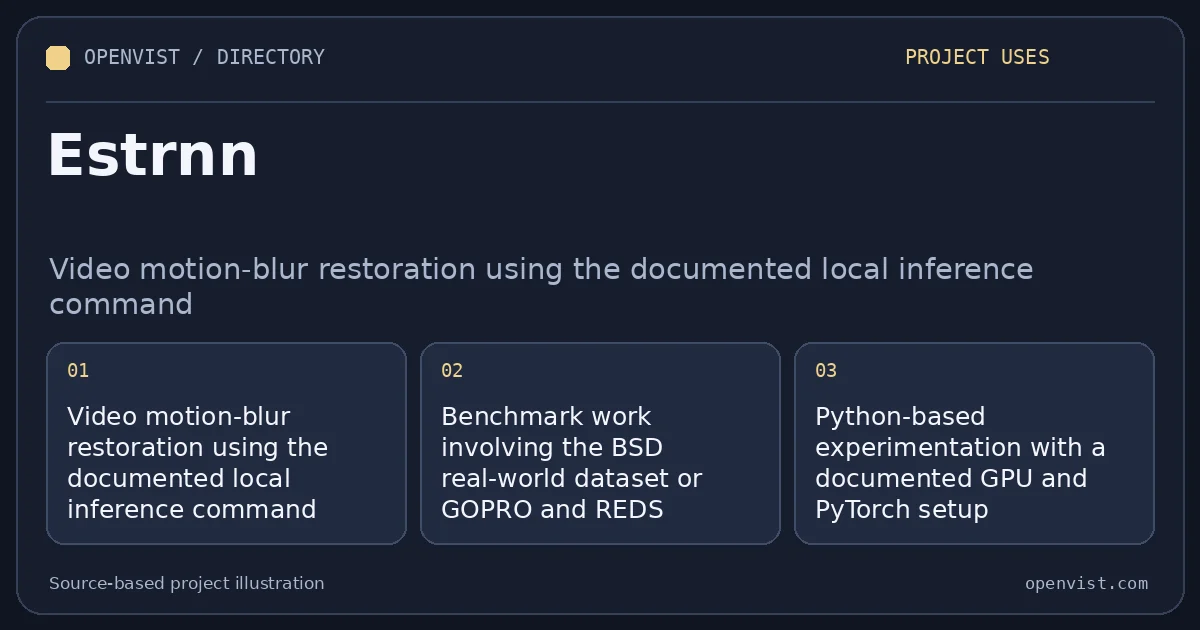
Use ESTRNN when a research or development task calls for recurrent video deblurring, pretrained inference on blurry input, or a benchmark-oriented training workflow.
Who it is for
- Researchers comparing video-deblurring methods on BSD, GOPRO or REDS.
- Developers seeking a documented pretrained-checkpoint workflow for blurry video.
- Researchers adapting the training workflow to a custom dataset.
Documented uses
- Process a blurry video or sequentially numbered frames with a pretrained checkpoint.
- Train the model using BSD dataset files and a selected dataset configuration.
- Evaluate video-deblurring results using the repository’s listed benchmarks.
Requirements & limits
The repository is public and lists the MIT license.
- The documented environment specifies Python 3.6, PyTorch 1.6 with GPU, and six additional Python packages.
- Inference requires a separately downloaded pretrained checkpoint.
- The README accepts either a blurry video file or an image directory with sequentially numbered frames.
- BSD, GOPRO and REDS dataset downloads are listed, with dataset configuration selected for training or test-set inference.
Check current requirements in the official documentation. Source-based guidance does not mean OpenViST has run or independently tested this project.
Run pretrained inference on a blurry video
Use a downloaded ESTRNN checkpoint to process a blurry video or an indexed directory of frames.
Before you start
- Python 3.6 and PyTorch 1.6 with GPU
- opencv-python, scikit-image, lmdb, thop, tqdm and tensorboard
- A downloaded pretrained checkpoint, unzipped under the repository’s main directory
- A blurry video file or a directory of image frames indexed as 00000000.png, 00000001.png, and so on
Steps
Download a pretrained checkpoint for the desired setup and unzip it under the repository’s main directory.
Choose the blurry video file or indexed image directory as the source, and specify a destination for results.
Run the documented inference command with the source, destination and checkpoint paths: python inference.py --src --dst --ckpt ./checkpoints/ESTRNN_C80B15_BSD_2ms16ms.tar.
Expected outcome
The command is configured to produce deblurred results at the specified destination.
Guide limitations
- The example checkpoint is for the BSD 2ms16ms setup.
- The README specifies input paths and frame naming, but does not document output format details.
Set up the documented BSD training workflow
Prepare the BSD dataset and configure the repository’s documented training command.
Before you start
- Python 3.6 and PyTorch 1.6 with GPU
- opencv-python, scikit-image, lmdb, thop, tqdm and tensorboard
- The BSD dataset downloaded and unzipped in a chosen data directory
Steps
Download and unzip BSD into the chosen dataset directory.
Set the dataset location as the data root and adjust the dataset configuration in the command or in ./para/paramter.py.
Use the documented command form: python main.py --data_root --dataset BSD --ds_config 2ms16ms.
Expected outcome
The repository is configured to start training with the BSD dataset and the 2ms16ms configuration.
Guide limitations
- The README gives a command form but does not document a verified training result.
- For a custom dataset, the README directs users to ./data/how_to_make_dataset_file.ipynb.
Sources & review
Source record details
- Source availability
- Active
- Sources checked
- 19 November 2026
- Original website title
- zzh-tech/ESTRNN · Official homepage title · retained in its source language