
Practical overview
When it fits
Use it when developing or researching rPPG methods and you want a project explicitly organized around model implementation, evaluation and benchmarking.
Who it is for
- Researchers comparing remote photoplethysmography methods.
- Developers implementing deep-learning models for rPPG or continuous non-invasive blood pressure.
Documented uses
- Explore the project’s listed rPPG model examples and implementation status.
- Set up the project environment with Conda or Docker.
- Work with a framework intended to evaluate and benchmark rPPG methods.
Requirements & limits
The repository is public and identifies its license as Apache-2.0.
- The code is based on PyTorch.
- Environment setup is documented for both Conda and Docker.
- The model list distinguishes entries with implementation markers from entries without them.
Check current requirements in the official documentation. Source-based guidance does not mean OpenViST has run or independently tested this project.
Set up the Conda environment
Create and activate the project environment using its documented Conda setup.
Before you start
- The rPPG repository, including rppg.yaml
- Conda
Steps
Run
conda env create -f rppg.yamlfrom the project directory.Run
conda activate rppg.
Expected outcome
The README’s Conda environment setup is complete.
Guide limitations
- These steps cover environment setup only; they do not describe running an evaluation.
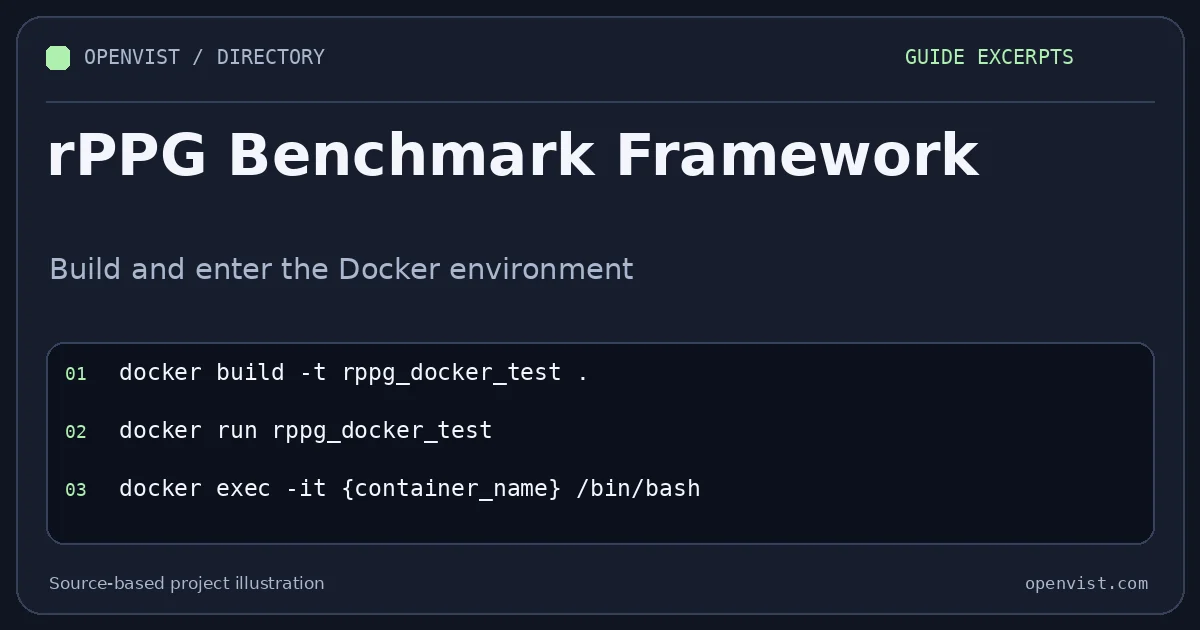
Build and enter the Docker environment
Build the documented Docker image and open a shell in its running container.
Before you start
- The rPPG repository and its Dockerfile
- Docker
Steps
Build the image with the command below.
docker build -t rppg_docker_test .Start a container with the command below.
docker run rppg_docker_testRun the command below, replacing the placeholder with the container name.
docker exec -it {container_name} /bin/bashRun
conda activate rppgin the container.
Expected outcome
A shell is opened in the container and the README’s rppg Conda environment is activated.
Guide limitations
- The instructions do not specify how to obtain the container name or provide an evaluation command.
Sources & review
Source record details
- Source availability
- Active
- Sources checked
- 17 November 2026
- Original website title
- remotebiosensing/rppg · Official homepage title · retained in its source language