
Practical overview
When it fits
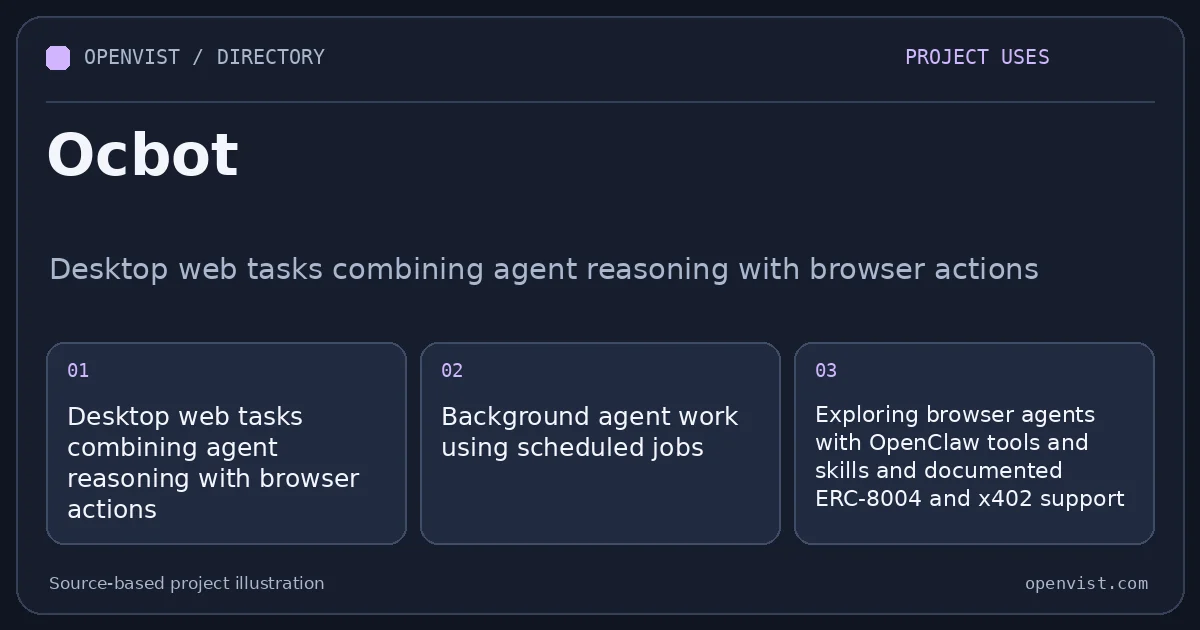
Use Ocbot for browser-centered agent work, especially when you want embedded OpenClaw capabilities or scheduled jobs that continue in the background. Its documented payment and identity features may also matter for workflows involving on-chain transactions.
Who it is for
- People who want a desktop agent to browse websites and perform browser actions.
- OpenClaw users looking for an application with the runtime embedded.
- Developers interested in an agent browser with scheduled background jobs or documented on-chain payment features.
Documented uses
- Have an agent browse web pages and carry out browser actions.
- Set up scheduled agent jobs that continue when the app window is closed.
- Use the agent's documented x402 micropayment capability to pay for APIs, services or content on-chain.
Requirements & limits
The README lists desktop downloads for macOS and Windows. It says the embedded OpenClaw runtime can be used by launching the app without separate configuration or terminal setup. The project states that it uses the MIT License.
- Ocbot embeds OpenClaw rather than requiring a separate runtime installation.
- Its AI-native browser is described as a modified Chromium kernel, not an extension.
- The README says agents and cron jobs keep running in the background when the window is closed.
- The README lists macOS and Windows downloads, while its source-development prerequisites describe macOS or Linux and mark Windows untested.
- The project documents ERC-8004 identity and x402 on-chain micropayments.
Check current requirements in the official documentation. Source-based guidance does not mean OpenViST has run or independently tested this project.
Prepare and build Ocbot from source
Clone Ocbot, check the development environment, obtain Chromium source, apply the existing patches, and build the project.
Before you start
- A development environment that passes
./scripts/dev.py check. - The repository's development tooling and sufficient time for the build; the README estimates about 45 minutes on M3 Ultra with 96 GB RAM or 4.5 hours on M4 with 24 GB RAM.
Steps
Clone the repository: the command below.
git clone https://github.com/instry/ocbot.gitCheck the environment with
./scripts/dev.py check.Download Chromium source: use
./scripts/dev.py download --method depot --no-historyfor full source intended for building. The README also lists./scripts/dev.py downloadas a quick tarball for code review only.Apply existing patches with
./scripts/dev.py patch.Build with
./scripts/dev.py build.
Expected outcome
The README's build sequence produces a built Ocbot project; its next documented development stage is `./scripts/dev.py run`.
Guide limitations
- The quick tarball download is identified as code-review-only; the full-source depot download is specified for building.
- Build duration varies by hardware; the README gives estimates for two configurations.
- The README does not specify detailed environment requirements beyond the environment check.
Sources & review
Source record details
- Source availability
- Active
- Sources checked
- 17 November 2026
- Original website title
- instry/ocbot · Official homepage title · retained in its source language