
Practical overview
When it fits
Consider it when a Node.js or TypeScript project needs scikit-learn functionality and can also provide Python 3.7 or newer with NumPy and scikit-learn installed.
Who it is for
- Node.js developers who want to use scikit-learn functionality without writing Python.
- TypeScript developers integrating selected scikit-learn classes into Node.js code.
Documented uses
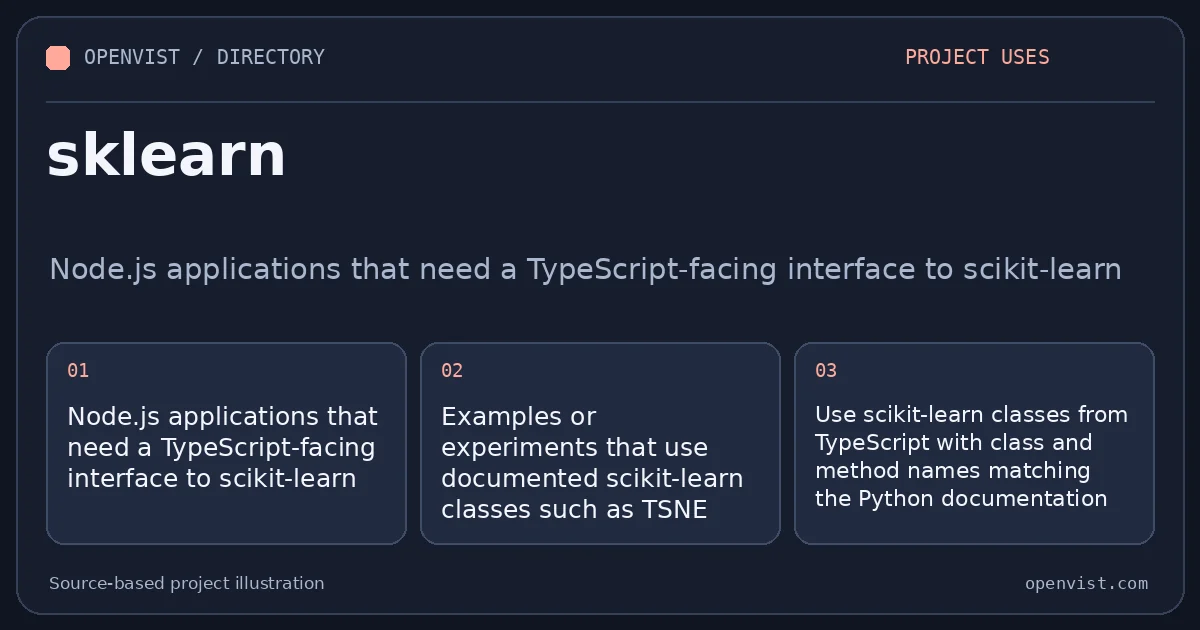
- Use scikit-learn classes from TypeScript with class and method names matching the Python documentation.
- Pass plain JavaScript arrays to supported workflows that would use NumPy arrays in Python.
- Run a scikit-learn transformation through a Python child process and clean up its resources.
Requirements & limits
The homepage describes the package as open source.
- The integration requires both Node.js and Python; the documented minimums are Node.js 18 and Python 3.7.
- The shell running Node.js must be able to access NumPy and scikit-learn in the Python environment.
- Using a class requires creating a Python bridge and initializing the class asynchronously; instances and the bridge have explicit cleanup calls.
- The project describes itself as experimental and cautions against production use.
Check current requirements in the official documentation. Source-based guidance does not mean OpenViST has run or independently tested this project.
Install sklearn and its Python dependencies
Prepare a Node.js environment to use the sklearn package with its underlying Python implementation.
Before you start
- Node.js 18 or newer and Python 3.7 or newer, both available in PATH.
- NumPy and scikit-learn installed in Python; the Node.js shell must be able to access them.
Steps
Install Python and ensure it is available in PATH.
Install NumPy and scikit-learn with pip, or through a virtual-environment manager accessible to the Node.js shell.
Install the npm package with the command below.
npm install sklearn
Expected outcome
The documented package and Python dependencies are installed for use from Node.js.
Guide limitations
- The project describes itself as experimental and cautions against production use.
- This guide covers installation; use of a class also requires creating a Python bridge and calling its asynchronous init method.
Run a scikit-learn class through the Python bridge
Use the documented TSNE class with JavaScript array input and clean up its resources.
Before you start
- The sklearn package and Python dependencies are installed.
- A Python bridge can access the installed Python modules.
Steps
Import sklearn and create a bridge with
await sklearn.createPythonBridge().Create a
TSNEinstance, then callawait model.init(py)with the bridge.Call
fit_transformwith the documented JavaScript array input and use the returned result.Call
await model.dispose()and thenawait py.disconnect()when finished.
Expected outcome
The example runs a TSNE transformation on JavaScript array data through the underlying Python implementation and closes its resources.
Guide limitations
- The project describes itself as experimental and cautions against production use.
- The guide demonstrates TSNE; it does not establish behavior for every scikit-learn class or application.
Sources & review
Source record details
- Source availability
- Active
- Sources checked
- 17 November 2026