
Practical overview
When it fits
Use it when a server-side TypeScript application needs speech synthesis through Microsoft Edge Read Aloud and its limited SSML support is sufficient.
Who it is for
- Developers adding speech output to server-side applications.
- Developers who need to adjust supported voice prosody or capture sentence and word-boundary metadata.
Documented uses
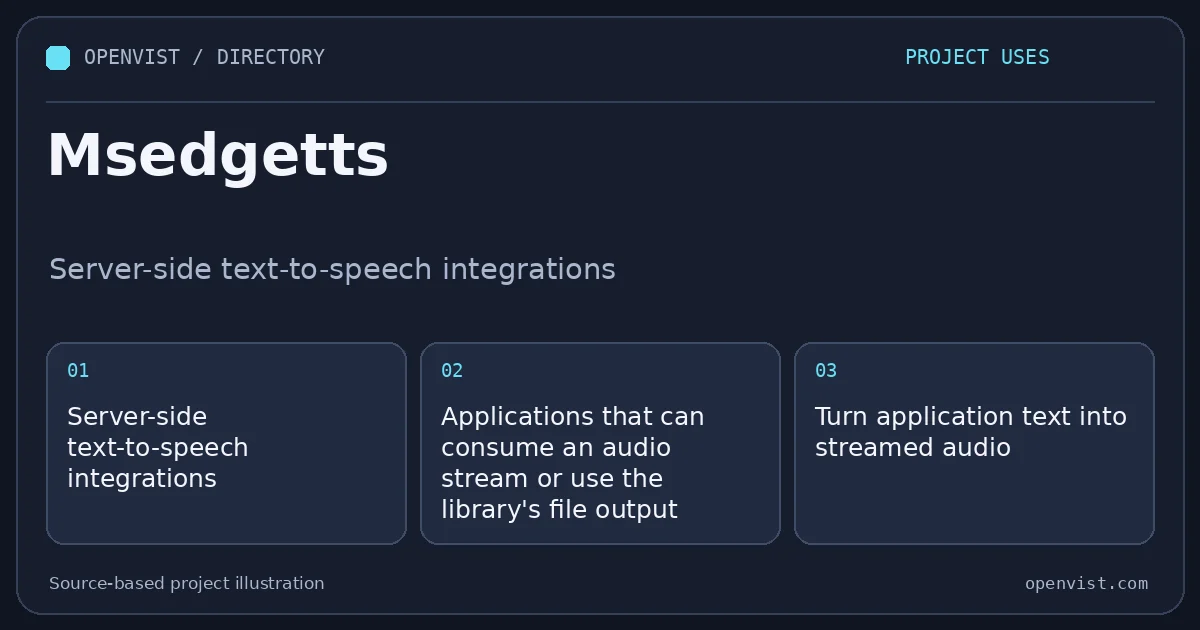
- Turn application text into streamed audio.
- Save synthesized speech to a file.
- Adjust supported speech rate, pitch or volume through prosody options.
- Request sentence or word-boundary metadata.
Requirements & limits
- The README says the API requires a Microsoft Edge-matching user agent; it says server-side runtimes remain usable.
- SSML support is limited to speak, voice and prosody elements.
- The toFile() destination directory must exist, and repeated output to the same directory overwrites prior files.
- The repository identifies the project as TypeScript and provides an MIT license.
Check current requirements in the official documentation. Source-based guidance does not mean OpenViST has run or independently tested this project.
Generate speech and receive it as a stream
Configure a voice and output format, then send text to synthesis and receive audio stream data.
Before you start
- A server-side runtime
- The msedge-tts module
- Text input that has been escaped or sanitized
Steps
Import MsEdgeTTS and OUTPUT_FORMAT from msedge-tts.
Create an MsEdgeTTS instance and call setMetadata() with a voice name and output format.
Call toStream() with the text and consume audioStream data.
Expected outcome
Audio data is available through the returned stream.
Guide limitations
- The README says the API requires a Microsoft Edge-matching user agent and is not usable in browsers other than Microsoft Edge.
- SSML support is limited to speak, voice and prosody elements.
Save generated speech to a file
Configure synthesis and write its audio output into an existing directory.
Before you start
- A server-side runtime
- The msedge-tts module
- An existing destination directory
- Text input that has been escaped or sanitized
Steps
Import MsEdgeTTS and OUTPUT_FORMAT from msedge-tts.
Create an MsEdgeTTS instance and call setMetadata() with a voice name and output format.
Call toFile() with the existing directory and text.
Expected outcome
The library saves audio as audio. in the specified directory.
Guide limitations
- The destination directory must already exist.
- Calling toFile() again with the same directory overwrites the previous generated files.
Sources & review
Source record details
- Source availability
- Active
- Sources checked
- 17 November 2026
- Original website title
- Migushthe2nd/MsEdgeTTS · Official homepage title · retained in its source language