
Practical overview
When it fits
Use it when you need to operate a backend for voice-model training and want API integration or TensorBoard progress monitoring.
Who it is for
- Developers integrating voice-model training into other services through a REST API.
- Operators who want to run voice synthesis or transformation training in a local or Docker-based environment.
Documented uses
- Set up a backend for voice-cloning and speech-model training workflows.
- Connect model-training workflows to other applications using the REST API.
- Observe training progress and performance metrics through TensorBoard.
Requirements & limits
The repository is public and licensed under Apache 2.0. The documented options are local execution and Docker deployment.
- Local execution requires Python 3.9 or later and uv.
- The Docker instructions map container port 8000 to local port 8000.
- The README directs users to download GPT-SoVITS pretrained models and place them in the models directory.
- The project separates its backend and frontend into different repositories.
Check current requirements in the official documentation. Source-based guidance does not mean OpenViST has run or independently tested this project.
Run Easevoice Trainer in Docker
Build the documented Docker image and expose the application on local port 8000.
Before you start
- Docker
- A local copy of the Easevoice Trainer repository
Steps
Open a terminal in the repository's scripts directory.
Build the image with the command below.
docker build -t megaease/easevoice-trainer .Start the container with the command below.
docker run -p 8000:8000 megaease/easevoice-trainer
Expected outcome
The README says the application inside the container on port 8000 is accessible locally at http://localhost:8000.
Guide limitations
- The instructions document container startup and local port mapping, not model training or API request examples.
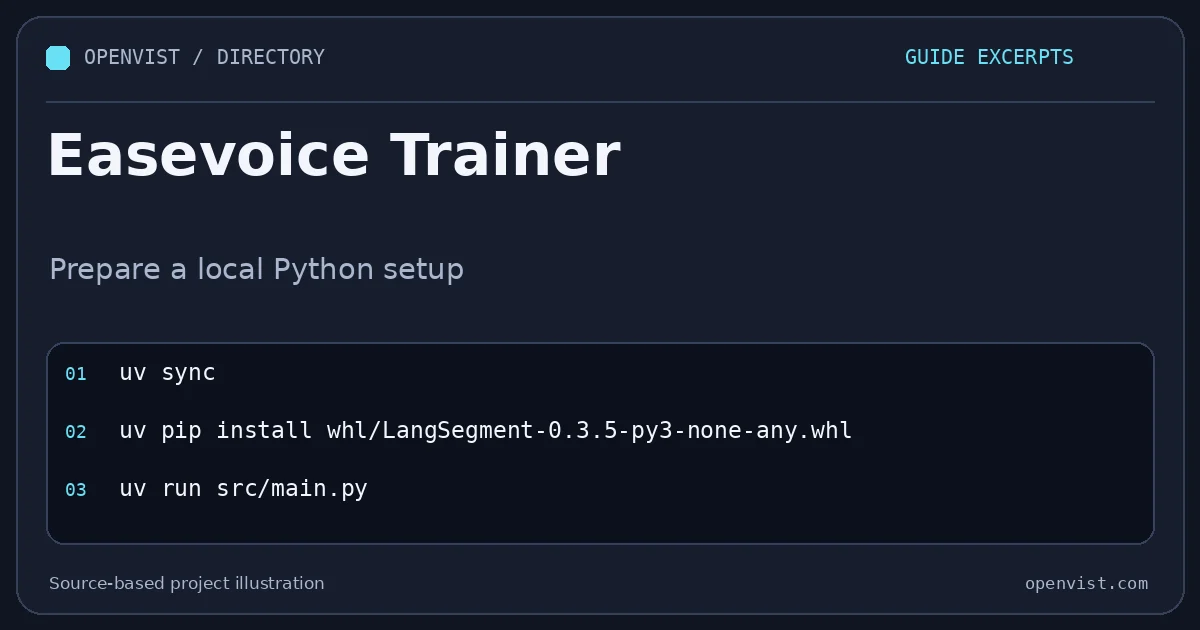
Prepare a local Python setup
Install the documented local prerequisites and start the backend.
Before you start
- Python 3.9 or higher
- uv
- A local copy of the Easevoice Trainer repository
Steps
Run the command below.
uv syncInstall the included wheel with the command below.
uv pip install whl/LangSegment-0.3.5-py3-none-any.whlStart the server with the command below.
uv run src/main.py
Expected outcome
The documented command starts the Easevoice Trainer server locally.
Guide limitations
- The README does not provide API calls or a subsequent model-training procedure in these setup instructions.
Sources & review
Source record details
- Source availability
- Active
- Sources checked
- 17 November 2026
- Original website title
- megaease/easevoice-trainer · Official homepage title · retained in its source language