
Practical overview
When it fits
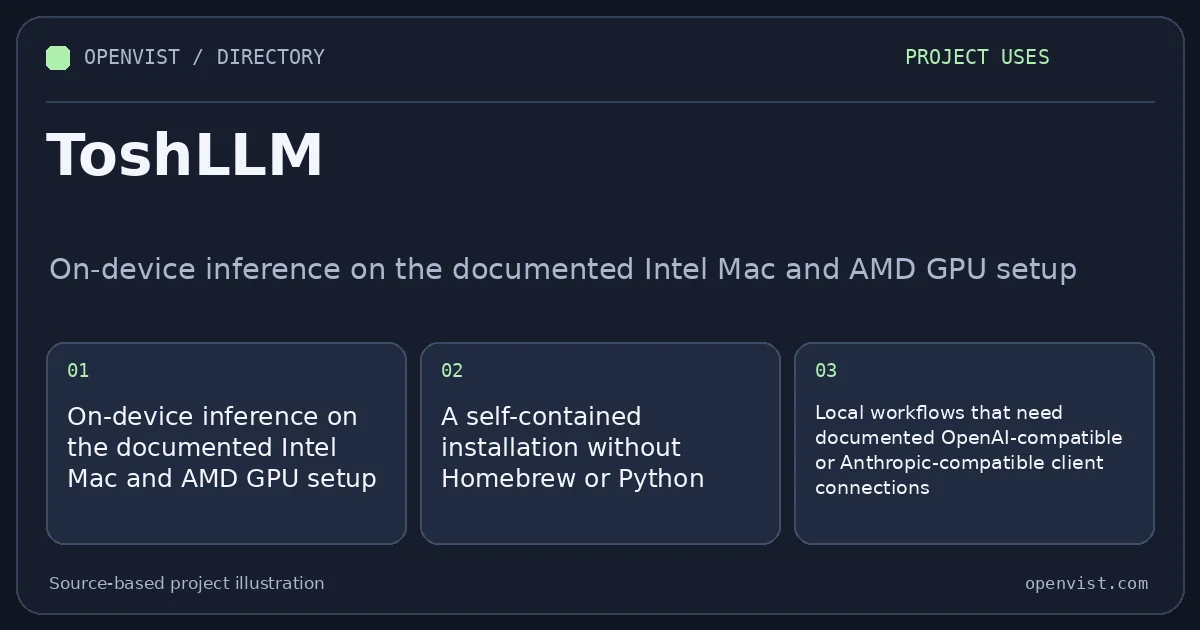
Use ToshLLM when the target is local model work on an Intel Mac with an AMD Metal GPU, especially for chat, media-generation workflows, local client connections or benchmarking.
Who it is for
- Mac users with an Intel machine and AMD Metal GPU who want to run models on-device.
- People seeking local chat, vision, image-generation or video workflows.
- Developers and technical users connecting local models to documented editors, agents, SDKs or other clients.
- Users comparing model settings or measuring local performance.
Documented uses
- Run a language model locally and chat with it.
- Organize conversations, apply system prompts, and attach documents or media.
- Generate or upscale images and create local video.
- Connect local applications through compatible APIs.
- Compare configurations and record benchmark measurements.
Requirements & limits
The support page describes ToshLLM as free and open source under GPL-3.0. The documentation lists macOS 14 or later and requires an Intel Mac with an AMD Metal GPU.
- The documented platform is specific: Intel Mac hardware with an AMD Metal GPU, running macOS 14 or later.
- Memory guidance lists 16 GB and recommends 32 GB; model choice and configuration affect VRAM needs.
- The app is self-contained and does not require Homebrew or Python.
- Benchmark sharing sends information when submitting a result; consult the privacy guide before sharing.
Check current requirements in the official documentation. Source-based guidance does not mean OpenViST has run or independently tested this project.
Install ToshLLM and start a local model
Prepare the documented Mac environment, install the app and begin using a local model.
Before you start
- macOS 14 or later
- An Intel Mac with an AMD Metal GPU
- 16 GB memory listed; 32 GB recommended
Steps
Check that the Mac meets the documented platform and memory requirements.
Choose the correct ToshLLM build.
Install the signed, self-contained app.
Start a local model.
Expected outcome
ToshLLM is installed and a local model has been started.
Connect a local client through ToshLLM's API
Use ToshLLM with a local editor, agent, SDK or other application through its documented compatible APIs.
Before you start
- ToshLLM running on a supported Mac
- A client application that supports the documented OpenAI-compatible or Anthropic-compatible API
Steps
Consult the Local API guide for ToshLLM's compatible API options.
Choose a documented local client or SDK integration.
Follow the client-specific connection guidance in the ToshLLM documentation.
Expected outcome
A supported local client can be connected using the API guidance.
Sources & review
Source record details
- Source availability
- Active
- Sources checked
- 17 November 2026
- Original website title
- ToshLLM | Local AI for Intel Macs with AMD GPUs · Official homepage title · retained in its source language