
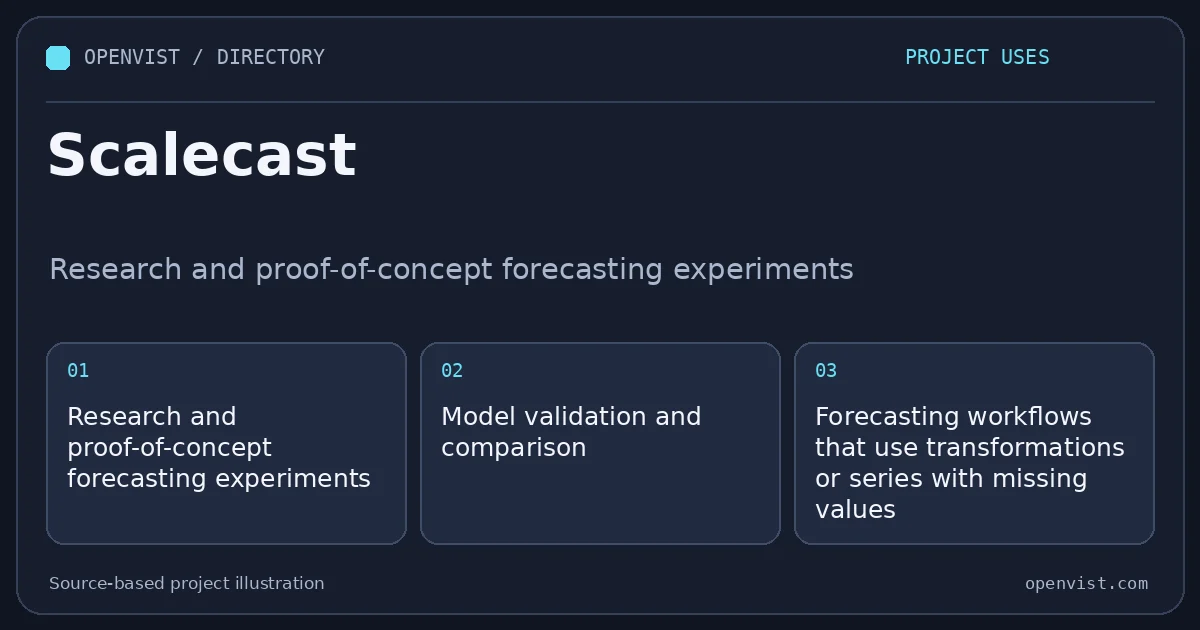
Practical overview
When it fits
Use Scalecast when you want to build time-series forecasts in Python and need a common workflow for model comparison, validation, transformations or backtesting.
Who it is for
- Researchers conducting time-series forecasting experiments
- Python practitioners building internal forecasting workflows
- Analysts comparing and validating forecasting models
Documented uses
- Generate forecasts from dated observations and a specified forecast horizon
- Compare models using validation or test metrics and cross-validation
- Apply dynamic transformations and work with series that contain missing values
- Build backtesting pipelines and inspect forecast results with plots
Requirements & limits
The project is available as a public, non-archived GitHub repository under the MIT license. The base package can be installed with pip or UV; some model integrations require optional dependencies.
- The workflow expects Python input data and dates, plus a forecast horizon.
- The base package is enough to get started, while some estimators require separately installed optional packages.
- The library documents both Forecaster and MVForecaster interfaces for single-series and multivariate work.
- The README cautions that optional dependencies may not be tested before new releases.
Check current requirements in the official documentation. Source-based guidance does not mean OpenViST has run or independently tested this project.
Install Scalecast and initialize a Forecaster
Install the base Scalecast package and create a Forecaster with time-series values, dates, forecast horizon, and evaluation settings.
Before you start
- Python environment with pip or UV available.
- An array of time-series values and an array of corresponding dates.
- A forecast horizon length.
Steps
Install the base package with the command below or the recommended the command below.
pip install --upgrade scalecastuv pip install --upgrade scalecastImport the class with
from scalecast.Forecaster import Forecaster.Create
Forecasterwithy=array_of_values,current_dates=array_of_dates, andfuture_dates=fcst_horizon_length; optionally settest_length,cis, andmetricsas shown in the README.
Expected outcome
A Scalecast Forecaster object is initialized with the supplied series and forecast horizon, and optional validation and metric settings.
Guide limitations
- The README shows object initialization but does not document a complete forecasting execution workflow in this example.
- Optional dependencies may not be tested before new releases.
Sources & review
Source record details
- Source availability
- Active
- Sources checked
- 16 November 2026
- Original website title
- mikekeith52/scalecast · Official homepage title · retained in its source language