
Practical overview
When it fits
Use it when you want to run Dia models on infrastructure you control and access generation through a browser UI or compatible API.
Who it is for
- Developers connecting speech generation to software that supports the OpenAI-compatible audio speech endpoint.
- Teams wanting to host Dia-based text-to-speech for internal use.
- Creators experimenting with multi-speaker dialogue or voice cloning.
Documented uses
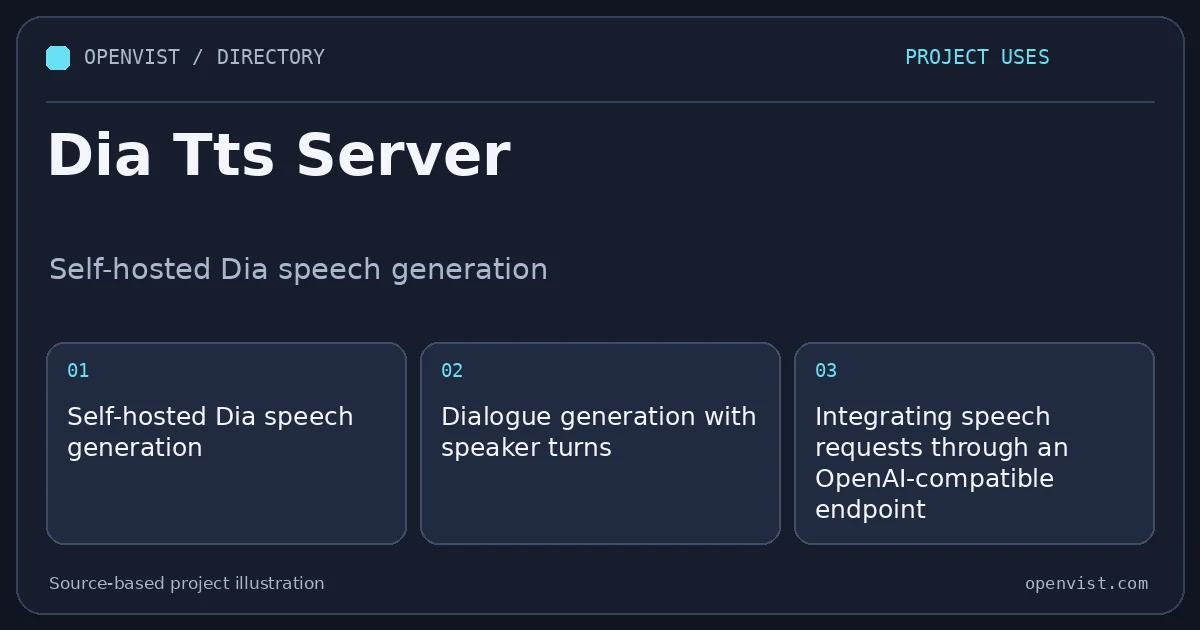
- Generate speech from text using Dia models.
- Create multi-speaker dialogue using speaker tags.
- Generate speech with built-in voices or reference-audio voice cloning.
- Send speech-generation requests from compatible applications.
Requirements & limits
The project is open source under the MIT license. Its setup documentation describes self-hosting and model downloads.
- The README lists Dia 1.6B, Dia2-1B and Dia2-2B, with model switching through the web UI.
- CPU execution is supported; NVIDIA CUDA acceleration requires separate setup.
- The default dependency installation uses CPU-only PyTorch.
- Initial model downloads are approximately 3–7 GB, depending on selection.
- The project supports SafeTensors and .pth model weights.
Check current requirements in the official documentation. Source-based guidance does not mean OpenViST has run or independently tested this project.
Set up the server in a Python virtual environment
Install the documented Python dependencies and launch the Dia TTS Server.
Before you start
- Python 3.10 or later
- For the documented Linux setup: python3-venv, python3-pip, libsndfile1 and ffmpeg
- An internet connection for dependency and model downloads
Steps
Clone the repository and change into its directory.
Create and activate a Python virtual environment.
Install dependencies with the command below.
pip install -r requirements.txtRun the command below; first startup downloads the selected Dia and Whisper model files.
python server.py
Expected outcome
The server starts with its web interface available; first-run model downloads are approximately 3–7 GB, depending on selection.
Guide limitations
- The documented dependency installation uses CPU-only PyTorch by default.
- NVIDIA GPU acceleration requires separate driver and CUDA-enabled PyTorch setup.
Sources & review
Source record details
- Source availability
- Active
- Sources checked
- 16 November 2026
- Original website title
- devnen/Dia-TTS-Server · Official homepage title · retained in its source language