
Practical overview
When it fits
Use it when you want a compatible AI client to draw on local HackerOne history and public disclosed reports while organizing research for a program.
Who it is for
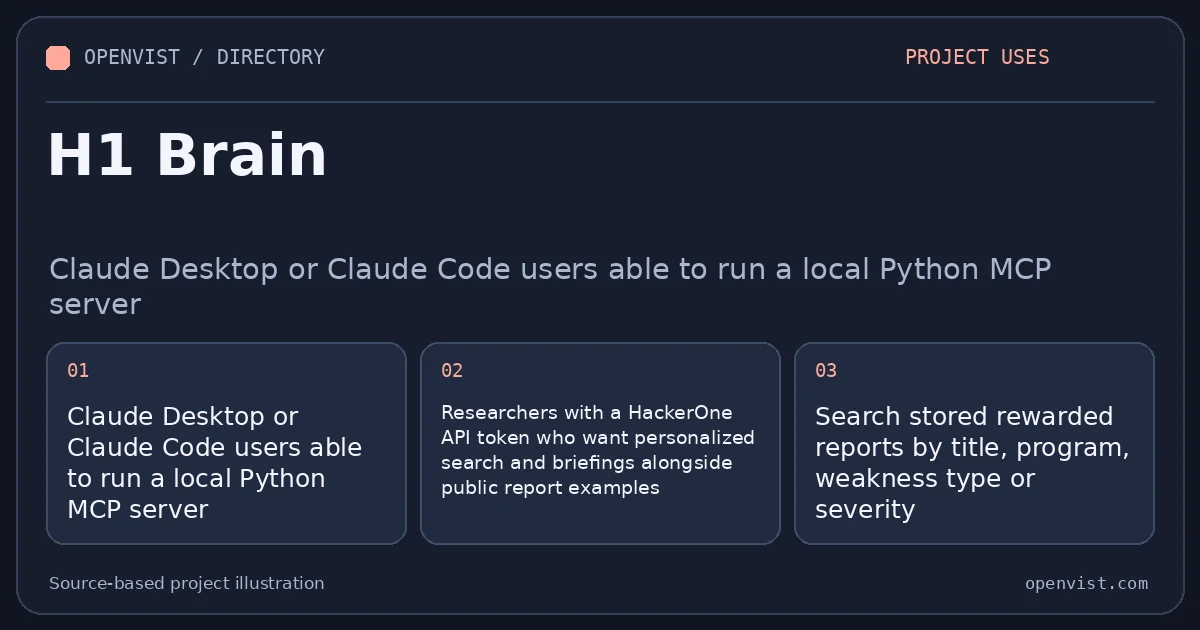
- Bug-bounty researchers who want an MCP-compatible AI client to search and analyze their HackerOne history.
- Researchers preparing program-specific briefings using HackerOne scope, personal findings and public vulnerability reports.
Documented uses
- Search stored rewarded reports by title, program, weakness type or severity.
- Retrieve report details and summarize saved reports by program.
- Fetch HackerOne programs and reports into a local database.
- Generate a program briefing that compares scope and personal findings with public disclosures.
Requirements & limits
The project is an open-source, self-hosted Python repository under the MIT license. The documented setup requires a HackerOne API token.
- Requires Python 3.10 or later and local setup.
- Personal HackerOne reports and program data must be fetched into the local database; the bundled public reports database is ready to query without that step.
- The README documents Claude Desktop and Claude Code as client examples and uses MCP for the connection.
- The
hack(handle)briefing fetches fresh scope and combines it with report history, public disclosures, weakness patterns and untouched bounty-eligible assets.
Check current requirements in the official documentation. Source-based guidance does not mean OpenViST has run or independently tested this project.
Set up H1 Brain for Claude Desktop
Install the server and configure Claude Desktop to connect using HackerOne credentials.
Before you start
- Python 3.10 or later
- A HackerOne API token and username
- Claude Desktop
Steps
Clone the repository, enter its directory, create and activate a virtual environment, then install requirements.txt.
Add an h1-brain MCP server entry to Claude Desktop's configuration, pointing to the virtual-environment Python executable and server.py.
Set H1_USERNAME and H1_API_TOKEN in the configuration, then restart Claude Desktop.
Expected outcome
Claude Desktop is configured to connect to the local H1 Brain MCP server.
Guide limitations
- The README’s configuration path is for macOS.
- This setup guide does not fetch or synchronize personal HackerOne data; the README documents that as a separate first-run stage.
Sources & review
Source record details
- Source availability
- Active
- Sources checked
- 16 November 2026
- Original website title
- PatrikFehrenbach/h1-brain · Official homepage title · retained in its source language