
Practical overview
When it fits
Use Site Rag when questions need to be grounded in a webpage or a collection of indexed website documents, and you are prepared to configure the required provider and scraping credentials or the optional vector-store setup.
Who it is for
- People who want to query information on the webpage currently open in Chrome.
- Users who want to index a page or whole site and retrieve relevant material for later questions.
- Developers comfortable building a browser extension and configuring model, scraping and optional database credentials.
Documented uses
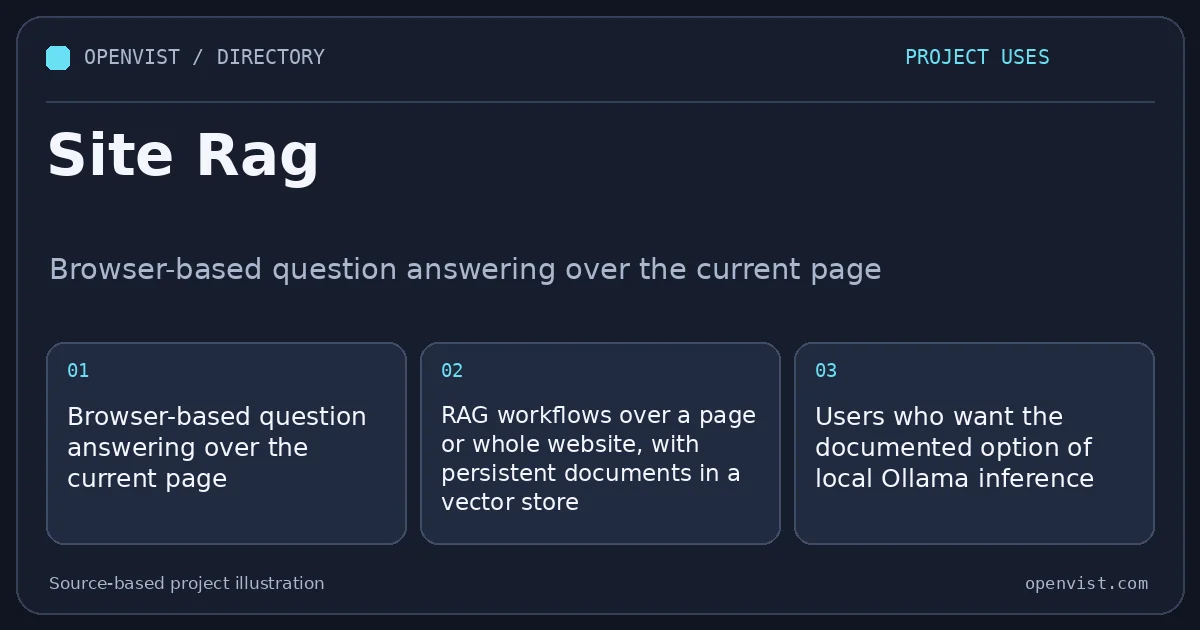
- Ask a one-off question using the current page as context.
- Index a page or an entire site and persist its documents in a vector store.
- Retrieve relevant indexed material for question answering, including follow-up questions in a chat session.
- Use a locally running Ollama instance for inference.
Requirements & limits
The README describes building the extension from its public GitHub repository and loading it unpacked in Chrome. The documented quickstart requires an API key from one of four listed providers and a FireCrawl API key; persistent retrieval additionally requires Supabase setup. It also documents connection to a locally running Ollama instance.
- Context stuffing includes the whole scraped page in each request; retrieval mode searches indexed documents instead.
- Site scraping requires a FireCrawl API key in the described quickstart.
- Persistent retrieval requires a configured Supabase database with pgvector and the documented table and search function.
- The project says secrets are stored in browser storage and the extension runs locally in the browser.
- The README documents Ollama specifically; it does not establish support for other local inference servers.
Check current requirements in the official documentation. Source-based guidance does not mean OpenViST has run or independently tested this project.
Build and load the Chrome extension
Set up the extension in Chrome and configure it to ask a question about the open page.
Before you start
- A Chrome browser
- One API key from Anthropic, OpenAI, Google GenAI or Together AI
- A FireCrawl API key for scraping sites
- Git and Yarn
Steps
Clone the repository and change into the site-rag directory.
Run yarn install, then yarn build.
In Chrome, open chrome://extensions/, choose Load unpacked and select the dist directory.
Open the extension settings, enter the API keys and configuration, and save; then return to the chat view and ask a question.
Expected outcome
The extension scrapes the currently open site and uses its context to answer a question.
Guide limitations
- This quickstart uses context stuffing and does not set up retrieval-augmented generation or a persistent vector store.
- The README specifies FireCrawl credentials for scraping sites.
Configure persistent retrieval with Supabase
Prepare a Supabase vector store for persisting indexed website documents.
Before you start
- A Supabase account and project
- The database must support the pgvector extension
Steps
Create a Supabase project.
Execute the README's PostgreSQL setup to enable vector, create the documents table and define the match_documents search function.
Add the vector-store credentials in the extension settings.
Expected outcome
The extension has the documented database structure and credentials for persistent indexed documents.
Guide limitations
- The README's example uses 3072-dimensional embeddings for OpenAI embeddings and says to change the dimension if needed.
- These steps cover database setup and credentials, not a complete indexing workflow.
Compare options for Model inference and serving
These projects document a common task and share a project role. This is a source-based comparison, not an execution benchmark or a guarantee of interchangeability.
| Project | Documented purpose | Platform | Access and requirements |
|---|---|---|---|
| Site Rag | Ask a one-off question using the current page as context. | Browser Extension | The README describes building the extension from its public GitHub repository and loading it unpacked in Chrome. The documented quickstart requires an API key from one of four listed providers and a FireCrawl API key; persistent retrieval additionally requires Supabase setup. It also documents connection to a locally running Ollama instance. |
| Lumos | Summarize long threads on issue-tracking sites, forums, and social media. | Browser Extension, Desktop | The project is a Chrome extension. Its public GitHub repository lists an MIT license. The README describes local Ollama server support as a requirement for inference and embeddings. |
Sources & review
Source record details
- Source availability
- Active
- Sources checked
- 16 November 2026
- Original website title
- bracesproul/site-rag · Official homepage title · retained in its source language