
Practical overview
When it fits
Use Create LLM when you want a ready-made project structure for training a custom model and need to choose a starting scale before adding your data and running training.
Who it is for
- Developers starting a custom language-model training project.
- Learners and researchers who want a template matched to an experiment's approximate scale.
- Teams seeking a documented Docker workflow for generating training-project scaffolds.
Documented uses
- Generate a starter project for custom language-model training.
- Select a model-size template and tokenizer during project setup.
- Install project requirements and launch the included training script.
- Use the documented Docker route to scaffold a project.
Requirements & limits
The project is open source under the MIT license. The README documents use through npx or a global npm installation, as well as a Docker option.
- The four templates span approximately 1M to 1B parameters, with different hardware and data guidance in the README.
- Tokenizer choices listed for setup are BPE, WordPiece and Unigram.
- The generated training workflow uses Python and PyTorch; the CLI itself is TypeScript.
- Optional integrations listed in the setup prompts include WandB and Hugging Face.
Check current requirements in the official documentation. Source-based guidance does not mean OpenViST has run or independently tested this project.
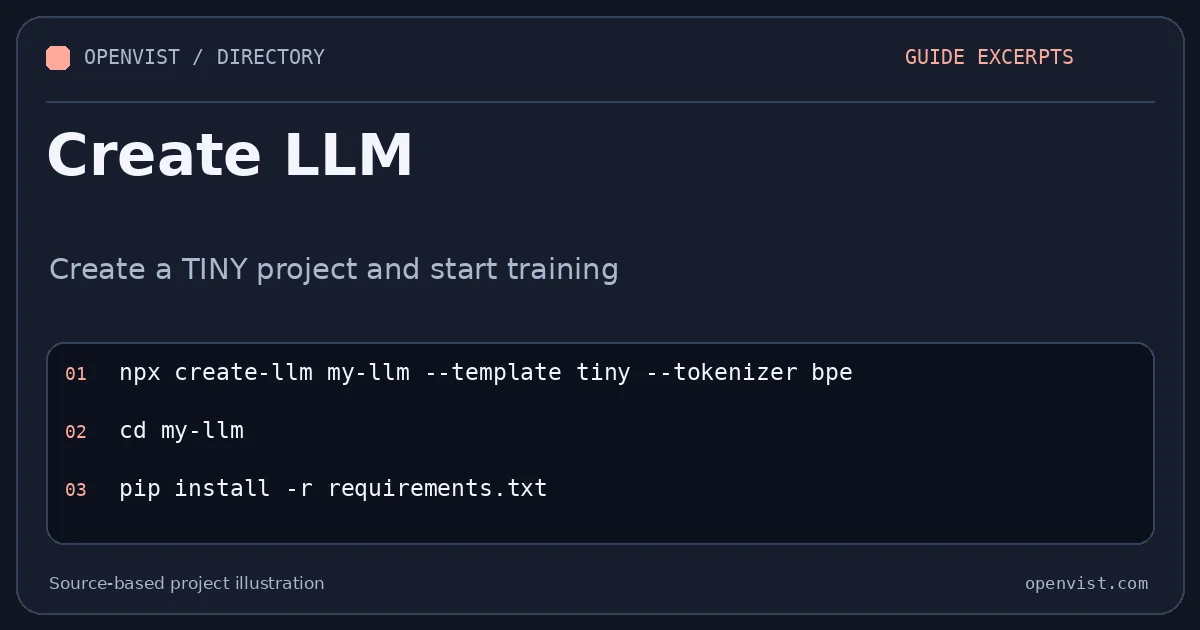
Create a TINY project and start training
Scaffold a TINY project with a BPE tokenizer, install its Python requirements and run the documented training script.
Before you start
- Node.js and npx for the local CLI route.
- Python and pip for installing the generated project's requirements.
Steps
Run the command below.
npx create-llm my-llm --template tiny --tokenizer bpeChange into the project directory with
cd my-llm.Install dependencies with the command below.
pip install -r requirements.txtRun the command below.
python training/train.py
Expected outcome
A generated TINY training project with its dependencies installed, followed by the project's documented training command.
Guide limitations
- The README describes TINY as an approximately 6M-parameter prototype template and lists CPU or basic GPU with 4GB RAM as its hardware guidance.
- Training time and outcomes depend on the selected data and hardware.
Scaffold a project with Docker
Build the documented Docker image and use it to create a TINY project.
Before you start
- Git and Docker.
- A directory to mount as
/workspace.
Steps
Clone
https://github.com/theaniketgiri/create-llm.gitand change into the repository.Build the image with the command below.
docker build -t create-llm .Create a projects directory and enter it.
Run the command below.
docker run -it -v $(pwd):/workspace create-llm scaffold my-llm --template tiny
Expected outcome
The documented Docker workflow creates a TINY project in the mounted workspace.
Guide limitations
- The recipe covers image building and project scaffolding; it does not establish that the image build or commands have been independently tested.
Sources & review
Source record details
- Source availability
- Active
- Sources checked
- 16 November 2026
- Original website title
- theaniketgiri/create-llm · Official homepage title · retained in its source language