
Practical overview
When it fits
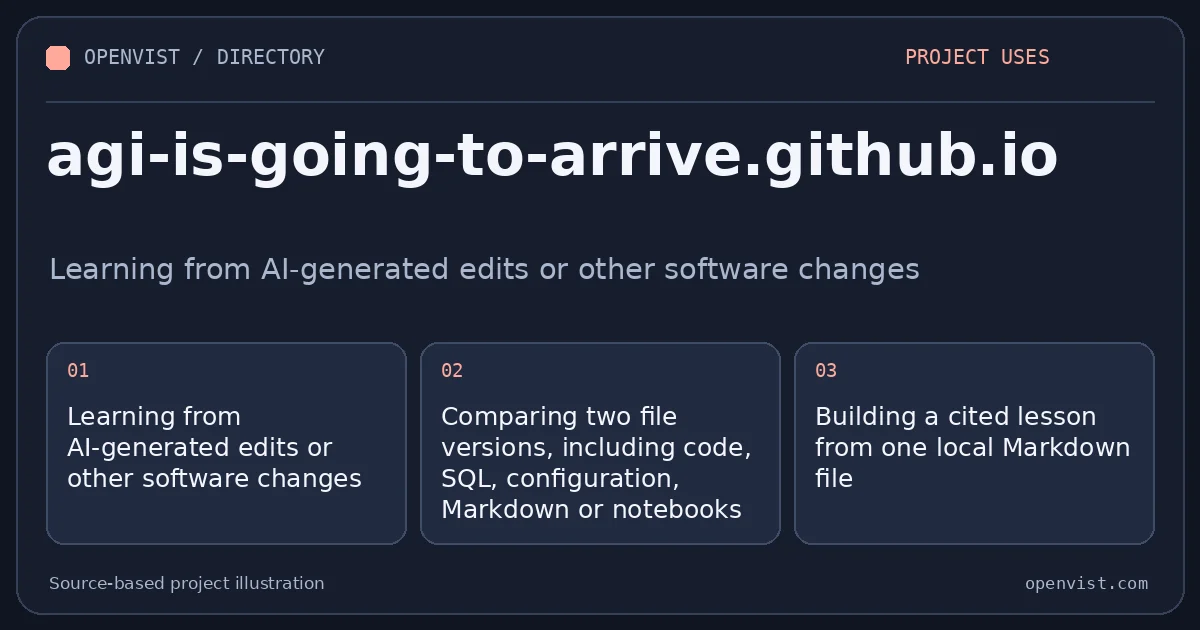
Use AhaDiff when you want a structured learning workflow around a code change or one Markdown document, rather than just a diff display. It supports file, patch, snapshot and document learning without Git; repository-based CLI workflows require Git metadata.
Who it is for
- Developers who want to learn from their own fixes, colleagues' edits or AI-generated code changes.
- Teams or individuals reviewing software changes who want lessons and quizzes tied to source evidence.
- Readers who want to turn a single Markdown document into cited study material.
Documented uses
- Generate a lesson and quiz from a Git change, file comparison, unified diff or saved snapshot.
- Study a Markdown document using section and paragraph citations.
- Inspect source evidence behind explanations, practice migration or transfer questions, and revisit due review cards.
Requirements & limits
AhaDiff is documented as a CLI with a bundled local WebUI. The guide provides pipx and uv tool installation options, as well as pip installation inside a virtual or conda environment.
- A configured local or remote model provider is needed for generation; remote generation requires an explicit remote privacy mode, with strict_local as the default.
- The documented prerequisite is Python 3.11+ and an accepted SQLite build: 3.51.3+, or listed backported 3.50.4+ or 3.44.6+ versions.
- File, patch, snapshot and Markdown learning do not require Git; Git metadata is required for repository-specific commands such as init and doctor.
- Browser file inputs are limited to UTF-8 text, with 256 KiB per file and 512 KiB combined for two-file comparisons; snapshots and Markdown documents have a 256 KiB limit.
- PDF ingestion and web-page capture are unavailable, and notebook cells are not executed.
Check current requirements in the official documentation. Source-based guidance does not mean OpenViST has run or independently tested this project.
Install AhaDiff and open the local WebUI
Set up the CLI and bundled WebUI in a working folder, ready to configure a model provider.
Before you start
- Python 3.11 or newer with an accepted SQLite runtime: 3.51.3+, or listed backported 3.50.4+ or 3.44.6+ builds.
- pipx, uv tool, or pip in a virtual or conda environment.
- A working folder for learning history.
Steps
Install with
pipx install ahadiffor the command below; pip in a virtual or conda environment is also documented.uv tool install ahadiffOpen a terminal in the folder where learning history should be kept and run
ahadiff serve.Open the local WebUI at
http://127.0.0.1:8765and add a local or remote provider in Settings; remote generation requires an explicit remote privacy mode.
Expected outcome
The local WebUI opens for the selected workspace, where a provider can be configured before starting a lesson.
Guide limitations
- A compatible SQLite runtime is required; installer name alone does not confirm it.
- Provider configuration may send a small probe. Provider testing sends a real request and may incur a charge.
- The guide calls for checking provider test results before starting a lesson; saving configuration alone does not confirm a working connection.
Create a lesson from two file versions
Preview and study a before-and-after file comparison through the linked lesson, evidence, quiz and review workflow.
Before you start
- AhaDiff installed and running with a provider configured.
- Two UTF-8 text versions of a file, within the documented per-file and combined browser limits.
- Python 3.11 or newer with an accepted SQLite runtime.
Steps
In the WebUI, select the two-files source and choose or drop the before and after files into their respective fields.
Select Preview changes, then Start learning and wait for the run to finish.
Read Lesson, inspect Diff for evidence, answer Quiz, and return to Review for due cards.
Expected outcome
One run links the lesson explanation, source evidence, quiz and review material.
Guide limitations
- Browser inputs are limited to 256 KiB per file and 512 KiB combined; inputs are UTF-8 text.
- Notebook cells are not executed. Evidence references do not prove runtime correctness or mastery.
- Previewing does not call an LLM; starting learning uses the configured provider and privacy mode.
Sources & review
Source record details
- Source availability
- Active
- Sources checked
- 16 November 2026
- Original website title
- 知返 AhaDiff:读懂这次改动 · Official homepage title · retained in its source language