
Practical overview
When it fits
Use it when you want a compatible client to retrieve or summarize Erick Wendel’s contribution content through MCP.
Who it is for
- People using an MCP-compatible AI client who want to search Erick Wendel’s talks, posts or videos.
- Developers configuring an MCP server in Claude Desktop, Cursor or MCPHost.
Documented uses
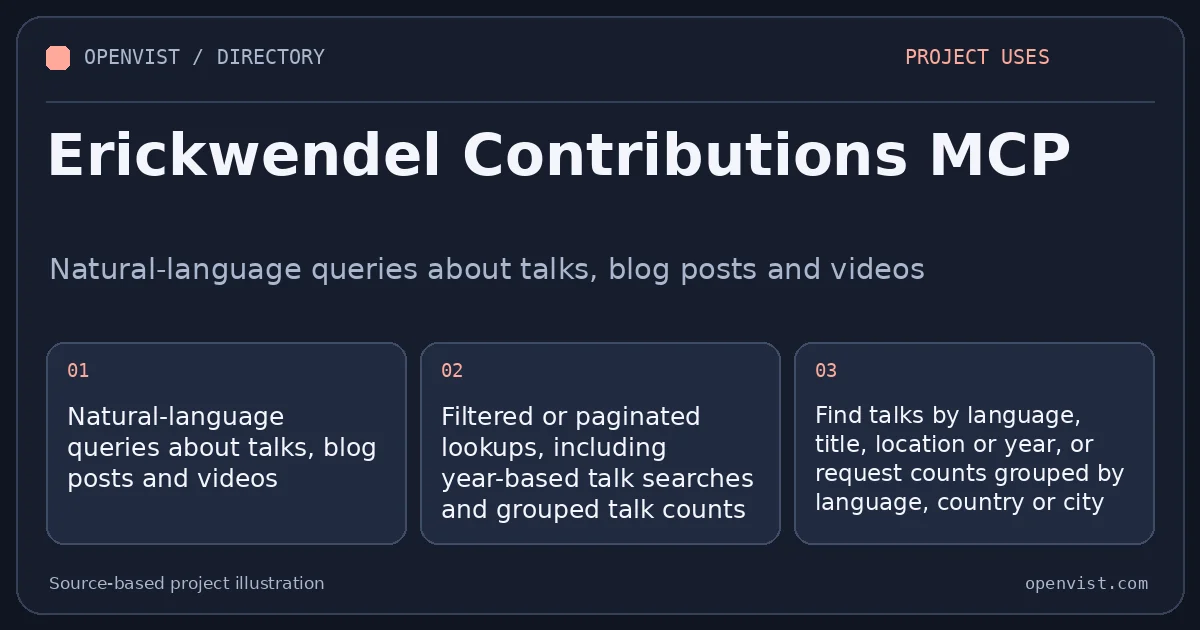
- Find talks by language, title, location or year, or request counts grouped by language, country or city.
- Filter posts by title, language or portal, and videos by title or language.
- Use prompts to help formulate a content search or summarize activity by year.
Requirements & limits
The project is publicly available on GitHub under the MIT license. The README provides npm-based configuration examples for Claude Desktop and Cursor.
- The lookup scope is Erick Wendel’s contribution content, not general web search.
- The documented tools cover talks, posts and videos, with different filters available for each type.
- Setup guidance lists Node.js v20+ in one section and Node.js v23+ in a later development note; check the project README for the relevant route.
- The server uses MCP over standard input/output and is implemented in TypeScript.
Check current requirements in the official documentation. Source-based guidance does not mean OpenViST has run or independently tested this project.
Connect the npm package to a compatible MCP client
Add Erickwendel Contributions MCP to Claude Desktop or Cursor using the documented npx configuration.
Before you start
- Claude Desktop or Cursor with MCP configuration support
- The package @erickwendel/contributions-mcp
Steps
Open the MCP configuration file for the client: the README gives the macOS Claude Desktop path as ~/Library/Application Support/Claude/claude_desktop_config.json and the Cursor path as ~/.cursor/mcp.json.
Add an mcpServers entry named erickwendel-contributions with command npx and args [-y, @erickwendel/contributions-mcp].
Use the client to ask a contribution query, such as finding talks in Spanish or counting videos about JavaScript in 2024.
Expected outcome
The configured client can request Erick Wendel contribution lookups through the MCP server.
Guide limitations
- The Claude Desktop configuration path shown is for macOS.
- This recipe follows the README’s package-based client configuration; it does not verify a live connection.
Sources & review
Source record details
- Source availability
- Active
- Sources checked
- 16 November 2026
- Original website title
- ErickWendel/erickwendel-contributions-mcp · Official homepage title · retained in its source language