
Practical overview
When it fits
Use it when an MCP-capable AI client needs read-only access to GA4 data and you can configure a property ID, Google Cloud API access and credentials.
Who it is for
- Developers connecting an MCP-capable AI client to GA4.
- Analytics users who want AI-assisted, read-only reporting using Google credentials configured locally.
Documented uses
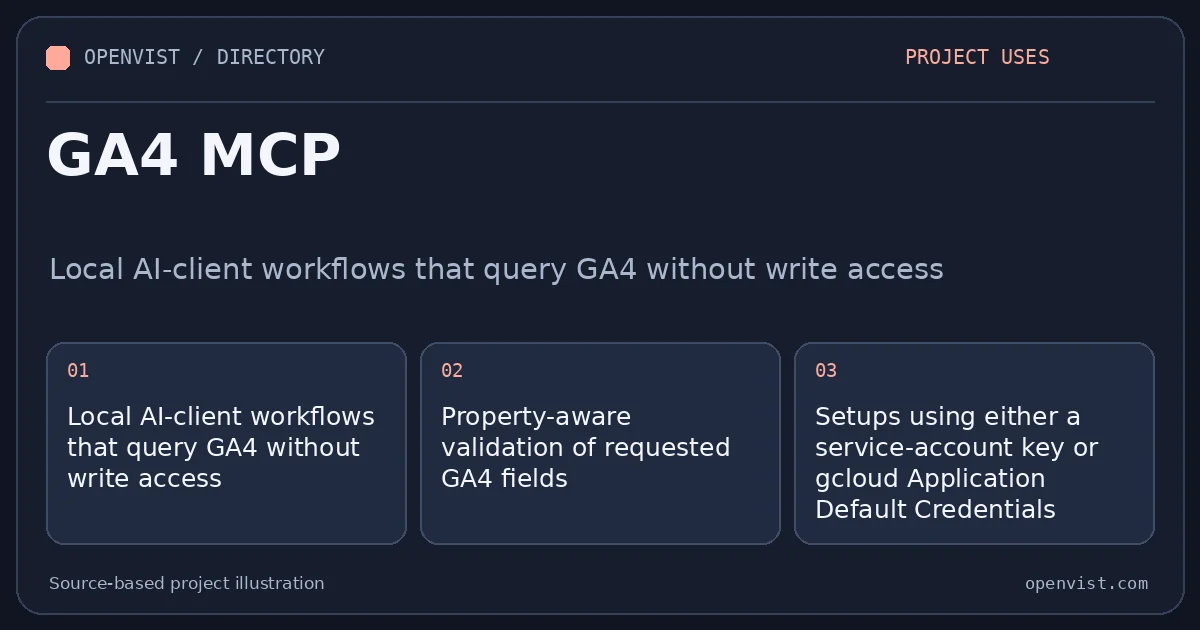
- Retrieve GA4 reports through an AI client.
- Check requested dimensions and metrics against a property before querying.
- Use an AI-assisted workflow to investigate analytics questions, such as a change in organic sessions.
Requirements & limits
The primary setup requires a GA4 property ID and Google credentials. The project is open source under the MIT licence, according to its terms.
- The server accesses GA4 through Google’s Analytics Data API in read-only mode.
- A numeric property ID is required; it is different from the G-prefixed measurement ID.
- The Google Cloud project must have the Analytics Data API enabled.
- Service-account credentials require the account to be added to the GA4 property.
- The installer creates the client entry but does not configure credentials; direct uvx and npx launch routes are also documented.
Check current requirements in the official documentation. Source-based guidance does not mean OpenViST has run or independently tested this project.
Set up GA4 MCP for an AI client
Configure the MCP server with a GA4 property and Google credentials.
Before you start
- A numeric GA4 property ID.
- A Google Cloud project with the Analytics Data API enabled.
- Either a service-account JSON key or local gcloud Application Default Credentials.
- An AI client that speaks MCP.
Steps
Install the server using the documented installer, or launch it directly with uvx or npx.
Set GA4_PROPERTY_ID and, when using a service-account key, GOOGLE_APPLICATION_CREDENTIALS in the client’s server entry. Use an absolute path for the key file.
For service-account authentication, add the account to the GA4 property. For gcloud authentication, run gcloud auth application-default login and omit GOOGLE_APPLICATION_CREDENTIALS.
Ask the client to list GA4 properties to check whether the account can read properties.
Expected outcome
The AI client is configured to connect to the GA4 MCP server and can request a property listing.
Guide limitations
- The installer writes the client entry but does not set credentials.
- A service account must separately be granted access to the GA4 property.
- An empty property list can indicate that the authenticated account has no readable properties.
- This guide covers setup and the documented property-list check, not a guarantee of successful operation in every environment.
Sources & review
Source record details
- Source availability
- Active
- Sources checked
- 16 November 2026
- Original website title
- GA4 MCP — Connect Google Analytics 4 to Claude & AI · Official homepage title · retained in its source language