
Practical overview
When it fits
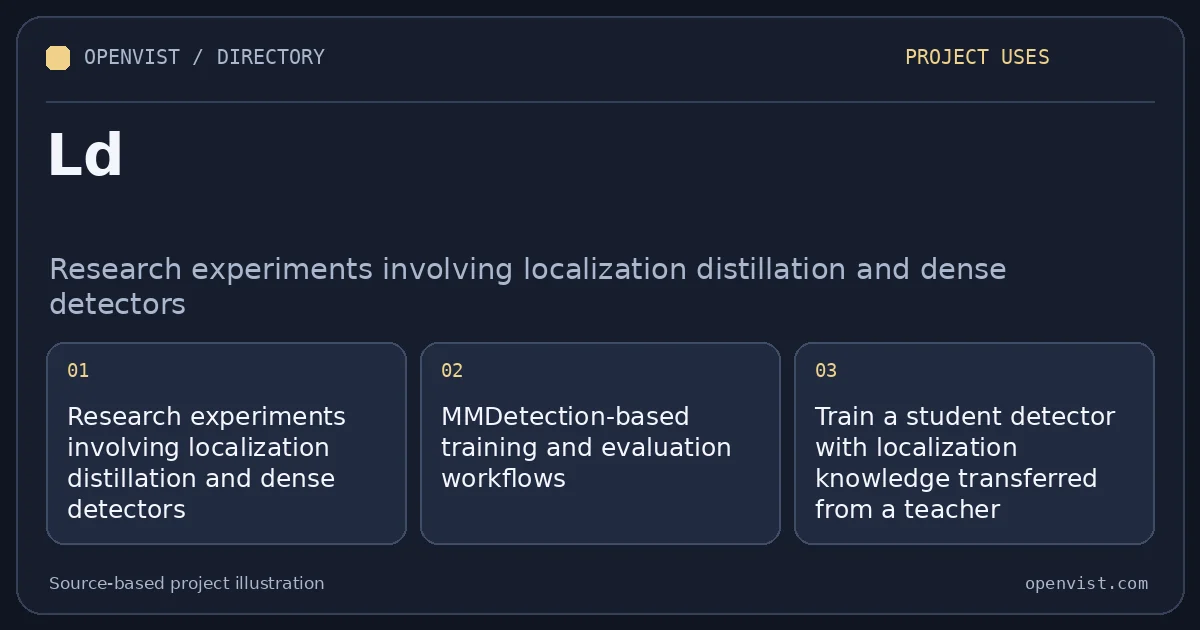
Use LD when working on dense object detection and you need research code for transferring localization information from a teacher detector to a student.
Who it is for
- Computer-vision researchers studying knowledge distillation for dense object detectors.
- Developers working with MMDetection who want a localization-distillation research baseline.
Documented uses
- Train a student detector with localization knowledge transferred from a teacher.
- Compare localization distillation with feature-imitation approaches using the repository's configured methods.
- Evaluate a trained detector using the documented distributed testing workflow.
Requirements & limits
The repository is public and identifies its license as Apache-2.0.
- The code is based on MMDetection and uses a Python/PyTorch-oriented workflow.
- The README recommends PyTorch 1.7 and CUDA Toolkit 11 and directs users to separate installation and dataset-preparation instructions.
- The documented training example requires COCO data at data/coco/ and uses distributed training.
- Rotated detection is handled by separately referenced Rotated-LD projects, not by this repository's stated implementation.
Check current requirements in the official documentation. Source-based guidance does not mean OpenViST has run or independently tested this project.
Train the included COCO localization-distillation configuration
Run the README's documented distributed training example using the supplied LD configuration and COCO dataset.
Before you start
- The project repository and an activated Python virtual environment, if one is used.
- MMDetection setup and dataset preparation, following the linked installation guidance.
- COCO data placed at data/coco/.
- The README recommends PyTorch 1.7 and CUDA Toolkit 11.
Steps
Prepare the environment and dataset using the repository's installation and dataset-preparation guidance.
From the project root, run ./tools/dist_train.sh configs/ld/ld_r50_gflv1_r101_fpn_coco_1x.py 8.
Expected outcome
The documented training command launches distributed training with the specified LD configuration and eight processes.
Guide limitations
- The README warns not to set samples_per_gpu above 3.
Evaluate a trained LD detector on bounding boxes
Use the repository's documented distributed test command with a configuration and trained checkpoint.
Before you start
- A trained checkpoint and its matching configuration.
- An environment prepared for the repository's MMDetection workflow.
Steps
From the project root, provide the configuration and checkpoint paths to ./tools/dist_test.sh.
Use the documented --eval bbox option; the README's example specifies eight processes.
Expected outcome
The command runs the repository's distributed bounding-box evaluation workflow.
Guide limitations
- The README's example uses a particular COCO configuration and checkpoint path; those paths must correspond to files available in the user's environment.
Sources & review
Source record details
- Source availability
- Active
- Sources checked
- 16 November 2026
- Original website title
- HikariTJU/LD · Official homepage title · retained in its source language