
Understand the project
Practical overview
When it fits
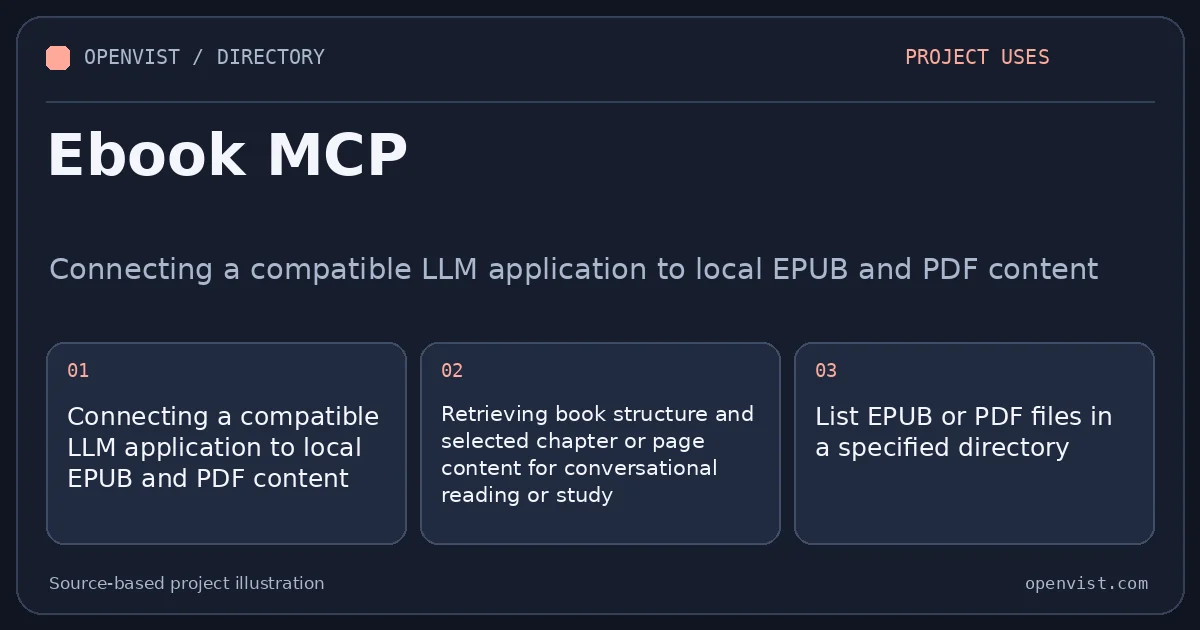
Use it when an MCP-compatible LLM client needs structured access to EPUB or PDF files for discovery, navigation or reading tasks.
Who it is for
- Readers who want an MCP-compatible LLM client to work with a digital book library.
- Developers setting up a Python MCP server for EPUB and PDF discovery, navigation and content retrieval.
Documented uses
- List EPUB or PDF files in a specified directory.
- Retrieve book metadata and tables of contents.
- Fetch an EPUB chapter in Markdown or PDF page or chapter content.
- Use an LLM client to ask questions about, summarize or study book content.
Before you choose
Requirements & limits
- The documented formats are EPUB and PDF.
- The README identifies Python and uv in its installation and startup instructions.
- The project documents server startup and a Cursor configuration example; other client configuration is not specified here.
- The repository is licensed under Apache-2.0.
Check current requirements in the official documentation. Source-based guidance does not mean OpenViST has run or independently tested this project.
Source-based practical guide
Install and start the Ebook MCP server
Set up the Python project and launch its MCP server using the repository's documented commands.
Before you start
- A clone of the Ebook MCP repository
- uv installed
Steps
Clone the repository and change into its directory.
Install the project dependencies with the command below.
uv pip install -e .Start the server with the command below.
uv run src/ebook_mcp/main.py
Expected outcome
The repository's MCP server is started from the local project.
Guide limitations
- This setup guide does not configure an LLM client or establish that a particular client connection works.
Evidence and transparency
Sources & review
Source record details
- Source availability
- Active
- Sources checked
- 16 November 2026
- Original website title
- onebirdrocks/ebook-mcp · Official homepage title · retained in its source language