
Understand the project
Practical overview
When it fits
Use it when a Python application needs structured LLM output and its field-by-field parallel generation approach and named integrations match the implementation.
Who it is for
- Python developers building LLM workflows that need structured JSON or other schema-shaped output.
- Teams extracting independent fields from text or generating multiple values from a prompt.
Documented uses
- Extract specified fields, such as property details, from unstructured text into a schema.
- Generate structured responses by treating independent schema fields as separate queries.
- Connect structured-output workflows to the documented OpenAI, Hugging Face Transformers or vLLM integrations.
Before you choose
Requirements & limits
- The README documents OpenAI's legacy completions API, as well as Hugging Face Transformers and vLLM.
- Examples use Pydantic models to define schemas.
- A manual setup is shown with a Python 3.10 Conda environment; installation through PyPI is also listed.
- The claimed speed and determinism improvements are project-reported comparisons against a naive prompting pipeline using Hugging Face Transformers.
Check current requirements in the official documentation. Source-based guidance does not mean OpenViST has run or independently tested this project.
Source-based practical guide
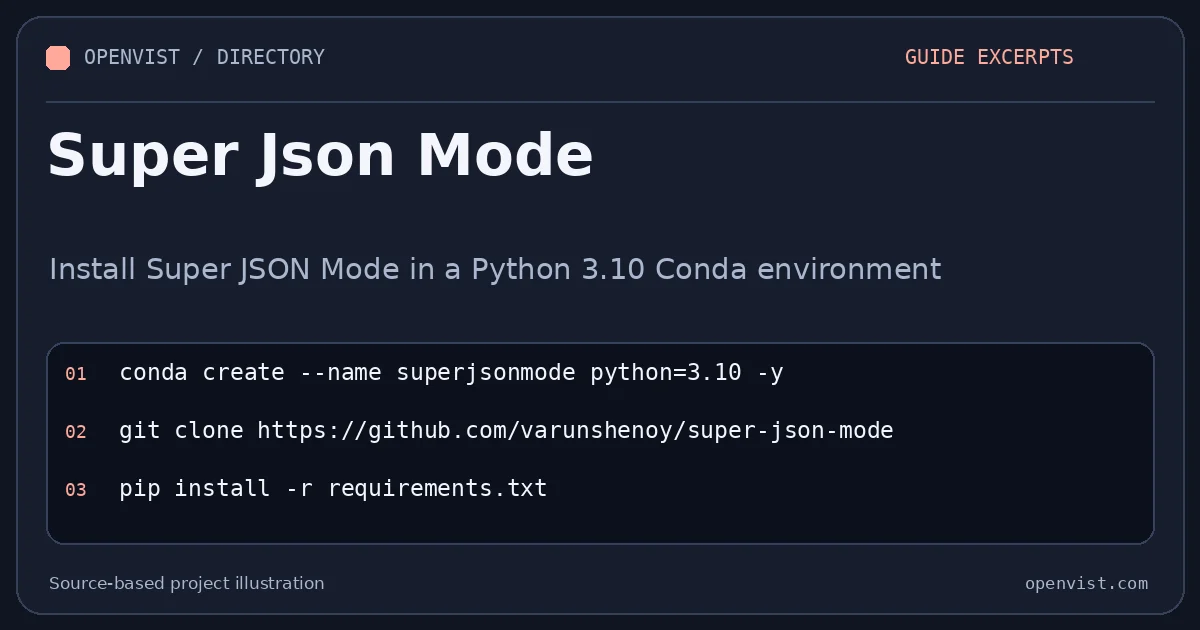
Install Super JSON Mode in a Python 3.10 Conda environment
Set up the repository and install its listed dependencies.
Before you start
- Conda
- Git
- Python 3.10
Steps
Create and activate the environment with
conda create --name superjsonmode python=3.10 -yandconda activate superjsonmode.Clone the repository with the command below.
git clone https://github.com/varunshenoy/super-json-modeChange into the cloned project directory and run the command below.
pip install -r requirements.txt
Expected outcome
The repository's listed dependencies are installed in the named Conda environment.
Guide limitations
- This setup procedure does not cover running an example or configuring a model integration.
Evidence and transparency
Sources & review
Source record details
- Source availability
- Active
- Sources checked
- 15 November 2026
- Original website title
- varunshenoy/super-json-mode · Official homepage title · retained in its source language