
Practical overview
When it fits
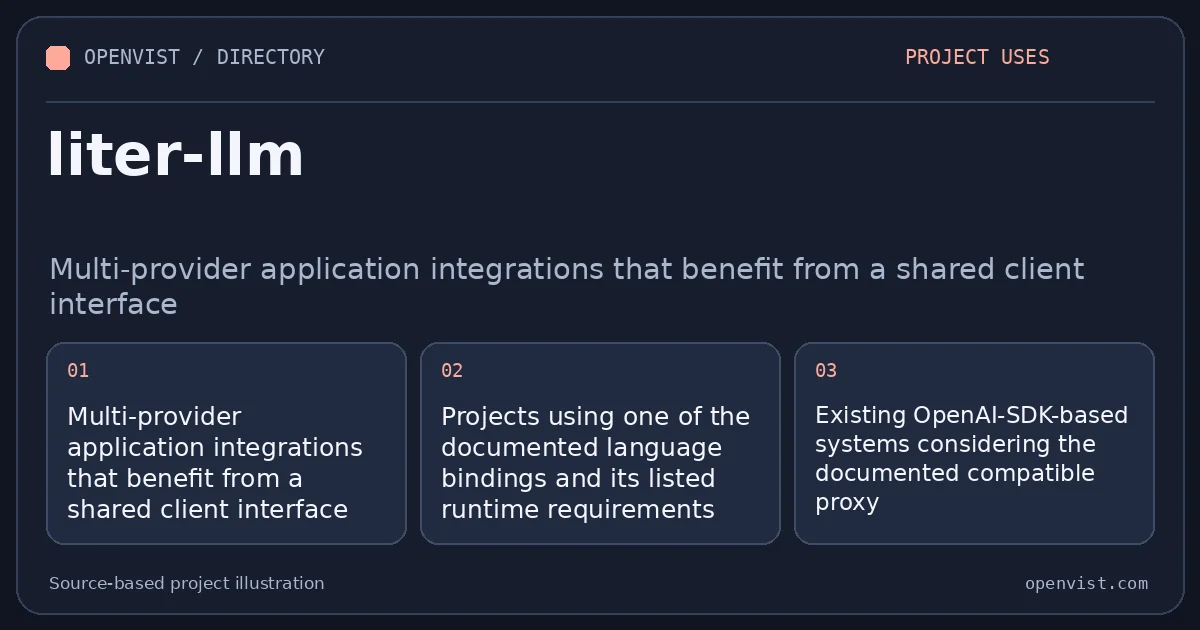
Use the client library when building an application that needs a consistent LLM interface across providers, or consult its separate proxy and MCP server documentation when those server roles are needed.
Who it is for
- Developers building applications that call one or more LLM providers.
- Teams integrating LLM calls in different programming languages.
- Operators who need an OpenAI-compatible proxy or an MCP server alongside the client library.
Documented uses
- Make LLM requests through a common client interface across providers.
- Switch model or provider without rewriting the application’s client integration.
- Use a language-specific binding for chat, embeddings, image or speech workflows.
- Run an OpenAI-compatible proxy for clients that expect that API format.
- Serve an MCP tool endpoint from the CLI.
Requirements & limits
The documentation lists prebuilt packages and binaries as well as a Docker image for the proxy and MCP server. Making provider calls requires that provider’s credentials.
- The library supports 14 language bindings built on a shared Rust core; choose a binding whose runtime requirement fits the project.
- Provider credentials are selected from environment variables based on the model prefix, or can be passed to the client at construction.
- The proxy and MCP server are separate uses of the CLI; language-binding users do not need the CLI for basic client use.
- Prebuilt binary coverage is listed for Linux x86_64/aarch64, macOS Apple Silicon and Windows; other source builds require Rust.
Check current requirements in the official documentation. Source-based guidance does not mean OpenViST has run or independently tested this project.
Install a language binding and configure a provider key
Prepare a liter-llm client in a supported language with credentials for the provider you intend to call.
Before you start
- A supported language runtime; requirements listed include Python 3.11+, Node.js 22+, or stable Rust with edition 2024.
- A provider account and API key or credentials for the provider you plan to use.
Steps
Install the liter-llm package for your language using the installation command in the official guide.
Set the environment variable corresponding to the provider, or pass its key when constructing the client.
Use the model prefix associated with that provider so liter-llm can select the matching credentials.
Expected outcome
The package and provider credentials are configured for a client call; the guide points to Chat & Streaming as the next step for making a first API call.
Guide limitations
- Installation checks shown in the guide verify package setup or compilation, not successful access to a model.
- Runtime requirements vary by language; consult the installation guide for the selected binding.
Sources & review
Source record details
- Source availability
- Active
- Sources checked
- 15 November 2026
- Original website title
- liter-llm | liter-llm · Official homepage title · retained in its source language