
Practical overview
When it fits
Use it when you want a Telegram-based capture and retrieval workflow that writes persistent personal knowledge to an Obsidian vault you host.
Who it is for
- People who want to capture ideas and information through Telegram and keep the resulting knowledge in an Obsidian vault.
- Users prepared to configure a Telegram bot, Claude Code and a self-hosted Ubuntu server.
Documented uses
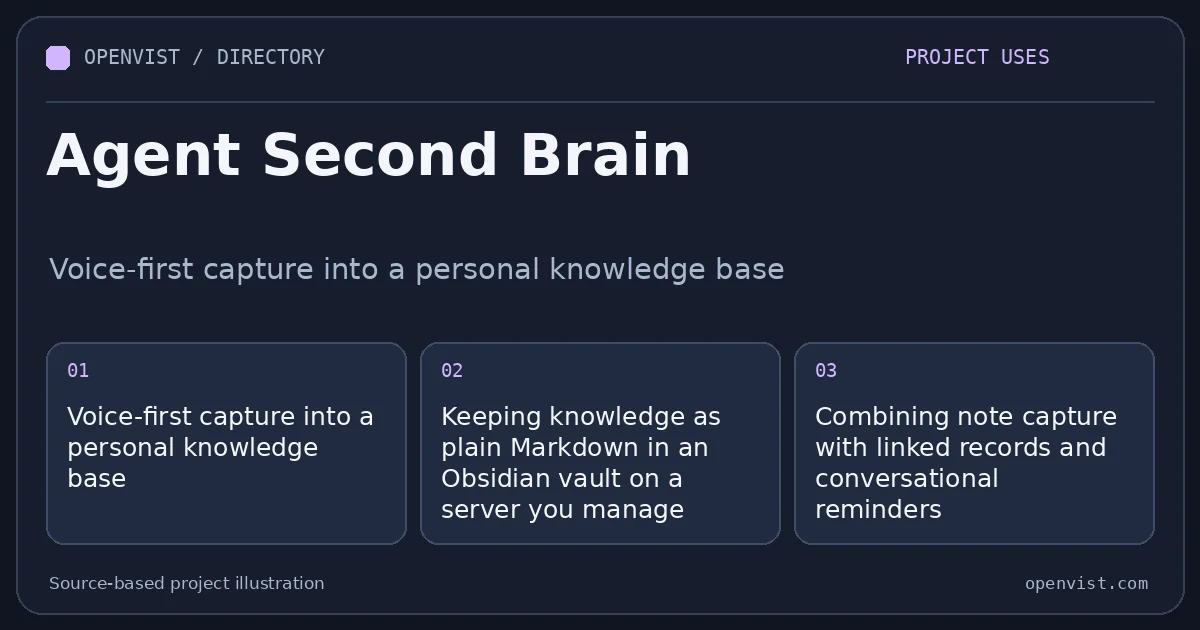
- Turn voice notes into organized, linked vault entries.
- Save and retrieve information sent through Telegram, including text and supported attachments.
- Create project notes from retrieved ideas and schedule reminders through conversational requests.
Requirements & limits
The repository is public and lists an MIT license. The documented quick start requires a Claude Code login and credentials for Telegram and Deepgram; it targets a fresh Ubuntu VPS.
- Requires server setup and ongoing self-hosting rather than using a hosted note-taking service.
- The documented setup requires Telegram and Deepgram credentials plus Claude Code login.
- Reminders and schedules use a configured timezone, defaulting to UTC.
- The vault is stored as plain Markdown, while the memory and agent behavior are provided by the project.
- The README recommends a private repository fork because personal data will be included.
Check current requirements in the official documentation. Source-based guidance does not mean OpenViST has run or independently tested this project.
Set up Agent Second Brain on an Ubuntu VPS
Install the documented Telegram-to-Obsidian agent on a fresh Ubuntu VPS.
Before you start
- A fresh Ubuntu VPS
- A fork of the repository, made private as recommended by its README
- Telegram bot token and Telegram user ID
- Deepgram key
- Claude Code login
Steps
Fork the repository and fill in the vault goals and persona files described in the quick-start instructions.
Obtain the Telegram bot token, Deepgram key and Telegram user ID.
Run the documented bootstrap command on the VPS; the installer collects tokens, timezone and Git remote details, then installs dependencies and services and runs a health check.
Complete Claude Code login using the browser link provided during setup.
Expected outcome
The README says the bot reports when it is alive, after which Telegram can be used to send material for the vault.
Guide limitations
- The documented quick start targets a fresh Ubuntu VPS.
- The guide documents setup, not independent confirmation that a particular deployment will work.
- The README recommends a private fork because it will contain personal information.
Sources & review
Source record details
- Source availability
- Active
- Sources checked
- 15 November 2026
- Original website title
- smixs/agent-second-brain · Official homepage title · retained in its source language