
Practical overview
When it fits
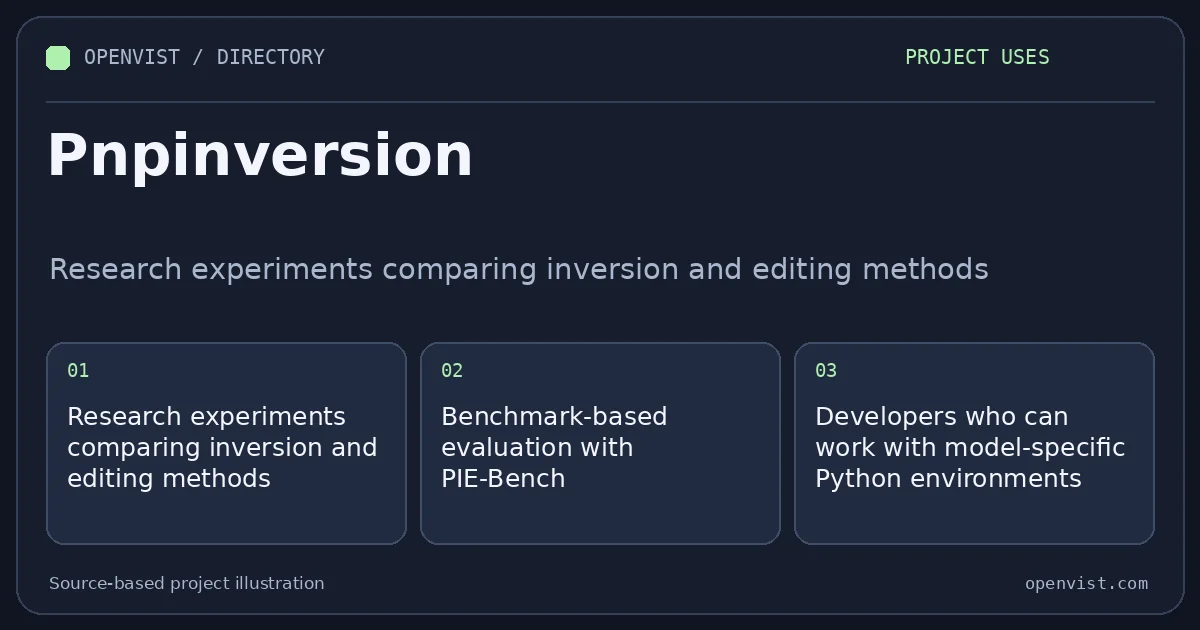
Use it when you need research code and benchmark materials to study how diffusion inversion affects prompt-guided image edits, including content preservation and edit fidelity.
Who it is for
- Researchers reproducing or evaluating diffusion-based image-editing methods
- Developers exploring or adapting research code for image-editing demos
Documented uses
- Reproduce experiments associated with the PnP Inversion paper.
- Run documented image-editing comparisons using the repository's model scripts.
- Evaluate prompt-driven edits with PIE-Bench and its annotations.
Requirements & limits
- Environment requirements vary by model script; the repository provides separate requirements files.
- PIE-Bench is a 700-image benchmark with 10 editing types, and the README links to a request form for access.
Check current requirements in the official documentation. Source-based guidance does not mean OpenViST has run or independently tested this project.
Prepare the Prompt-to-Prompt environment
Set up the documented environment for the repository's Prompt-to-Prompt editing scripts.
Before you start
- Conda
- Python 3.9
- The repository's environment/p2p_requirements.txt file
Steps
Create and activate a Conda environment named p2p with Python 3.9.
Install PyTorch 1.12.1, torchvision 0.13.1, torchaudio 0.12.1 and CUDA toolkit 11.3 using the documented PyTorch Conda channel.
Install the packages listed in environment/p2p_requirements.txt.
Expected outcome
The documented p2p software environment is installed for the listed Prompt-to-Prompt-related scripts.
Guide limitations
- This covers environment setup only, not running an editing script.
- The repository specifies different requirements files for other model scripts.
Sources & review
Source record details
- Source availability
- Active
- Sources checked
- 15 November 2026
- Original website title
- cure-lab/PnPInversion · Official homepage title · retained in its source language