
Practical overview
When it fits
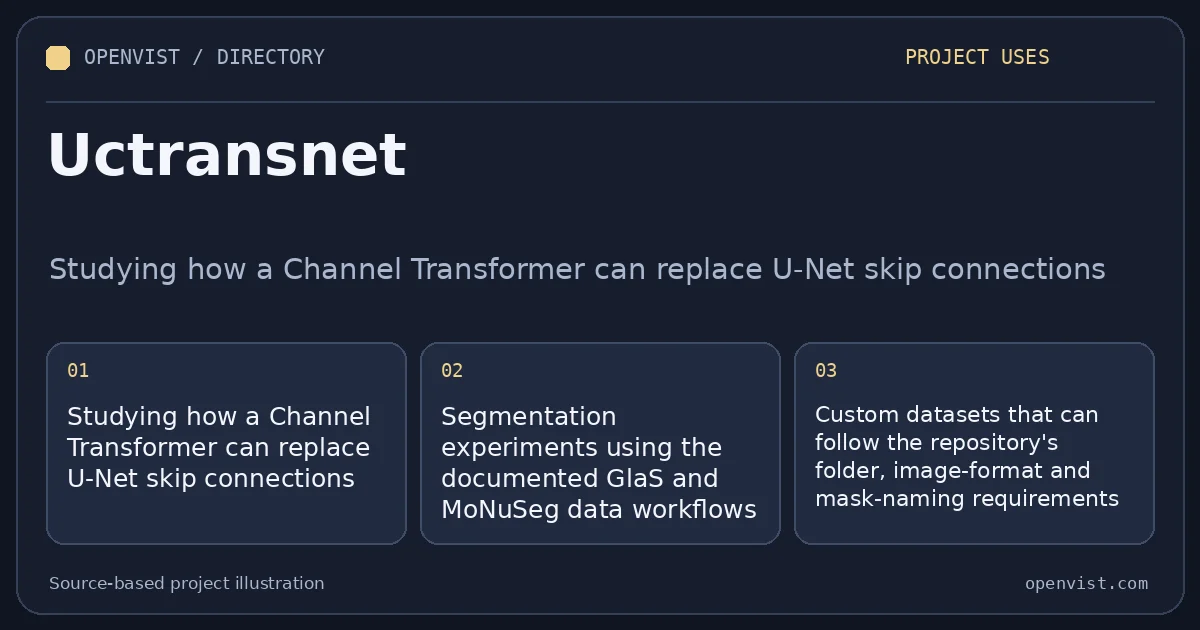
Use it for research experiments that need a U-Net segmentation baseline with channel-wise transformer skip connections, or to follow the repository's documented training and evaluation workflows.
Who it is for
- Researchers studying transformer-enhanced U-Net segmentation architectures.
- Practitioners preparing segmentation experiments on GlaS, MoNuSeg, Synapse or custom datasets.
Documented uses
- Train a segmentation model with U-Net convolutional parameters and CTrans parameters optimized jointly.
- Initialize UCTransNet using weights from a separately trained classical U-Net.
- Evaluate a model with Dice and IoU scores and generate segmentation visualizations.
Requirements & limits
The implementation is published in a public GitHub repository and identified as open source. The README lists Linux and PyTorch in the technical environment.
- Dependencies are installed from the repository's requirements.txt.
- The README describes GlaS, MoNuSeg and Synapse dataset preparation, as well as a prescribed format for custom data.
- Pretrained weights are linked for GlaS and MoNuSeg.
- The authors caution that CUDA version and GPU type or count can affect reproducibility; early stopping may also lead to significant performance variation.
Check current requirements in the official documentation. Source-based guidance does not mean OpenViST has run or independently tested this project.
Prepare a custom dataset for UCTransNet
Organize custom image and mask files in the format the repository describes.
Before you start
- A custom image segmentation dataset.
- Images saved as JPG and corresponding masks saved as PNG.
Steps
Arrange the dataset directory structure to follow the documented GlaS layout, with training, validation and test folders containing image and label folders.
Name each PNG mask so its ID matches the corresponding JPG image ID.
Expected outcome
A custom dataset organized in the format UCTransNet expects for use with its code.
Guide limitations
- The README warns that inconsistent directory structures or filenames may cause I/O errors.
- This guide covers data organization only, not training or evaluation.
Sources & review
Source record details
- Source availability
- Active
- Sources checked
- 14 November 2026
- Original website title
- McGregorWwww/UCTransNet · Official homepage title · retained in its source language
Related options
UDTransNet — The UCTransNet README identifies UDTransNet as an improved version, describing it as higher-performing and less computationally costly.