
Practical overview
When it fits
Use it when an MCP-compatible client needs access to Teams message and thread operations, and the required Teams and Azure configuration is available.
Who it is for
- Developers connecting MCP clients or assistants to Microsoft Teams.
- Teams users who need an MCP-connected workflow for reading messages, posting threads, replying or mentioning members.
Documented uses
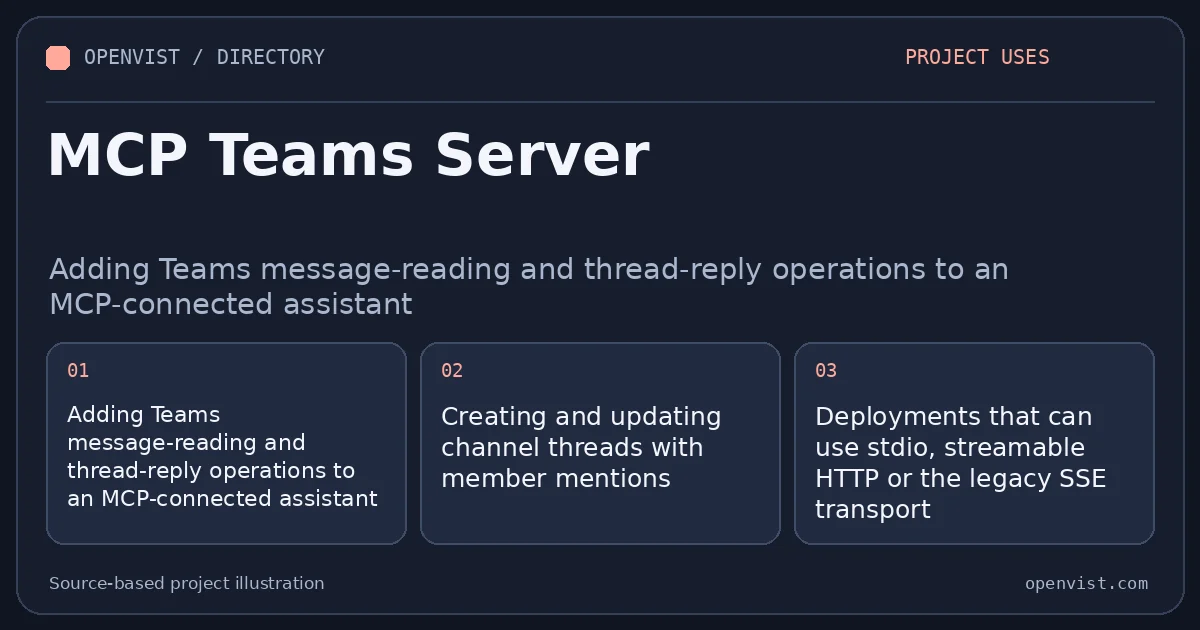
- Read channel messages and replies in Teams threads.
- List members of a channel team.
- Start a channel thread with a title and contents, including member mentions.
- Reply to an existing thread and mention members.
Requirements & limits
The repository is public and licensed under Apache-2.0. The README lists Python 3.12, uv and a properly configured Microsoft Teams account as prerequisites.
- The documented operations cover channel messages, thread replies, channel member listing, new threads and replies with mentions.
- The default transport is stdio; streamable HTTP and legacy SSE are also documented.
- Configuration requires an Entra application ID and client secret, team or group ID, channel ID, and a tenant ID for single-tenant setups.
- The Teams configuration document helps identify requirements but is not presented as a step-by-step guide.
- The project is implemented in Python and licensed under Apache-2.0.
Check current requirements in the official documentation. Source-based guidance does not mean OpenViST has run or independently tested this project.
Install and configure the server
Prepare the Python MCP server and configure the Teams identifiers and application credentials it requires.
Before you start
- Python 3.12
- uv package manager
- A properly set up Microsoft Teams account and required Azure resources
Steps
Clone the repository and change into its directory.
Create a virtual environment with the command below, then install dependencies with the command below.
uv venvuv sync --frozen --all-extras --devUse the Teams setup document to help configure Teams and the required Azure resources.
Set the Entra application ID and client secret, team or group ID, and channel ID as environment variables or in an
.envfile; set a tenant ID for a single-tenant setup.
Expected outcome
The project dependencies are installed and the environment is prepared with the Teams configuration required to start the server.
Guide limitations
- The Teams setup document is described as a guide to what is needed, not a step-by-step setup procedure.
- The guide covers preparation and configuration; it does not claim to verify a successful connection.
Sources & review
Source record details
- Source availability
- Active
- Sources checked
- 14 November 2026
- Original website title
- InditexTech/mcp-teams-server · Official homepage title · retained in its source language