
Practical overview
When it fits
Use Runtime when a team wants agents to work across payment records and business systems, with defined permissions and approval steps, rather than answer solely from help-center articles.
Who it is for
- Payment and financial-operations teams handling customer questions or operational workflows.
- Support and engineering teams that need to investigate payment issues across connected systems.
- Organizations that want agent actions governed by role-based access and human review.
Documented uses
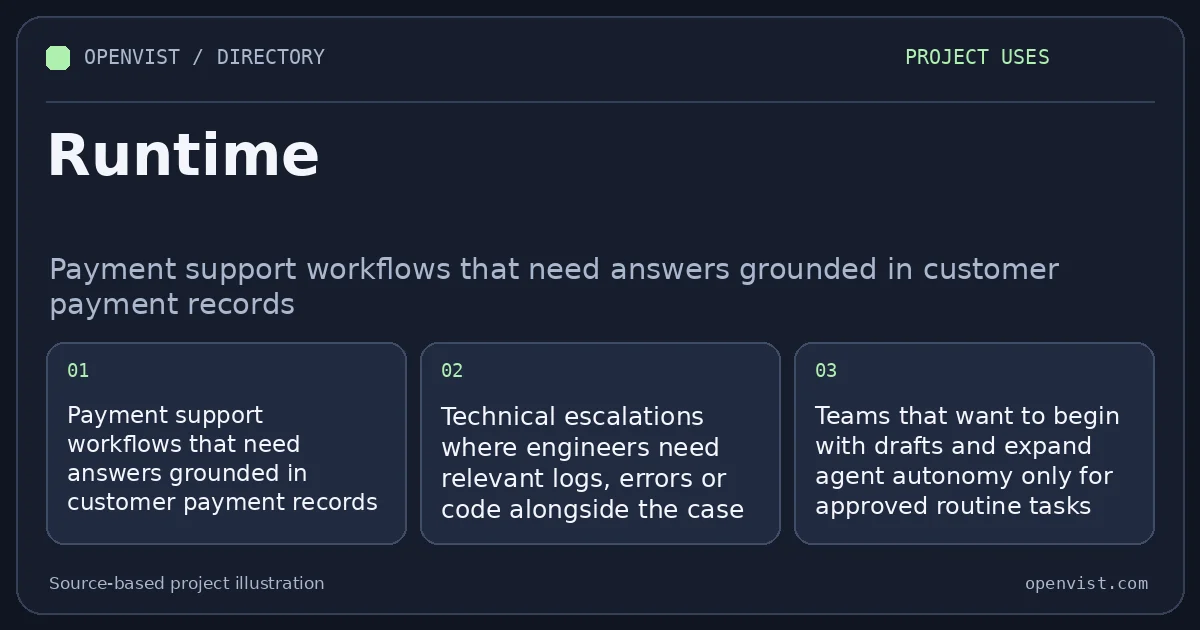
- Investigate payment questions, such as declined payments, held funds or transfers that have not arrived.
- Draft evidence-backed customer replies for team review.
- Escalate technical cases with findings from logs, errors or code attached.
- Support risk, compliance and account-management workflows using connected operational data.
Requirements & limits
An account is required to use the service. Runtime’s terms say the service is intended for business use and require users to be at least 18 years old.
- Agents’ access to records, logs and code depends on the permissions granted to their roles.
- Teams determine which actions require review or approval; the described workflow keeps refunds and account changes with the team.
- Runtime describes customer-cloud deployment and self-hosting.
- The support workflow can start from tickets in named existing help desks and return replies to the team’s existing work channels.
- Runtime recommends piloting one workflow with historical tickets and measuring handle time, escalation rate and reply accuracy.
Check current requirements in the official documentation. Source-based guidance does not mean OpenViST has run or independently tested this project.
Configure a Slack emoji trigger for an agent
Allow a configured emoji reaction to start an agent run on a Slack message and have it reply in the same thread.
Before you start
- An agent with Slack settings.
- The bot must be able to read the channel.
Steps
In the agent’s Slack settings, add an emoji trigger rule.
Optionally limit the rule to selected channels and user groups.
React to a Slack message with the configured emoji to start a run.
Expected outcome
The agent picks up the message and its files and replies in the same thread; each message-and-emoji combination starts one run.
Guide limitations
- Each message and emoji starts one run.
Set up an agent to start from system events
Configure a named webhook trigger for an agent to receive system events.
Before you start
- An agent.
- A sending system that can provide the trigger URL and verification secret.
Steps
Create a webhook trigger for the agent.
Give the sending system the trigger URL and verification secret.
Set the trigger’s instructions, rate limit, and where results should go.
Expected outcome
The agent can be started by JSON or Salesforce-style SOAP/XML notifications sent to the configured trigger.
Guide limitations
- Triggers can be verified by URL token, header token, or HMAC-SHA256.
- An optional Idempotency-Key drops repeat deliveries for 24 hours.
Sources & review
Source record details
- Source availability
- Active
- Sources checked
- 14 November 2026
- Original website title
- Runtime - The AI agent harness for payment teams · Official homepage title · retained in its source language