
Practical overview
When it fits
Use FluxRT when a project needs interactive, prompt-controlled transformation of live webcam input or video, especially where reference images or virtual-camera output are part of the workflow.
Who it is for
- Creators building AI VTubing workflows
- Developers making virtual try-on experiences
- Creative coders experimenting with live image-editing effects
Documented uses
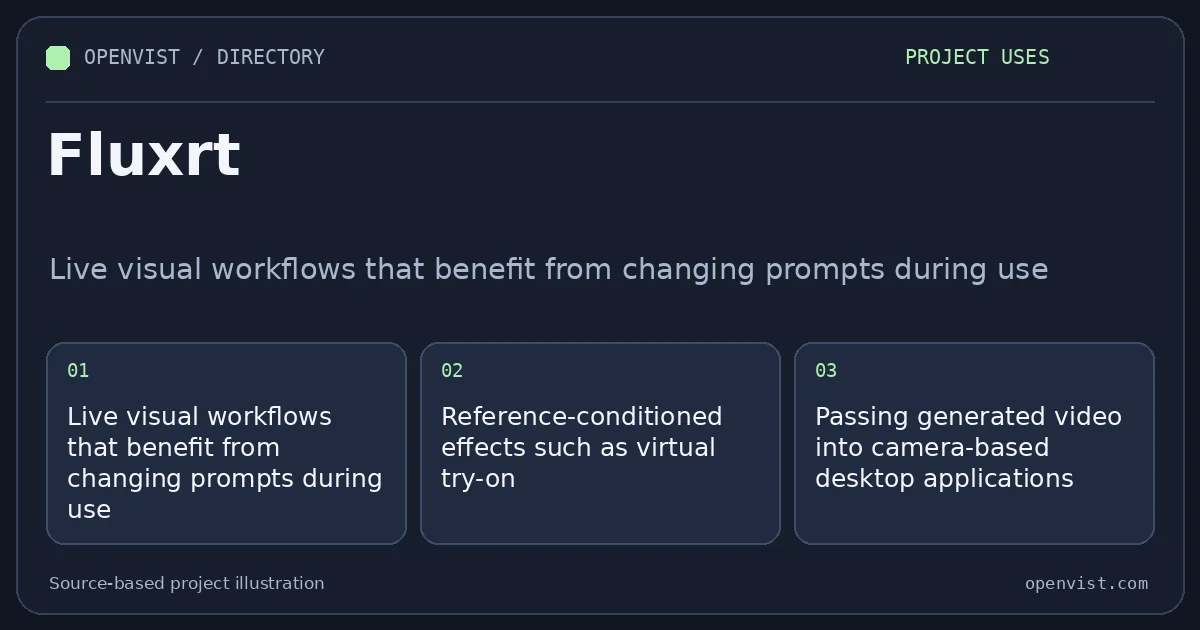
- Apply and revise prompt-driven visual transformations on a webcam stream or video.
- Condition live edits on a reference image, such as a clothing item for a virtual fitting-room workflow.
- Send transformed output to a virtual webcam for use in camera-input applications.
Requirements & limits
The project is available as a public repository under the Unlicense. The README provides quick-start installation steps for Windows and Linux.
- The project requires a substantial NVIDIA GPU: the README lists an RTX 4090 with 20 GB VRAM and 16 GB RAM as the minimum for int8 use, and an RTX 5090 with 32 GB VRAM and 32 GB RAM as recommended.
- Model files are separate downloads; the README lists FLUX.2-Klein and RIFE among the setup models.
- Virtual-webcam prerequisites differ by system: OBS on Windows and v4l2loopback on Linux.
- The README reports different frame-rate and latency figures for RTX 4090 and RTX 5090 at 512 × 512 resolution.
Check current requirements in the official documentation. Source-based guidance does not mean OpenViST has run or independently tested this project.
Install FluxRT on Windows
Install the repository using its documented Windows quick-start steps.
Before you start
- Git, Git LFS and Conda
- CUDA 12.8 is recommended
- An NVIDIA GPU; the listed minimum for int8 use is an RTX 4090 with 20 GB VRAM and 16 GB RAM
- OBS is required to access the virtual webcam through the GUI
Steps
Clone the FluxRT repository with Git.
Change into the FluxRT directory.
Run scripts/install.bat.
Expected outcome
The Windows quick-start installation steps are completed; OBS is the documented prerequisite for GUI virtual-webcam access.
Guide limitations
- The repository's quick-start instructions do not document a subsequent launch or operation command.
- The listed GPU and memory figures are project requirements, not compatibility guarantees.
Install FluxRT on Linux
Install the repository using its documented Linux quick-start steps.
Before you start
- Git, Git LFS and Conda
- CUDA 12.8 is recommended
- An NVIDIA GPU; the listed minimum for int8 use is an RTX 4090 with 20 GB VRAM and 16 GB RAM
- v4l2loopback installed and loaded for GUI virtual-webcam access
Steps
Clone the FluxRT repository with Git.
Change into the FluxRT directory.
Run sh scripts/install.sh.
Expected outcome
The Linux quick-start installation steps are completed; v4l2loopback is the documented prerequisite for GUI virtual-webcam access.
Guide limitations
- The repository's quick-start instructions do not document a subsequent launch or operation command.
- The listed GPU and memory figures are project requirements, not compatibility guarantees.
Sources & review
Source record details
- Source availability
- Active
- Sources checked
- 13 November 2026
- Original website title
- tensorforger/FluxRT · Official homepage title · retained in its source language