
Practical overview
When it fits
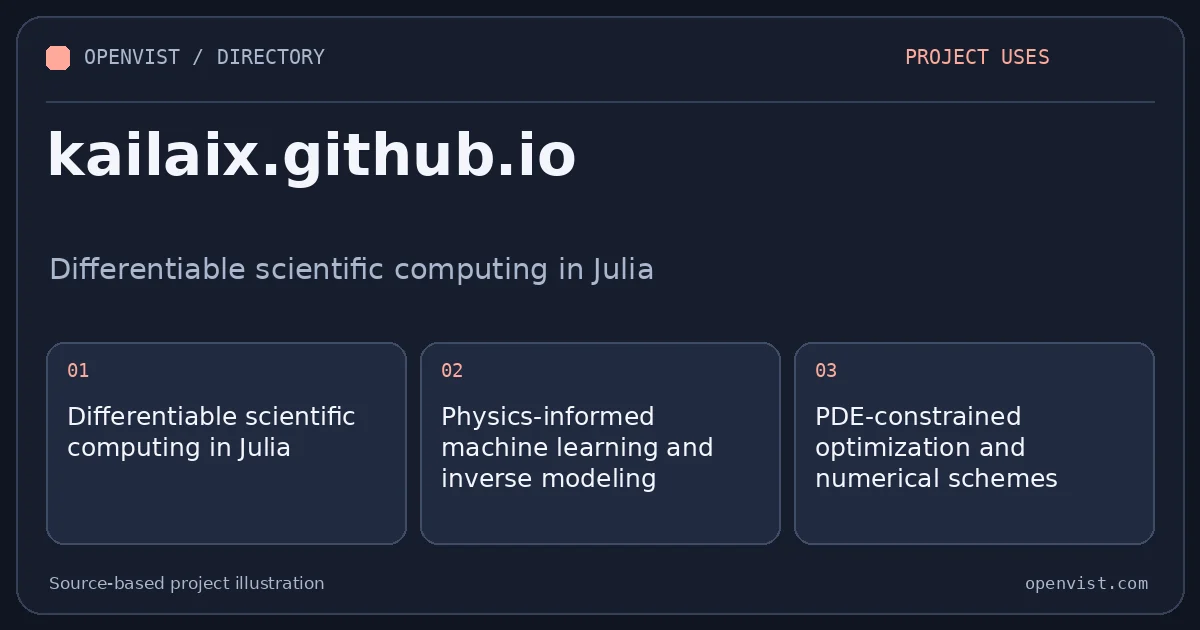
Consider ADCME when a scientific-computing workflow needs Julia-based automatic differentiation, inverse modeling, or numerical methods such as PDE schemes and sparse linear algebra.
Who it is for
- Scientific-computing practitioners working in Julia
- Researchers and developers building inverse models or physics-informed machine-learning methods
- Users implementing differentiable numerical schemes or PDE-constrained optimization
Documented uses
- Build inverse models for scientific systems using automatic differentiation
- Work with PDE-constrained optimization and sparse linear algebra
- Implement finite-difference or finite-element numerical schemes
- Combine neural networks with numerical methods
Requirements & limits
The documentation describes a Docker installation route requiring Docker and at least 5 GB of space. Its tutorial says basic scientific-computing knowledge in Julia is required and does not assume prior deep-learning experience.
- The framework is built around Julia and TensorFlow automatic differentiation.
- Its documented scientific-computing capabilities include sparse linear algebra and constrained optimization.
- Docker provides a route with a compatible Julia binary and precompiled ADCME; a separate GPU image is also documented.
Check current requirements in the official documentation. Source-based guidance does not mean OpenViST has run or independently tested this project.
Start ADCME in Docker
Open a Julia prompt with the precompiled ADCME package using the documented Docker image.
Before you start
- Docker installed
- At least 5 GB of available space
Steps
Run the command below.
docker run -ti kailaix/adcmeUse the Julia prompt provided by the container.
Expected outcome
A Julia prompt with ADCME precompiled in the Docker container.
Guide limitations
- The documented command starts an interactive container; it does not describe a project-specific model or workflow.
Open ADCME's GPU Docker image
Launch the documented GPU-enabled ADCME container.
Before you start
- Docker installed
- At least 5 GB of available space
- A Docker environment with GPU resources available
Steps
Run the command below to request all GPU resources.
docker run -ti --gpus all kailaix/adcme:gpuUse
--gpus nin place of--gpus allto specify a GPU count.
Expected outcome
An interactive session in the documented GPU image with the requested GPU resources.
Guide limitations
- The instructions describe launching the container, not validating a particular GPU, model or workload.
Sources & review
Source record details
- Source availability
- Active
- Sources checked
- 13 November 2026
- Original website title
- Overview · ADCME · Official homepage title · retained in its source language