
Practical overview
When it fits
Use it when broad arXiv categories produce more new papers than you want to review individually and you can describe the research you want to find.
Who it is for
- Researchers who want new arXiv papers filtered against a defined topic and research-interest profile.
- Developers who want to configure or adapt an open-source paper-digest workflow.
Documented uses
- Filter new arXiv abstracts by a selected subject and categories.
- Rank papers against natural-language interests using GPT relevance ratings.
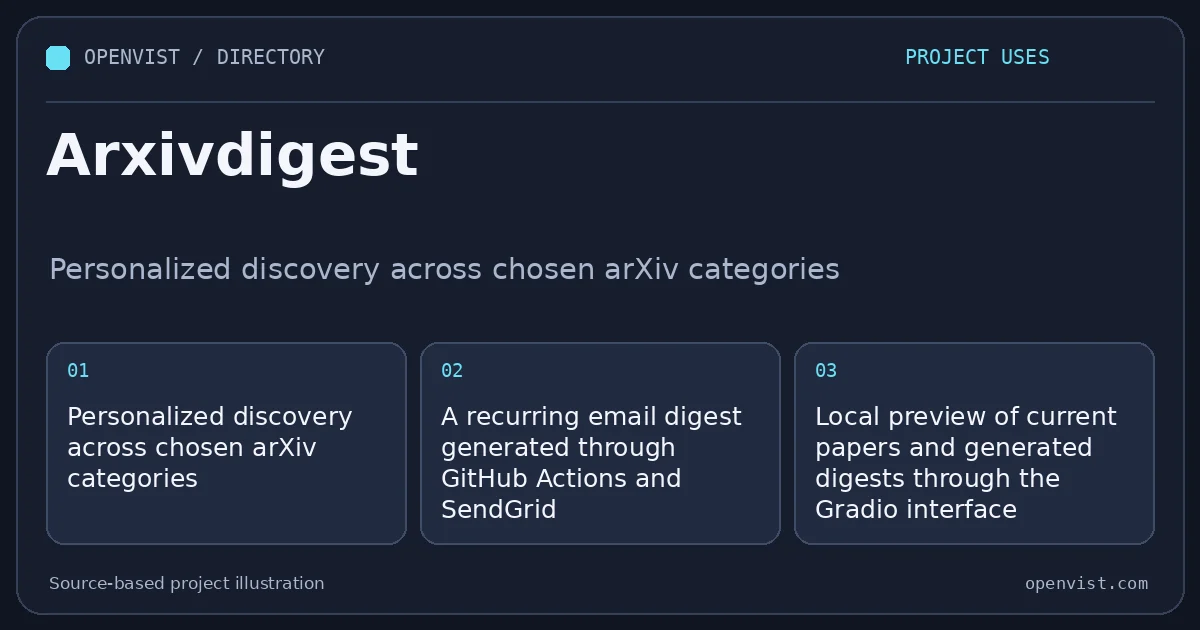
- Generate an HTML digest and optionally send it as a daily email.
Requirements & limits
The Hugging Face demo requires the user's own OpenAI API key. The repository is public and licensed under MIT. Email delivery requires SendGrid credentials in addition to OpenAI credentials.
- Relevance ratings are generated with GPT and depend on the configured subject, categories and natural-language interest description.
- Email delivery requires a SendGrid account and API key, plus sender and recipient settings.
- The repository documents a Python and Gradio local interface and a GitHub Actions email workflow.
- Open-source model support appears on the project roadmap as planned, not as a documented current option.
Check current requirements in the official documentation. Source-based guidance does not mean OpenViST has run or independently tested this project.
Configure a scheduled email digest with GitHub Actions
Set up the repository workflow to generate a personalized digest and send it through SendGrid.
Before you start
- A fork of the ArxivDigest repository and a GitHub account with repository secrets access.
- An OpenAI API key and a SendGrid API key.
- Sender and recipient email addresses; the sender address must match the one used to create the SendGrid API key.
Steps
Fork the repository.
Edit config.yaml with an arXiv subject, categories and a natural-language statement of research interests, then merge the changes into the main branch.
Add OPENAI_API_KEY, SENDGRID_API_KEY, FROM_EMAIL and TO_EMAIL as repository secrets.
Manually trigger the action or wait for its scheduled run.
Expected outcome
The workflow generates a relevance-ranked HTML digest and can email it using SendGrid.
Guide limitations
- This workflow requires both OpenAI and SendGrid credentials for email delivery.
- The repository describes ranking with GPT and lists open-source model support as planned.
Preview a digest with the local interface
Set up the documented Gradio interface to preview papers and generated digests locally.
Before you start
- The repository and its dependencies from src/requirements.txt, plus Gradio.
- An OpenAI API key for the service; the repository documents setting secrets through a .env file.
Steps
Install the requirements in src/requirements.txt and install Gradio.
If using a .env file, copy .env.template to .env and set the required environment variables there.
Run python src/app.py and open the local URL.
Expected outcome
The interface provides a local preview of papers from the current day and generated digests.
Guide limitations
- The documented steps cover local setup and interface access; they do not specify a deployment workflow.
Sources & review
Source record details
- Source availability
- Active
- Sources checked
- 13 November 2026
- Original website title
- AutoLLM/ArxivDigest · Official homepage title · retained in its source language