
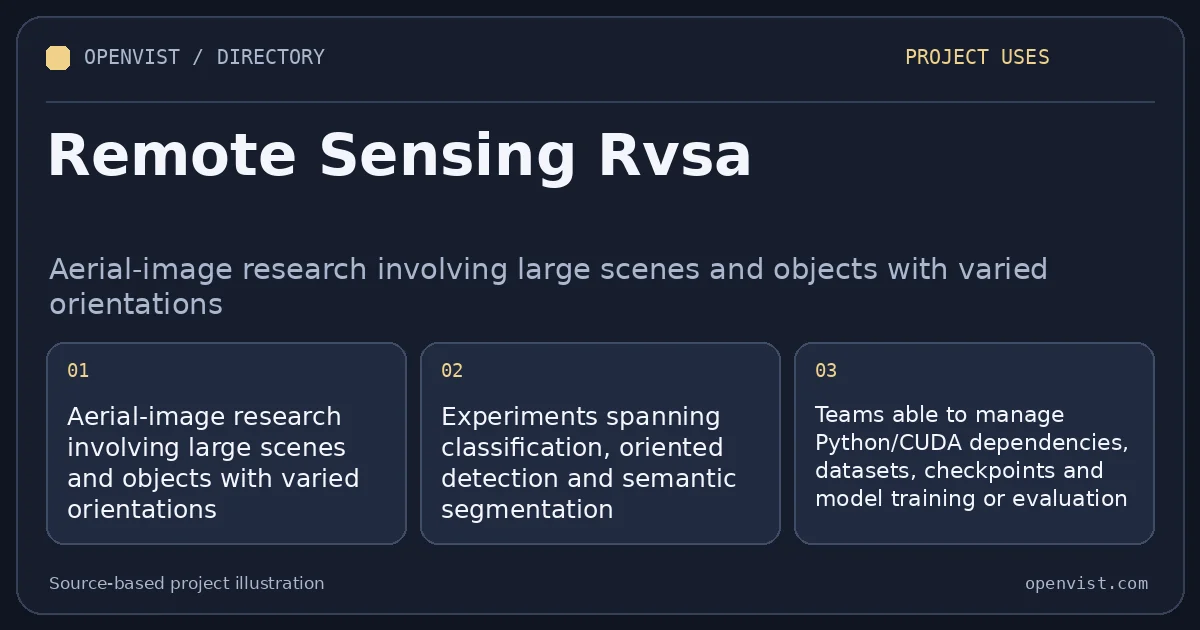
Practical overview
When it fits
Use it when you need research code and task-specific workflows for experimenting with transformer-based analysis of aerial or remote-sensing images, rather than a hosted analysis interface.
Who it is for
- Researchers studying remote-sensing vision transformers and foundation models.
- Practitioners building aerial-image classification, detection or segmentation experiments.
- Developers adapting pretrained vision models to remote-sensing datasets.
Documented uses
- Pretrain a vision transformer on remote-sensing imagery using the documented MillionAID workflow.
- Fine-tune or evaluate models for aerial-scene classification.
- Run oriented object-detection evaluation on datasets such as DOTA or DIOR-R.
- Train or evaluate semantic-segmentation models on datasets such as Potsdam or LoveDA.
Requirements & limits
The public GitHub repository specifies an MIT license.
- The documented environment is Python 3.8.5, PyTorch 1.9.0+cu111, torchvision 0.10.0+cu111, timm 0.4.12 and mmcv-full 1.4.1.
- The illustrated full pretraining run uses eight A100 GPUs and is estimated at three to five days; other examples include single-GPU fine-tuning and inference.
- Each task uses its own datasets, configuration files and checkpoints; the README notes that output paths must be prepared for a DIOR-R detection evaluation.
- The README identifies separate repositories for remote-sensing pretraining and other ViTAE applications.
Check current requirements in the official documentation. Source-based guidance does not mean OpenViST has run or independently tested this project.
Run MillionAID self-supervised pretraining
Pretrain the ViT-B model on MillionAID using the documented eight-GPU example.
Before you start
- Python 3.8.5, PyTorch 1.9.0+cu111, torchvision 0.10.0+cu111, timm 0.4.12, and mmcv-full 1.4.1.
- MillionAID images downloaded from https://captain-whu.github.io/DiRS/.
- Eight A100 GPUs for the documented example, which is estimated to take 3–5 days.
Steps
Prepare MillionAID. The example uses
train_labels.txtandvalid_labels.txtfrom RSP; labels are not necessary for unsupervised pretraining, and the dataset code can be revised to record image names instead.From the pretraining project directory, run the documented distributed command: `python -m torch.distributed.launch --nproc_per_node 8 --master_port 10000 main_pretrain.py --dataset 'millionAID' --model 'mae_vit_base_patch16' --batch_size 256 --epochs 1600 --warmup_epochs 40 --input_size 224 --mask_ratio 0.75 --blr 1.5
For finetuning a pretrained ViTAE-B, pad the pretrained PCM convolutional kernel using
convertK1toK3.py.
Expected outcome
The command is configured to write pretraining output under `../mae-main/output/`; the README’s later linear-probe example refers to a `checkpoint-1599.pth` checkpoint.
Guide limitations
- The documented pretraining estimate is 3–5 days on eight A100 GPUs.
- PCM kernel padding is noted for ViTAE-B finetuning; this instruction is not stated for ViT-B.
Run UperNet segmentation training on Potsdam
Train UperNet with a ViT-B + RVSA backbone on the Potsdam dataset using the documented configuration.
Before you start
- Python 3.8.5, PyTorch 1.9.0+cu111, torchvision 0.10.0+cu111, timm 0.4.12, and mmcv-full 1.4.1.
- Potsdam dataset and the repository’s documented segmentation configuration.
- Two GPUs, as specified by the command.
Steps
Change to the
Semantic Segmentationdirectory.Run the documented distributed training command: `CUDA_VISIBLE_DEVICES=0,1 python -m torch.distributed.launch --nproc_per_node=2 --master_port=30000 tools/train.py configs/vit_base_win/upernet_vit_base_win_rvsa_v3_512x512_160k_potsdam_rgb_dpr10_lr6e5_lrd90_ps16_class5_ignore5.py --launcher 'pytorch' --cfg-options 'find
Expected outcome
The command starts UperNet training with the specified Potsdam configuration.
Guide limitations
- For LoveDA training, the README says to add
--no-validate; that note does not apply to the Potsdam command. - The README does not specify a training completion check or evaluation command for this Potsdam example.
Sources & review
Source record details
- Source availability
- Active
- Sources checked
- 13 November 2026
- Original website title
- ViTAE-Transformer/Remote-Sensing-RVSA · Official homepage title · retained in its source language