
Practical overview
When it fits
Use LFDM when you want a code-based research workflow for conditional image-to-video generation, especially to inspect the provided demos or train and evaluate on MUG, MHAD or NATOPS.
Who it is for
- Researchers studying conditional image-to-video generation, latent diffusion or image animation.
- Developers who want to examine or train a research model using the MUG, MHAD or NATOPS workflows.
Documented uses
- Generate example videos from a conditioning image using a dataset-specific demo and released pretrained models.
- Train the latent flow autoencoder and diffusion model stages for a supported dataset.
- Measure LFAE self-reconstruction and test diffusion-model generation using the supplied dataset-specific scripts.
Requirements & limits
The implementation is in a public GitHub repository identified under the BSD-2-Clause license. The README specifies Python 3.7.10 and PyTorch 1.12.1 as the versions used in its instructions.
- The project is a research code repository, not a documented hosted video-generation service.
- Its ready-described demo and training workflows are tied to MUG, MHAD and NATOPS, with dataset-specific scripts and configuration files.
- The README says to adjust paths in code and configuration as needed; its dependency directions are not a complete environment specification.
- The repository points to a separate CVPR 2024 project for text-conditioned image-to-video generation; that capability is not described as part of LFDM.
Check current requirements in the official documentation. Source-based guidance does not mean OpenViST has run or independently tested this project.
Generate example videos with a dataset demo
Use an LFDM demo and released pretrained models to generate example videos for MUG, MHAD or NATOPS.
Before you start
- Python 3.7.10 and PyTorch 1.12.1 are the versions specified in the README, alongside other required dependencies.
- The corresponding released pretrained models.
- The repository files and configuration for the selected dataset.
Steps
Install the required dependencies.
For MUG, run the command below; for MHAD, run the command below; or for NATOPS, run the command below.
python -u demo/demo_mug.pypython -u demo/demo_mhad.pypython -u demo/demo_natops.pySet paths in the code files and the relevant configuration if needed:
config/mug128.yaml,config/mhad128.yamlorconfig/natops128.yaml.
Expected outcome
The selected demo is intended to generate example videos for its dataset.
Guide limitations
- The instructions say paths may need adjustment and list dependencies only as examples; they do not provide a complete dependency specification here.
- This recipe follows the repository instructions and is not a report of execution or compatibility testing.
Train LFDM on the MUG dataset
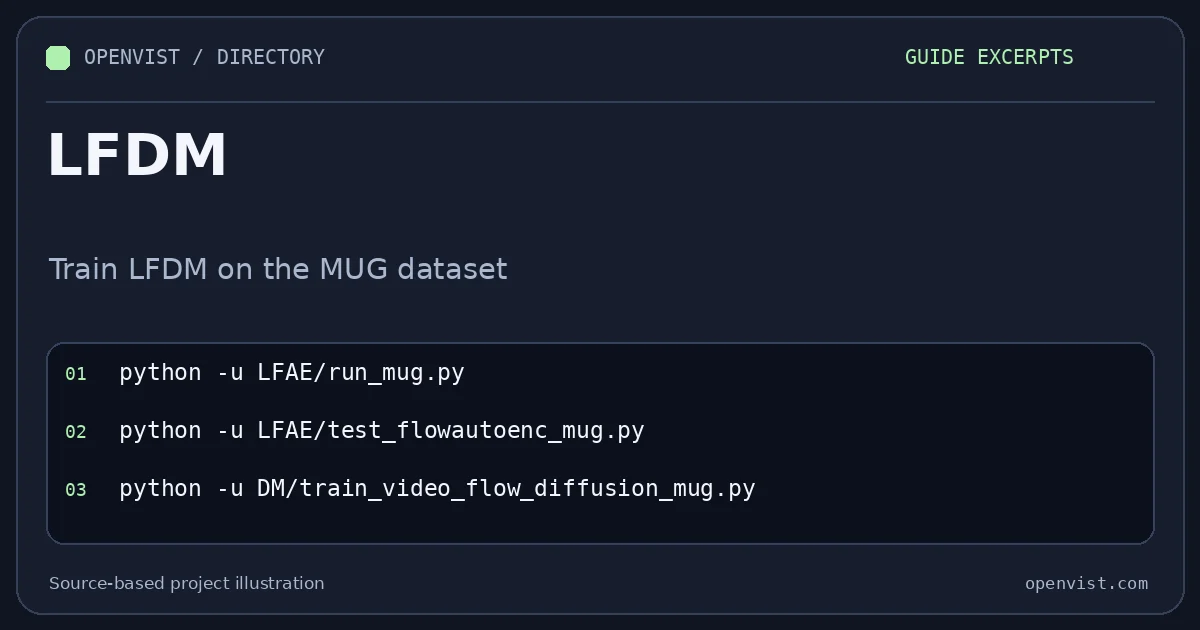
Follow the documented two-stage MUG training workflow, from LFAE training through diffusion-model testing.
Before you start
- The MUG dataset, downloaded from its cited project website.
- Python 3.7.10 and PyTorch 1.12.1 are the versions specified in the README, alongside other required dependencies.
- The README identifies MRAA pretrained models as the initialization for LFAE.
- Dataset train/test split and configuration paths, including
config/mug128.yaml.
Steps
Split the MUG train and test data; the README points to
preprocessing/preprocess_MUG.pyfor its split.Run the command below to train the LFAE, adjusting paths and configuration if needed.
python -u LFAE/run_mug.pyOptionally run the command below to measure self-reconstruction performance.
python -u LFAE/test_flowautoenc_mug.pyRun the command below to train the diffusion model, then the command below to test generation performance.
python -u DM/train_video_flow_diffusion_mug.pypython -u DM/test_video_flow_diffusion_mug.py
Expected outcome
The documented workflow trains the latent flow autoencoder and diffusion model, then provides a script for testing generation.
Guide limitations
- The README describes MUG as a two-stage workflow and notes that paths and configuration may need adjustment.
- This is a repository-based procedure, not a report of execution or successful reproduction.
Sources & review
Source record details
- Source availability
- Active
- Sources checked
- 13 November 2026
- Original website title
- nihaomiao/CVPR23_LFDM · Official homepage title · retained in its source language