
Practical overview
When it fits
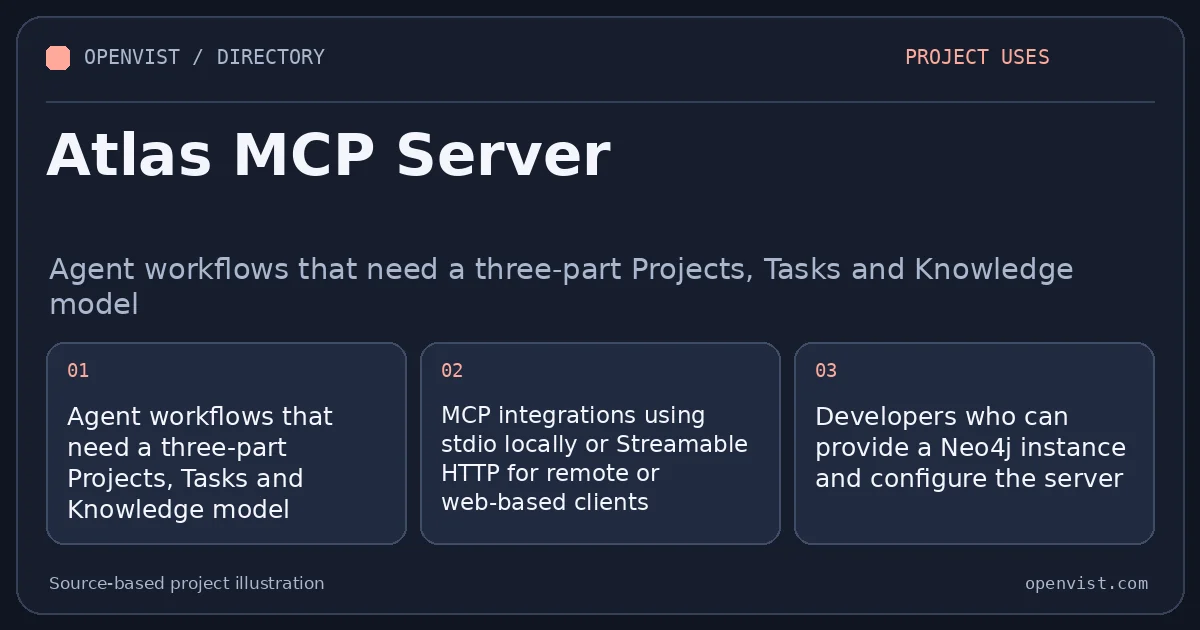
Use it when an MCP-connected agent needs structured, persistent project, task and knowledge records, particularly for workflows with dependencies or research context.
Who it is for
- Developers connecting MCP-compatible clients or LLM agents to project and task management data.
- Teams structuring agent workflows around linked projects, dependent tasks and shared knowledge.
- Users who can operate or access a Neo4j database and configure a server integration.
Documented uses
- Represent project goals as projects with actionable tasks and completion requirements.
- Keep task context connected to its parent project.
- Attach knowledge to projects and tasks for information and research context.
- Manage dependencies and locate relevant projects, tasks or knowledge through unified search.
Requirements & limits
The repository is public and identifies an Apache-2.0 license. The server is self-hosted or connected to a Neo4j AuraDB instance; the README documents configuration and client integration.
- Current versions from 2.0 onward use Neo4j; version 1.5.4 is the last SQLite-based release.
- The documented local setup requires Node.js dependencies, Neo4j connection configuration and a project build.
- The README documents both stdio and Streamable HTTP transports.
- The included basic Web UI is described as experimental and is for viewing project, task and knowledge details.
Check current requirements in the official documentation. Source-based guidance does not mean OpenViST has run or independently tested this project.
Build and configure a local Atlas MCP Server
Prepare the server with a Neo4j database and build the project for connection to an MCP client.
Before you start
- Node.js and npm
- A running Neo4j instance, either self-hosted with the included Docker configuration or using Neo4j AuraDB
- Neo4j connection details for the environment configuration
Steps
Clone the repository and change into its project directory.
Install dependencies with npm install.
Start Neo4j with the provided Docker configuration, or use an accessible Neo4j instance; set the Neo4j connection details in the .env file.
Build the project with npm run build.
Expected outcome
The project is built and configured to connect to Neo4j; the README documents running it with an MCP client as a subsequent stage.
Guide limitations
- This guide covers setup and build, not confirmation that a particular client connection or workflow succeeds.
- The guide applies to the Neo4j-based version 2.0 onward; version 1.5.4 is the last SQLite version.
Sources & review
Source record details
- Source availability
- Active
- Sources checked
- 13 November 2026
- Original website title
- cyanheads/atlas-mcp-server · Official homepage title · retained in its source language