
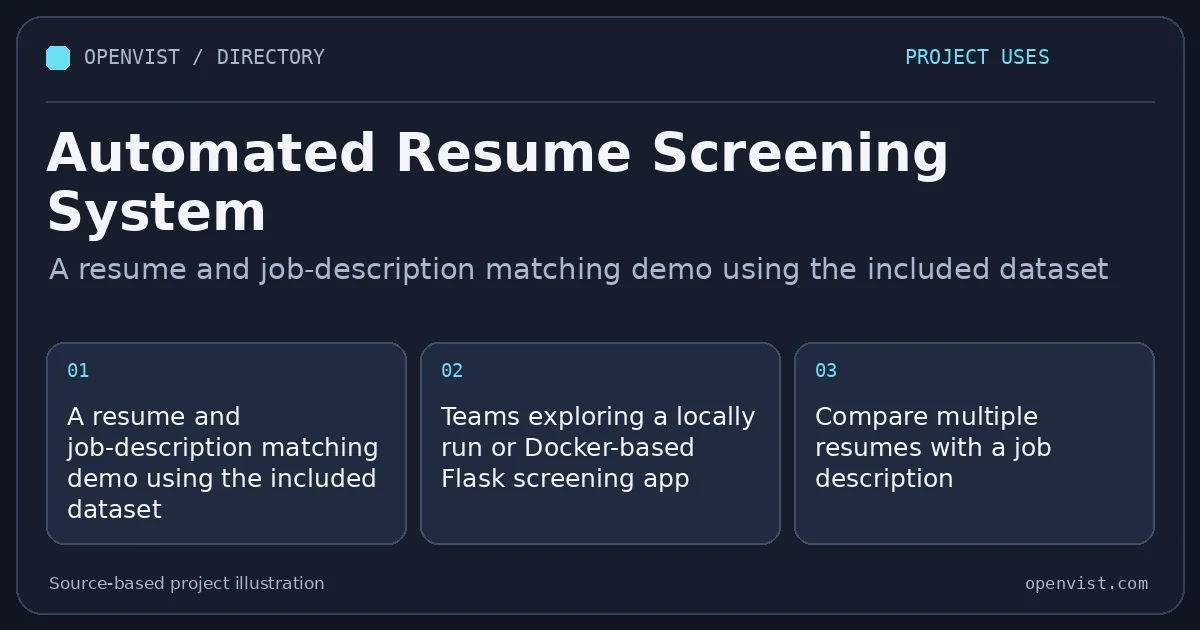
Practical overview
When it fits
Use it when you have resumes and a job description and want a self-hosted first-pass matching tool to help prioritize candidate review.
Who it is for
- Employers who want to sort resumes against a role description.
- Developers evaluating or adapting a self-hosted resume-matching application.
Documented uses
- Compare multiple resumes with a job description.
- Surface candidates with stronger matches for an initial shortlist.
Requirements & limits
- The documented stack specifies Python 3.6 with Anaconda 4.3.0 and a list of pinned software dependencies.
- The README provides both local and Docker startup instructions.
- The repository identifies its license as MIT.
Check current requirements in the official documentation. Source-based guidance does not mean OpenViST has run or independently tested this project.
Start the app locally
Install the listed dependencies and start the Flask application from the repository root.
Before you start
- Python 3.6 with Anaconda 4.3.0 (64-bit), as specified in the README
- The repository and its requirements.txt file
Steps
From the repository root, run the command below.
pip install -r requirements.txtRun the command below from the root directory.
python app.py
Expected outcome
The README's documented local-start procedure for the application.
Guide limitations
- The instructions do not document a local URL or steps for submitting resumes and job descriptions.
- These are setup instructions, not a verification that the project runs in a particular environment.
Build and run the Docker image
Build the repository's Docker image and start its container with port 5000 mapped.
Before you start
- The repository, including its Dockerfile
- Docker
Steps
From the repository, build the image with the command below.
docker build -t arss .Start it with the command below.
docker run -it -p 5000:5000 arss
Expected outcome
The README's documented Docker container startup procedure.
Guide limitations
- The instructions do not document how to use the application after startup.
- These are setup instructions, not a verification that the image builds or runs successfully.
Sources & review
Source record details
- Source availability
- Active
- Sources checked
- 13 November 2026
- Original website title
- JAIJANYANI/Automated-Resume-Screening-System · Official homepage title · retained in its source language