
Practical overview
When it fits
Use Jarvis when you want a locally run, spoken interface for configured PC, home-automation or web tasks, and can meet its Windows 11 setup requirements.
Who it is for
- Windows 11 users who want to control PC or connected home tasks by voice.
- People who want to choose between cloud LLMs and a local Ollama mode.
- Developers seeking a Python voice assistant with configurable integrations or an MCP server.
Documented uses
- Use spoken requests to control Philips Hue lights and scenes.
- Control OBS, launch PC applications, or manage media and volume.
- Summarize, translate or act on pages in the active browser, and automate web reservations using Playwright.
- Expose home-automation and PC tools to MCP-compatible clients.
- Place calls through Twilio when that integration is configured.
Requirements & limits
The repository identifies the project as MIT-licensed Python software. Manual setup targets Windows 11 and requires Python 3.13, uv and a microphone; cloud mode requires an API key for the selected provider, while local mode requires an Ollama model.
- Cloud, hybrid and local modes have different requirements; cloud mode needs a provider API key, while local mode uses Ollama.
- Integrations are configured separately, and the README says most are optional.
- Playwright's Chromium installation is specifically documented for browser and reservation tasks.
- The README notes that ARM PCs cannot use local Whisper transcription and fall back to OpenAI transcription.
Check current requirements in the official documentation. Source-based guidance does not mean OpenViST has run or independently tested this project.
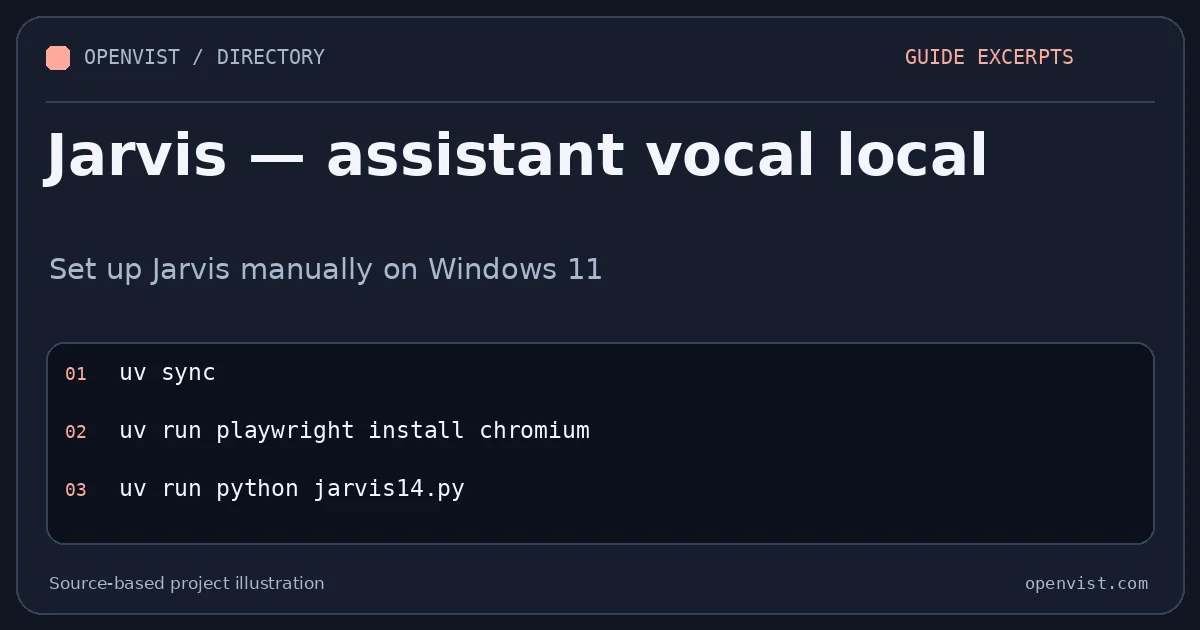
Set up Jarvis manually on Windows 11
Prepare the documented Python environment and start Jarvis.
Before you start
- Windows 11
- Python 3.13
- uv
- A microphone
- Either an API key for the selected cloud provider or an Ollama model for local mode
Steps
Run the command below in the repository.
uv syncFor browser or reservation features, run the command below.
uv run playwright install chromiumCopy
config.example.yamltoconfig.yamland fill in the settings you need.Run the command below.
uv run python jarvis14.py
Expected outcome
The documented setup launches Jarvis; the README says to address it with “Hey Jarvis.”
Guide limitations
- The instructions target Windows 11 and Python 3.13.
- Cloud mode requires a key for the selected provider; local mode requires an Ollama model.
- On ARM PCs such as Snapdragon, local Whisper transcription is unavailable and the README says OpenAI transcription is used instead.
Sources & review
Source record details
- Source availability
- Active
- Sources checked
- 12 November 2026
- Original website title
- sosoj92/jarvis-assistant-vocal · Official homepage title · retained in its source language