
Practical overview
When it fits
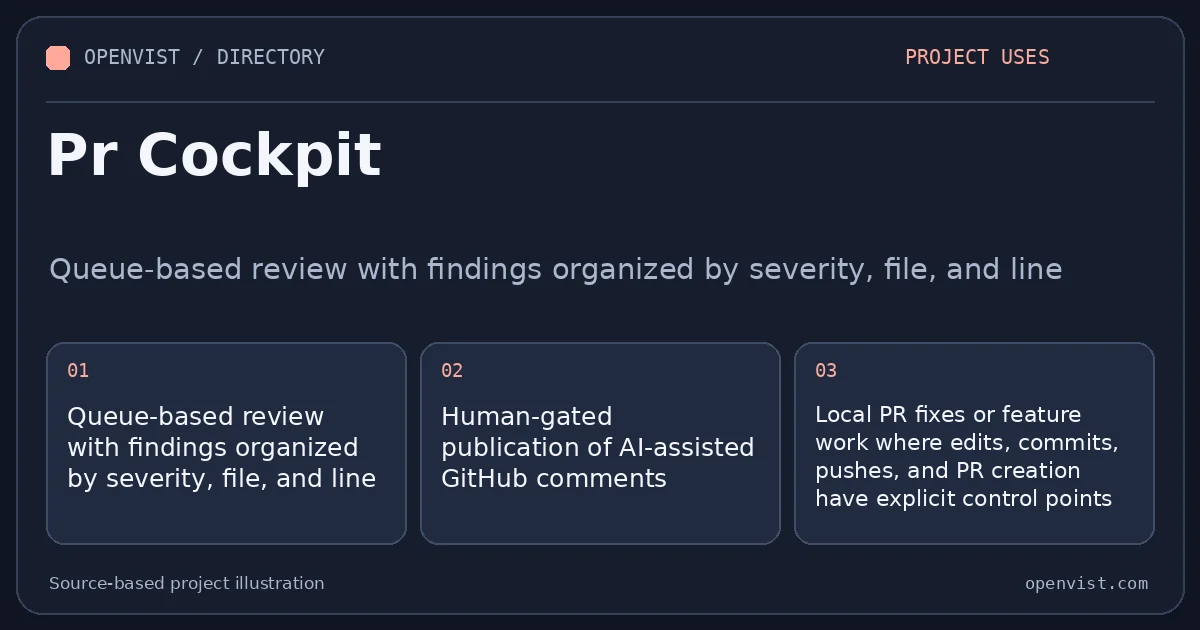
Use Pr Cockpit when you want Claude- or Codex-assisted review across a GitHub PR queue while keeping analysis in separate local worktrees and retaining approval over published comments.
Who it is for
- Developers who want to review multiple GitHub pull requests with Claude or Codex.
- Maintainers who want to inspect AI findings and approve comments before publication.
- Developers who want an AI assistant to work on a PR or feature in a separate Git worktree.
Documented uses
- Load and filter a repository’s pull-request queue.
- Generate structured AI review findings and revisit them after feedback or new commits.
- Preview and selectively publish findings as GitHub inline comments or a summary.
- Ask an agent to edit a PR worktree, then review a diff before confirming commit and upload.
- Use a project assistant for directory chat or feature work on a new branch.
Requirements & limits
Desktop builds are listed for macOS Apple Silicon, Windows x64, and Linux x86_64. The README says packages are unsigned and Intel Macs do not yet have a prebuilt package. The source repository is MIT-licensed.
- The documented providers are Claude and Codex, using the user’s own provider login or subscription.
- GitHub CLI authentication and a Claude or Codex login are required before the app can work.
- Each project is configured with a repository identifier and local clone path, and can select its provider and review settings.
- The app separates review, editing, and publication: review uses isolated worktrees, while comments and commits or pushes require user action.
- The repository documents Nuxt 4 and TypeScript 5; source setup uses pnpm.
Check current requirements in the official documentation. Source-based guidance does not mean OpenViST has run or independently tested this project.
Start the local development server from source
Install the project dependencies and launch Pr Cockpit locally.
Before you start
- A clone of the Pr Cockpit repository
- pnpm
- A configured .env file
Steps
Copy .env.example to .env and adjust settings such as the port, model, or paths if needed.
Run pnpm install.
Run pnpm dev; the documented default address is http://localhost:3001.
Expected outcome
The local development server starts at its documented default address.
Guide limitations
- This covers setup and starting the development server, not configuring a project or completing an AI review.
- Using the review features requires GitHub CLI authentication and a Claude or Codex login.
Sources & review
Source record details
- Source availability
- Active
- Sources checked
- 12 November 2026
- Original website title
- taovc/pr-cockpit · Official homepage title · retained in its source language