
Practical overview
When it fits
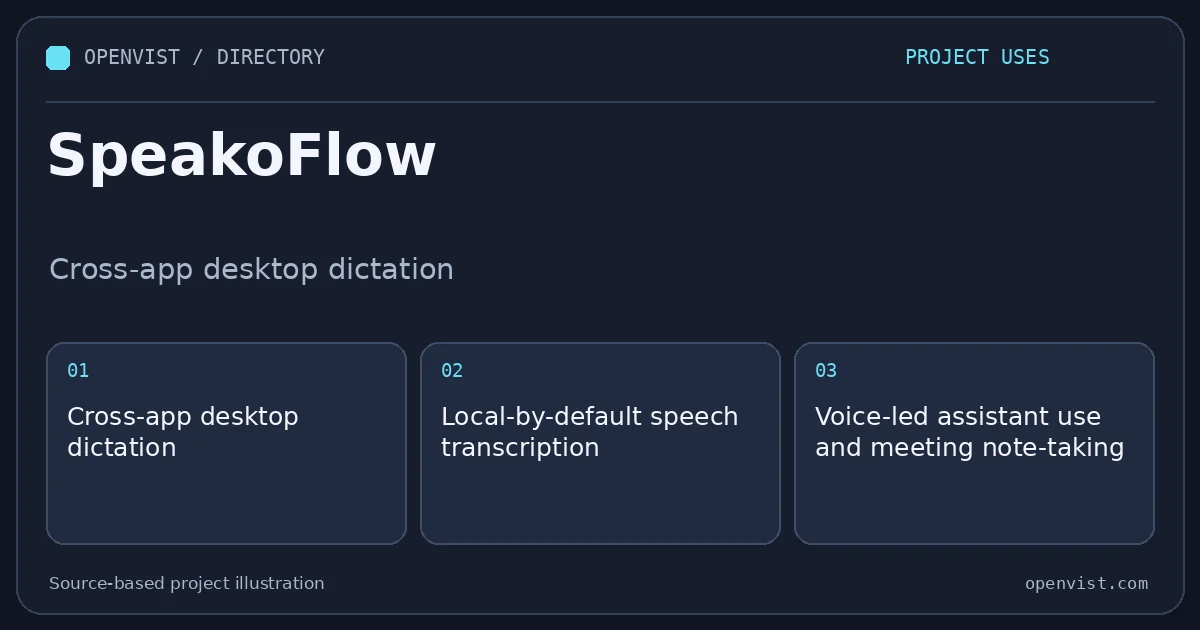
Use SpeakoFlow when voice input is a practical alternative to typing, when you want spoken assistant interactions, or when you need meeting notes from a recorded call. Speech processing runs on your computer by default.
Who it is for
- People who want to dictate text directly into desktop applications.
- People who prefer asking questions or conversing with an assistant by voice.
- People who want meeting recordings summarized as notes with decisions and next steps.
Documented uses
- Speak text into whichever app is currently active.
- Ask a spoken question or hold a hands-free conversation with the assistant.
- Record a meeting and get notes covering decisions and next steps.
- Clean up rough dictated speech into edited text.
Requirements & limits
The official pricing page describes SpeakoFlow as free and identifies an MIT license. Privacy documentation says no account is required. Desktop downloads are documented for Windows, macOS and Linux.
- The documented installation path and package formats vary by operating system.
- macOS requires microphone and accessibility permissions; installing from a .dmg also involves a Terminal quarantine-clearing step.
- Linux packages require glibc 2.39 or newer; the documented .deb route is for Debian 13+, Ubuntu 24.04+, Mint 22+ and Pop!_OS.
- Intel Mac builds require macOS 14 Sonoma or later, and transcription is slower than on Apple silicon.
Check current requirements in the official documentation. Source-based guidance does not mean OpenViST has run or independently tested this project.
Install SpeakoFlow on macOS
Install SpeakoFlow from a downloaded disk image and grant the permissions needed for first launch.
Before you start
- A Mac with an Apple silicon or Intel processor; Intel Macs require macOS 14 Sonoma or later.
- The matching SpeakoFlow .dmg downloaded from the Releases page.
- Access to Terminal and macOS Privacy & Security settings.
Steps
Open the .dmg for your Mac (aarch64 for Apple silicon or x64 for Intel) and drag SpeakoFlow into Applications.
Open Terminal and run
xattr -dr com.apple.quarantine /Applications/SpeakoFlow.app.Launch SpeakoFlow from Launchpad, Spotlight, or Applications, then grant Microphone and Accessibility permissions when macOS asks.
Expected outcome
SpeakoFlow is installed and has the permissions it needs to hear speech and type into other apps.
Guide limitations
- Run the quarantine-clearing command once for each version installed from a .dmg; updates installed inside the app do not require it.
- Intel builds require macOS 14 Sonoma or later and transcribe more slowly than Apple silicon builds.
- The app is not signed with a paid Apple Developer account, so macOS may describe it as damaged; the documented Terminal command clears the downloaded-file quarantine tag.
Sources & review
Source record details
- Source availability
- Active
- Sources checked
- 12 November 2026
- Original website title
- Free voice dictation and AI assistant | SpeakoFlow · Official homepage title · retained in its source language