
Practical overview
When it fits
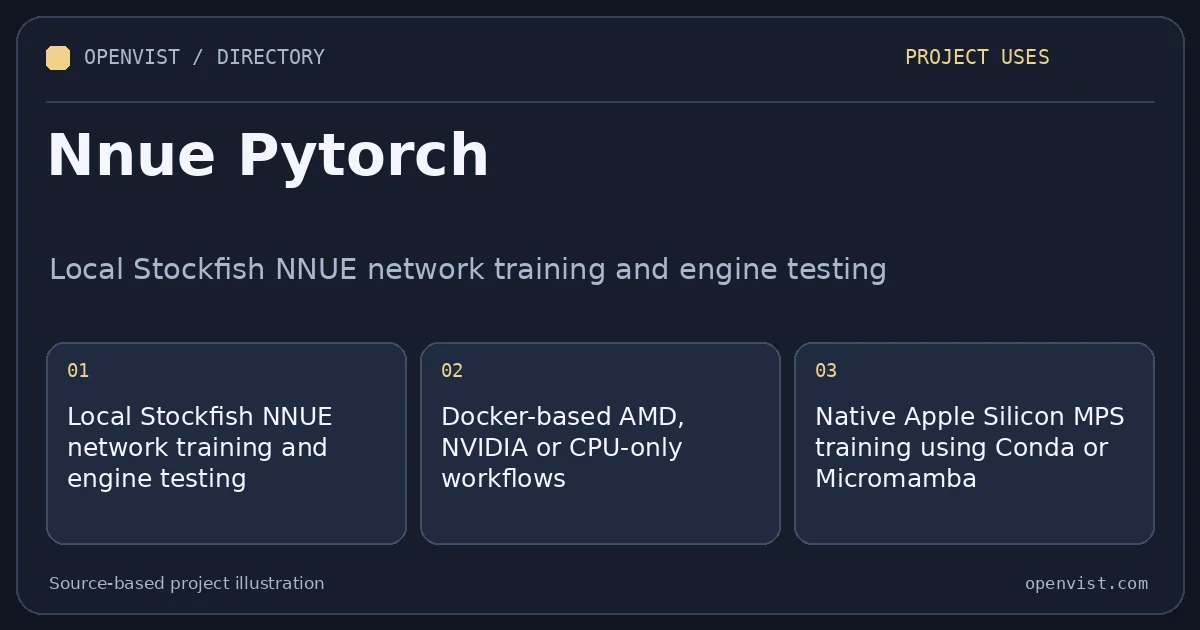
Use it when you need a hands-on, locally managed workflow for training or testing Stockfish NNUE chess-evaluation networks, and can provide the required compute, storage and data.
Who it is for
- Developers training neural-network chess evaluations for Stockfish.
- Researchers or practitioners working with chess datasets who want local CPU or GPU training workflows.
- Contributors developing the trainer and running training-pipeline or Stockfish evaluation checks.
Documented uses
- Train Stockfish NNUE evaluation networks using local datasets.
- Run reproducible network training and engine tests.
- Develop the trainer and run documented pipeline and evaluation checks.
- Set up native Apple Silicon MPS training or use Docker-based CPU and GPU workflows.
Requirements & limits
The project is public and open source under GPL-3.0. It is distributed as a GitHub repository with command-line and self-hosted workflows.
- Docker bundles the PyTorch environment and avoids local Python environment setup and C++ compilation; building the container takes roughly 30–60 GB of disk space.
- AMD Docker use requires an up-to-date ROCm driver. NVIDIA Docker use requires an up-to-date NVIDIA driver and NVIDIA Container Toolkit.
- Native Apple Silicon MPS acceleration requires setup outside Docker; Apple Docker use is limited to CPU-only testing.
- GPU training needs at least 16 GB system RAM and 8 GB VRAM; the documentation cautions that 8 GB VRAM is tight.
- The full dataset set in the cited threats recipe requires 800+ GB of storage. A single small binpack needs much less storage but produces weaker networks.
Check current requirements in the official documentation. Source-based guidance does not mean OpenViST has run or independently tested this project.
Set up NNUE PyTorch with Docker
Build and start the PyTorch container, then access the mounted data directory for training commands.
Before you start
- Docker; AMD users also need an up-to-date ROCm driver, and NVIDIA users need an up-to-date NVIDIA driver and NVIDIA Container Toolkit.
- For CPU-only testing, Docker is required. Docker does not provide native MPS acceleration on Apple Silicon.
- Allow approximately 30–60 GB of disk space for building the container.
Steps
Run
./run_docker.sh.When prompted, select the target GPU vendor or CPU-only testing and provide the data-directory path to mount.
After entering the container, run training commands directly; non-interactive workflows are also supported when all necessary arguments are provided through the CLI.
Expected outcome
The container starts with the selected hardware target and data directory mounted, ready for training commands.
Guide limitations
- Container building takes time and approximately 30–60 GB of disk space.
- GPU training requires at least 16 GB system RAM and 8 GB VRAM; 8 GB VRAM is tight.
- Docker does not support native Apple Silicon MPS acceleration.
Set up NNUE PyTorch for Apple Silicon with Conda
Create and configure the recommended Conda environment for Apple Silicon use.
Before you start
- An up-to-date Conda or Micromamba package manager.
- The project repository, including
requirements.txtandsetup_script.sh.
Steps
Create and activate the environment with
conda create -n nnue_pytorch -c pytorch -c conda-forge python=3.12 pytorch torchvision torchaudio compilers llvm-openmp jpeg libjpeg-turbo cmake make, then runconda activate nnue_pytorch.Install the requirements with the command below.
pip install --no-cache-dir -r requirements.txtRun
./setup_script.sh.
Expected outcome
The Apple Silicon Conda environment is created, its requirements are installed, and the setup script has been run.
Guide limitations
- The guide documents environment setup, not a training or testing run.
- The commands use Conda; Micromamba is noted as working the same way.
Sources & review
Source record details
- Source availability
- Active
- Sources checked
- 11 November 2026
- Original website title
- official-stockfish/nnue-pytorch · Official homepage title · retained in its source language