
Practical overview
When it fits
Use Pizza Bot when AI work may run asynchronously and you want completed results and human-review decisions routed into separate queues. For ongoing runs, keep the api-server process running.
Who it is for
- People who want to start or schedule AI work and return to results later.
- Teams or individuals who need an inbox for reviewing agent decisions that require human action.
- Developers who want to operate the application through desktop, browser, CLI or a standalone backend.
Documented uses
- Start an agent task and check its completed result later in Unread.
- Schedule work and return to its outcome without keeping a client open.
- Review decisions awaiting a person in the Action queue.
- Track specialist subagent progress in the Activity panel.
- Extend the workflow with MCP servers, Agent Skills or plugins.
Requirements & limits
The repository is public and lists an Apache-2.0 license. Desktop releases are listed for macOS, Windows and Linux. Running a live task requires Node.js 24 or newer for the documented source setup and configuration of at least one supported model provider.
- The api-server must remain running for agent work to continue after a client disconnects.
- A live run requires a configured model provider; supported options listed in the README include Amazon Bedrock, Anthropic, Google Gemini, OpenAI, OpenRouter, Requesty, Opper and Ollama.
- The desktop shell embeds and supervises its api-server, while browser and CLI workflows can connect to a backend.
- Local folder access is explicitly added as read-only or writable; the README says there is no default home-directory access.
- MCP servers, Agent Skills and plugins provide documented extension points.
Check current requirements in the official documentation. Source-based guidance does not mean OpenViST has run or independently tested this project.
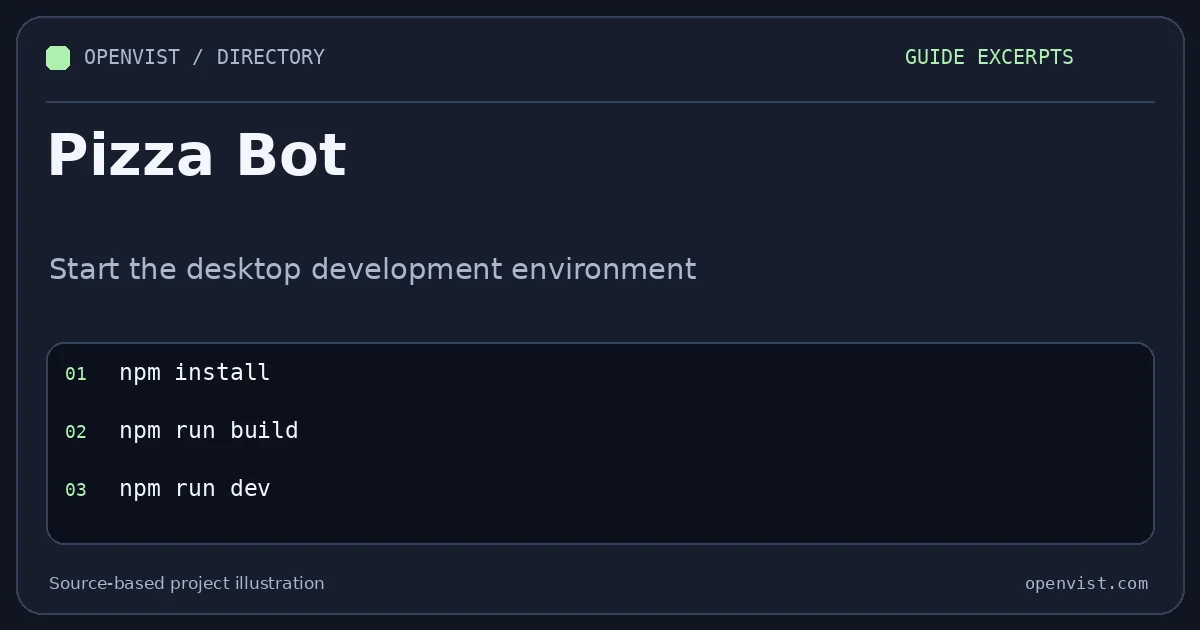
Start the desktop development environment
Build and launch Pizza Bot's Electron development shell from source.
Before you start
- Node.js 24 or newer
- The Pizza Bot repository
Steps
Run the command below to install dependencies.
npm installRun the command below to build the project.
npm run buildRun the command below to start the Vite frontend and Electron desktop shell.
npm run devConfigure a model under Settings > Providers before starting a live run.
Expected outcome
The development desktop shell and its supervised api-server start; a configured provider is required for live agent work.
Guide limitations
- Agents continue after navigation or client disconnect only while the api-server process remains running.
- This is the documented development setup, not a claim that the steps were executed or tested.
Sources & review
Source record details
- Source availability
- Active
- Sources checked
- 11 November 2026
- Original website title
- pizza-bot-app/pizza-bot · Official homepage title · retained in its source language