
Practical overview
When it fits
Use it when you want to explore or adapt a microphone-driven assistant with spoken replies and a web conversation display, and can provide the required third-party API credentials.
Who it is for
- Developers exploring or adapting a speech-to-speech assistant built from third-party APIs.
- Prototype builders who want spoken interaction alongside a browser-based conversation display.
Documented uses
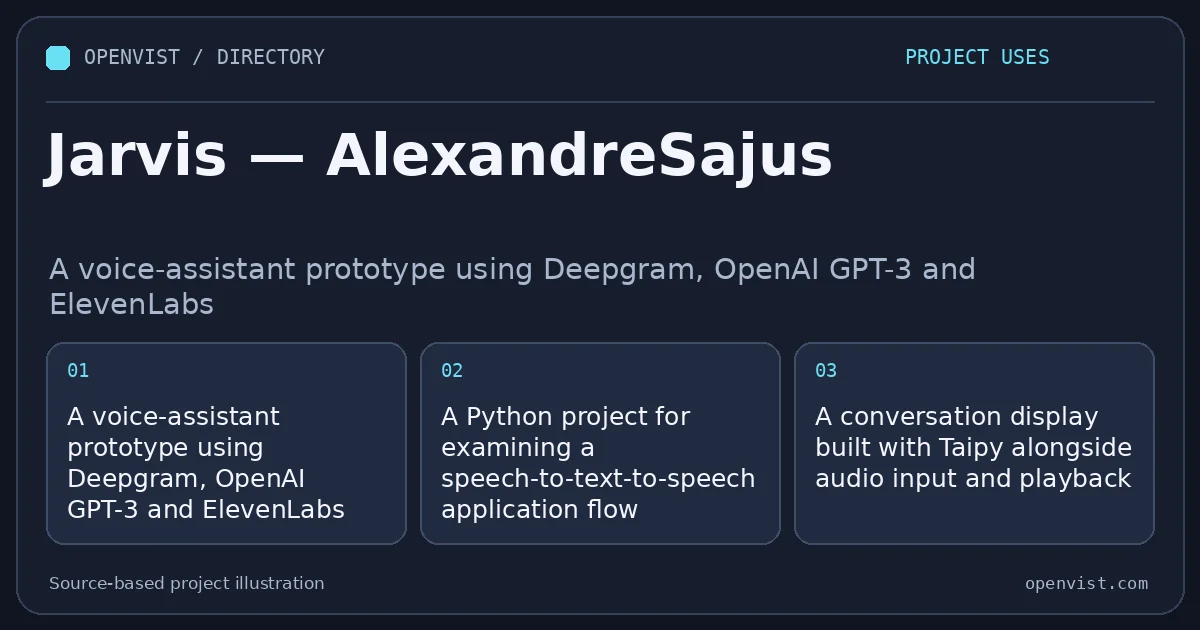
- Turn a spoken question into an LLM-generated spoken response.
- View the transcript and assistant reply in a web interface.
- Study a Python example that connects speech recognition, an LLM and speech synthesis.
Requirements & limits
The public GitHub repository lists a GPL-3.0 license. The README specifies Python 3.8–3.11 and API keys for Deepgram, OpenAI and ElevenLabs.
- The documented response-generation step uses OpenAI’s GPT-3 API.
- Speech recognition and speech synthesis rely on Deepgram and ElevenLabs API keys.
- The project combines a web display with separate assistant startup instructions.
- The README gives conflicting assistant script names for startup; check the repository files before relying on the command.
Check current requirements in the official documentation. Source-based guidance does not mean OpenViST has run or independently tested this project.
Set up the Python project and API credentials
Install the repository dependencies and create the documented environment file for its three service keys.
Before you start
- Python 3.8–3.11
- Deepgram, OpenAI and ElevenLabs API keys
Steps
Clone the repository from https://github.com/AlexandreSajus/JARVIS.git.
Install dependencies with the command below.
pip install -r requirements.txtCreate a
.envfile in the repository root containingDEEPGRAM_API_KEY,OPENAI_API_KEYandELEVENLABS_API_KEY.
Expected outcome
The repository dependencies are installed and the environment file contains the credentials the README lists.
Guide limitations
- This setup guide does not establish that the application has been run successfully.
- The README's later startup instructions disagree on the assistant script name: prose says
jarvis.py, while its command usesmain.py. Check the current repository files before starting it.
Sources & review
Source record details
- Source availability
- Active
- Sources checked
- 11 November 2026
- Original website title
- AlexandreSajus/JARVIS · Official homepage title · retained in its source language