
Practical overview
When it fits
Use the arena for interactive, head-to-head evaluation of image-grounded answers; use its linked benchmark resources for dataset-based evaluation work.
Who it is for
- Researchers comparing vision-language model responses to image-based questions
- Developers who want to host a pairwise multimodal model comparison interface
- Evaluators collecting human preferences between anonymous model outputs
Documented uses
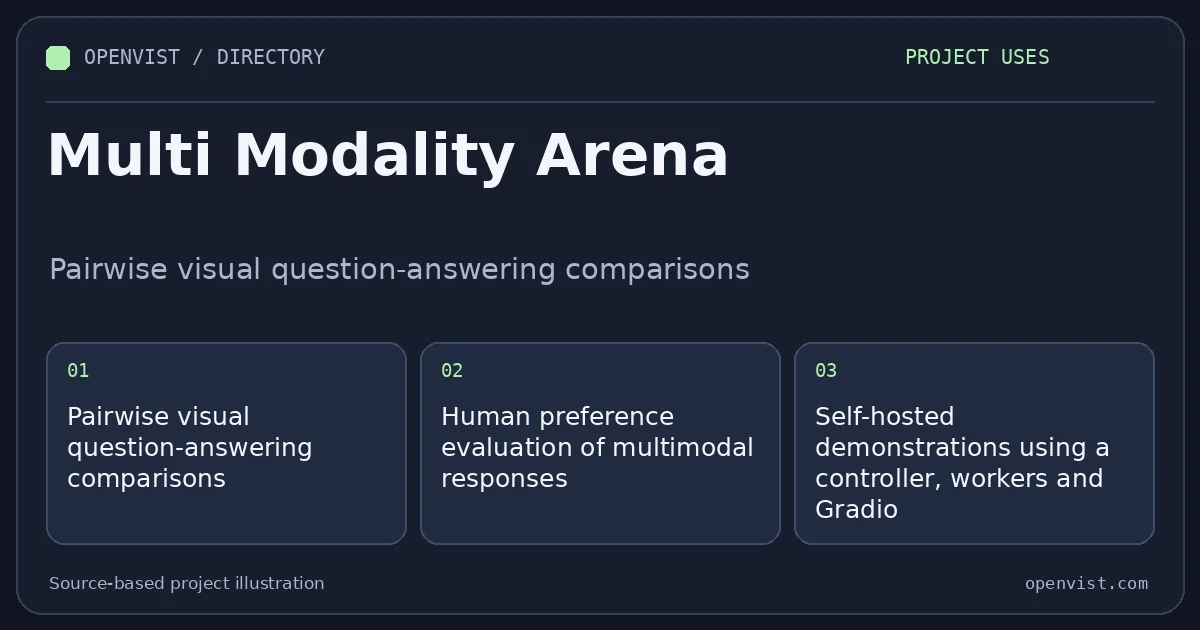
- Compare two models’ answers to the same image-based question.
- Collect preference judgments between anonymous model responses.
- Set up a local web interface with model workers coordinated by a controller.
Requirements & limits
The repository links to an online demo and documents a self-hosted setup. The repository is public and identified as open source.
- The comparison task uses image inputs and visual question answering.
- Self-hosting requires a controller, model workers and a Gradio web server.
- Model dependencies can conflict, so the README recommends a separate environment for each model when needed.
- The repository separately links benchmark datasets and evaluation code, including LVLM-eHub, Tiny LVLM-eHub and OmniMedVQA.
Check current requirements in the official documentation. Source-based guidance does not mean OpenViST has run or independently tested this project.
Set up a self-hosted comparison interface
Prepare the documented controller, model workers and Gradio web server for image-based model comparisons.
Before you start
- Python 3.10 in a Conda environment
- NumPy, Gradio, Uvicorn and FastAPI installed for the controller and server
- A model-specific environment for each model, where needed, because model dependencies may conflict
Steps
Create and activate a Conda environment named arena with Python 3.10.
Install numpy, gradio, uvicorn and fastapi.
Start the controller with python controller.py.
Start each model worker with python model_worker.py --model-name SELECTED_MODEL --device TARGET_DEVICE, specifying the model and device.
Start the Gradio interface with python server_demo.py.
Expected outcome
A web interface served by Gradio, coordinated with the controller and model workers.
Guide limitations
- The README does not specify model-independent dependency versions; it recommends a separate environment for each model when requirements conflict.
- The setup instructions do not establish hardware compatibility or a successful run for any particular model.
Sources & review
Source record details
- Source availability
- Active
- Sources checked
- 10 November 2026
- Original website title
- OpenGVLab/Multi-Modality-Arena · Official homepage title · retained in its source language