
Practical overview
When it fits
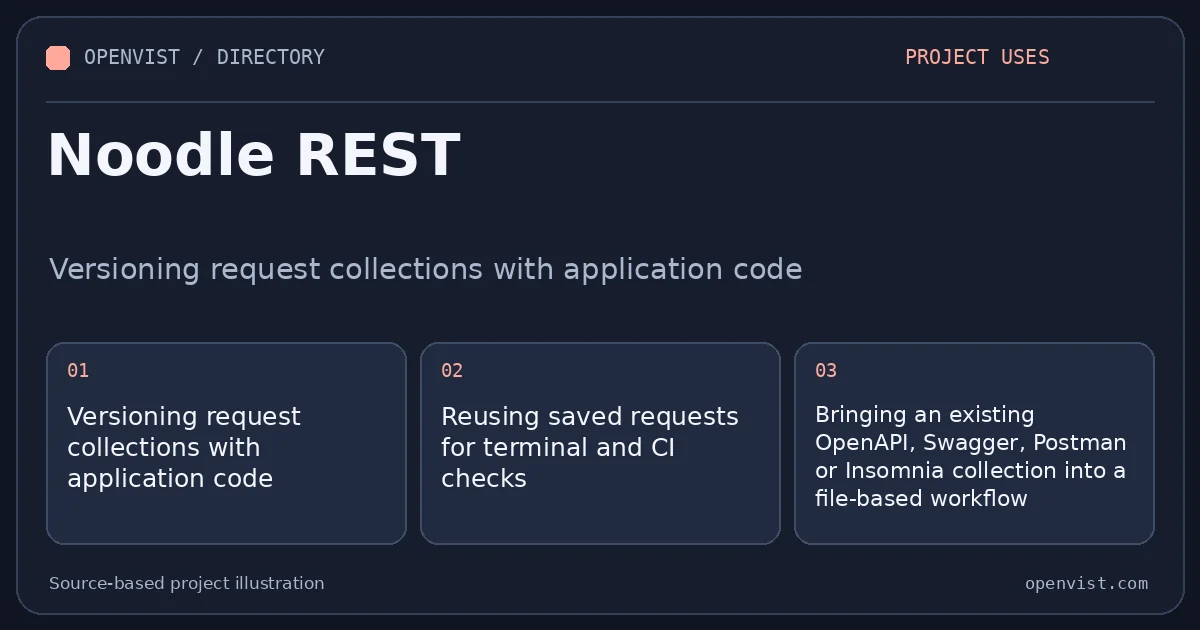
Use Noodle REST when API requests should be maintained as YAML files, reused in a terminal workflow and run as repeatable checks in CI.
Who it is for
- Developers who want API requests and tests stored as files alongside application source code.
- Teams that need to run repeatable HTTP checks from a terminal or CI workflow.
- Developers migrating collections from OpenAPI, Swagger, Postman or Insomnia.
- Users who want coding-agent help creating or maintaining Noodle collections.
Documented uses
- Create, edit and send HTTP requests from a terminal workspace.
- Inspect responses, including JSON and downloads.
- Use environments and secrets to switch API URLs or keep credentials out of request files.
- Check responses with assertions and pass captured IDs to later requests.
- Run collections from the CLI or GitHub Actions and retain a JUnit report.
Requirements & limits
The documentation lists standalone installation, Homebrew and a GitHub Actions setup action. Release binaries are documented for macOS and Linux (glibc) on x64 and arm64; Windows x64 is beta. Building from source requires Bun.
- Collections are YAML files, which supports a repository-based workflow.
- The same collections can be edited in the terminal interface and run through the CLI.
- The documentation includes authentication, environments and secrets, response inspection, assertions and captures.
- Windows x64 is beta; the installation page notes an unsigned executable and an unresolved Defender detection report for v0.10.1.
- Agent assistance is delivered through the
noodle-useskill and is separate from the core HTTP-client workflow.
Check current requirements in the official documentation. Source-based guidance does not mean OpenViST has run or independently tested this project.
Install Noodle REST with Homebrew
Install the Noodle CLI using Homebrew so it is available from a terminal.
Before you start
- Homebrew installed on a supported macOS or Linux system.
Steps
Run
brew install noodle.Run
noodle --helpto view the CLI usage output.Run
noodleto launch the terminal interface.
Expected outcome
The Noodle CLI is installed through Homebrew and can be opened from a terminal.
Guide limitations
- The source documents Homebrew installation but does not specify a minimum Homebrew version.
Install the Noodle agent skill
Add Noodle’s managed skill so a supported coding agent can help maintain API collections.
Before you start
- Noodle installed and available on PATH for the
noodle agent installmethod. - For the documented fallback, Node.js tooling capable of running
npx.
Steps
Run
noodle agent installto install the managednoodle-useskill.Noodle stores a managed copy under
~/.agents/skills/noodle-useand links detected Claude, Cursor, Codex and OpenCode installations.For other clients, use the documented fallback: the command below.
npx skills add noodle-rest/noodle --skill noodle-use -gAsk the agent to scaffold a collection, audit requests or convert an Insomnia export.
Expected outcome
The skill is installed for detected clients or via the documented fallback, and the agent can be asked to work with Noodle collections.
Guide limitations
- After a Homebrew upgrade, run
noodle agent installexplicitly to refresh the managed skill.
Sources & review
Source record details
- Source availability
- Active
- Sources checked
- 10 November 2026
- Original website title
- Noodle REST | The Repository is the Workspace · Official homepage title · retained in its source language