
Practical overview
When it fits
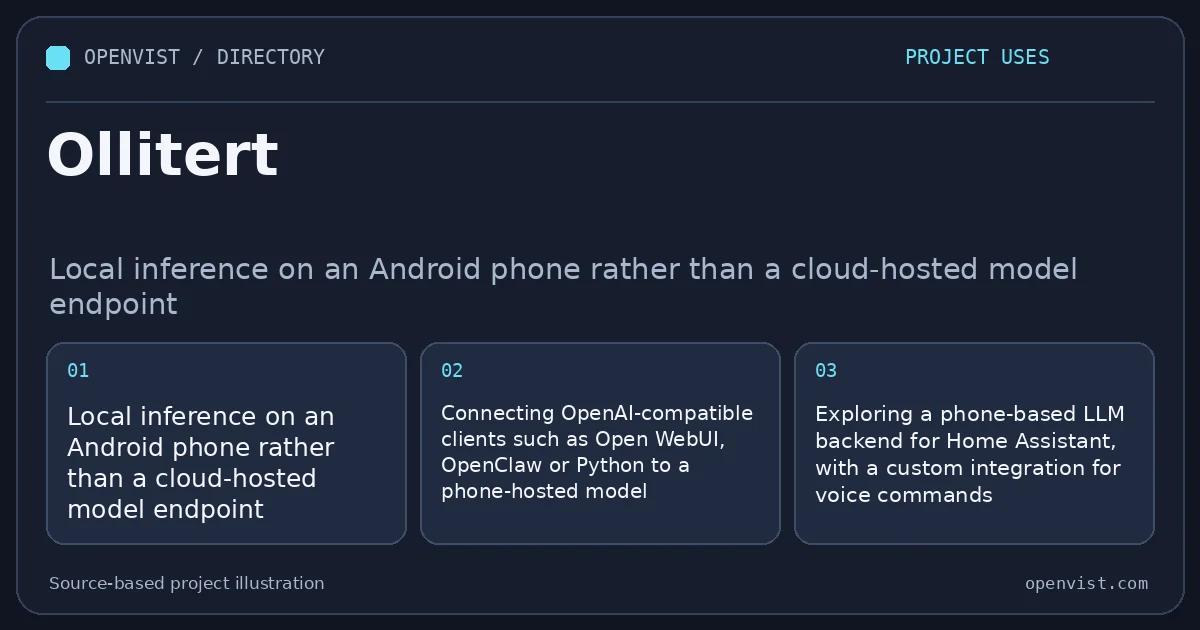
Use Ollitert when you want to serve a model running on an Android device to a compatible client on the local network, and your phone meets the documented Android, architecture and memory requirements.
Who it is for
- People with a supported Android phone who want to host local language-model inference.
- Developers and self-hosters who want to connect an OpenAI-compatible client to a phone-hosted model.
- Home Assistant users exploring an Android device as a local LLM backend.
Documented uses
- Run a downloaded language model on an Android phone’s CPU or mobile GPU.
- Expose local inference to compatible clients over the phone’s network endpoint.
- Monitor server activity and, through the documented Home Assistant REST API, monitor status or control the model remotely.
Requirements & limits
The repository provides an APK through GitHub releases. Ollitert is open source under the Apache-2.0 license. It requires Android 12+, arm64-v8a and at least 6 GB RAM; the README recommends 8 GB or more for multimodal models.
- Device requirements are Android 12+, arm64-v8a and 6 GB RAM minimum; model-specific memory needs vary.
- The project runs models using Google’s LiteRT-LM runtime and supports CPU or mobile GPU inference.
- The API is described as OpenAI-compatible and serves on the local network; clients need the endpoint shown on the Status screen.
- Home Assistant voice commands require a custom integration; the repository separately documents a Home Assistant REST API for monitoring and remote control.
- Tool calling is marked experimental in the README.
Check current requirements in the official documentation. Source-based guidance does not mean OpenViST has run or independently tested this project.
Set up Ollitert as a local model server
Install Ollitert, start a downloaded model, and find the endpoint for an OpenAI-compatible client.
Before you start
- Android 12 or later
- arm64-v8a Android device with at least 6 GB RAM
- Ollitert APK and a downloaded model
Steps
Download and install the APK from the project’s GitHub releases.
Download a model; the README recommends Gemma 4 E2B for most devices and lists it at 8 GB RAM.
Start the server using the Start Server button on the downloaded model card.
Use the endpoint shown on the Status screen to configure an OpenAI-compatible client.
Expected outcome
A selected model runs on the Android device and is exposed through the endpoint shown in the Status screen.
Guide limitations
- Model requirements vary; the README lists higher RAM requirements for some models and recommends 8 GB or more for multimodal models.
- The README identifies tool calling as experimental.
- The repository does not specify setup details for individual OpenAI-compatible clients.
Sources & review
Source record details
- Source availability
- Active
- Sources checked
- 8 November 2026
- Original website title
- NightMean/OlliteRT · Official homepage title · retained in its source language