
Practical overview
When it fits
Use the repository when you want a research implementation and documented starting commands for self-supervised graph learning experiments, especially node or graph classification.
Who it is for
- Researchers studying self-supervised graph representation learning.
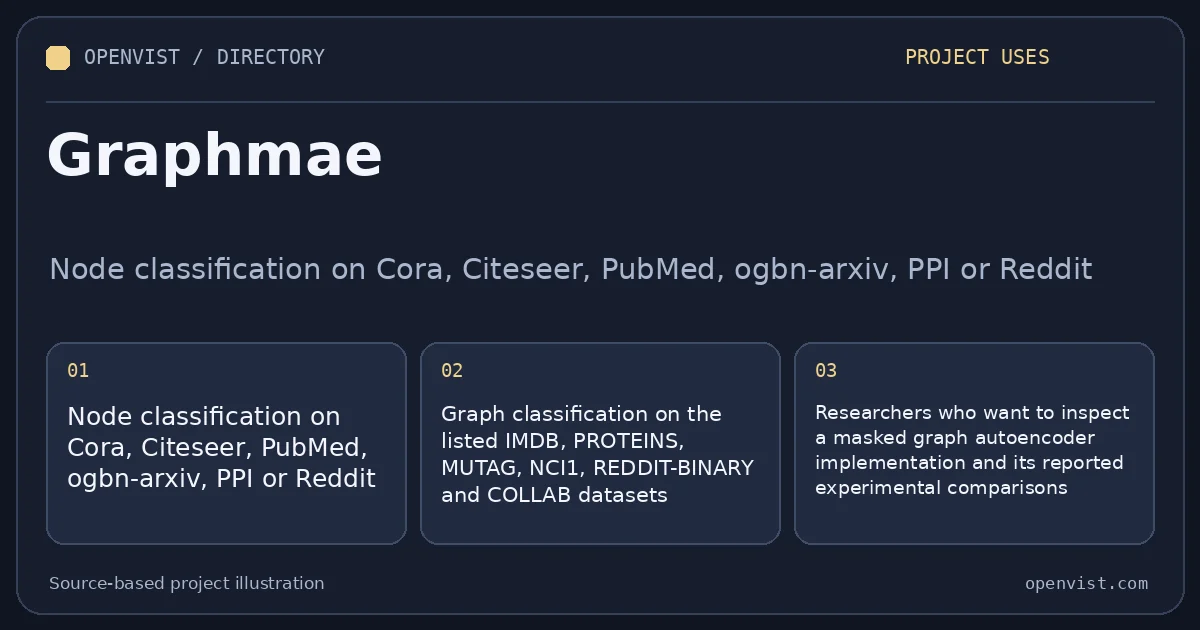
- Practitioners experimenting with node classification on the listed transductive or inductive datasets.
- Researchers comparing graph-classification or molecular-property-prediction approaches.
Documented uses
- Pretrain graph representations with a masked-autoencoder method.
- Set up documented transductive or inductive node-classification runs.
- Run graph-classification experiments using supported example datasets.
- Explore the repository’s separate molecular-property-prediction code.
Requirements & limits
- The listed stack requires Python 3.7+, PyTorch 1.9.0+, DGL 0.7.2+ and PyYAML 5.4.1.
- The README provides both shell-script and manual-command routes for node and graph classification.
- The main README points to a separate PYG branch for node and graph classification.
- The repository directs molecular-property-prediction users to code in its
chemdirectory. - The README says node- and graph-classification datasets download automatically from DGL when running the code.
Check current requirements in the official documentation. Source-based guidance does not mean OpenViST has run or independently tested this project.
Run a documented node-classification workflow
Start a transductive or inductive node-classification experiment using one of the listed datasets.
Before you start
- Python 3.7 or later
- PyTorch 1.9.0 or later
- DGL 0.7.2 or later
- PyYAML 5.4.1
- A dataset name and GPU ID for the provided script
Steps
Choose a transductive dataset: cora, citeseer, pubmed or ogbn-arxiv; or an inductive dataset: ppi or reddit.
Run the corresponding repository script: the command below or the command below.
sh scripts/run_transductive.shsh scripts/run_inductive.shFor the documented manual route, use the command below or the command below.
python main_transductive.py --dataset cora --encoder gat --decoder gat --seed 0 --device 0python main_inductive.py --dataset ppi --encoder gat --decoder gat --seed 0 --device 0Add
--use_cfgwhen using the provided scripts or manual command if reproducing the reported results.
Expected outcome
The repository provides commands for starting a transductive or inductive node-classification run; the README says node-classification datasets download automatically from DGL when the code runs.
Guide limitations
- The examples specify a GPU ID or device but do not state hardware requirements.
- The listed datasets and commands cover the documented node-classification workflow, not every possible graph dataset.
Run a documented graph-classification workflow
Start a graph-classification experiment on one of the repository’s listed datasets.
Before you start
- Python 3.7 or later
- PyTorch 1.9.0 or later
- DGL 0.7.2 or later
- PyYAML 5.4.1
- A dataset name and GPU ID for the provided script
Steps
Choose a listed dataset: IMDB-BINARY, IMDB-MULTI, PROTEINS, MUTAG, NCI1, REDDIT-BINARY or COLLAB.
Run the command below.
sh scripts/run_graph.shFor the documented manual example, run the command below.
python main_graph.py --dataset IMDB-BINARY --encoder gin --decoder gin --seed 0 --device 0Add
--use_cfgif reproducing the reported results.
Expected outcome
The repository provides a script and a manual example for starting graph-classification runs; the README says graph-classification datasets download automatically from DGL when the code runs.
Guide limitations
- The manual command is an example for IMDB-BINARY, not a command documented for every listed dataset.
- The README points to the
chemdirectory for molecular-property prediction rather than detailing that workflow here.
Sources & review
Source record details
- Source availability
- Active
- Sources checked
- 8 November 2026
- Original website title
- THUDM/GraphMAE · Official homepage title · retained in its source language
Related options
GraphMAE2 — A separate follow-up project linked from the Graphmae README; its code is maintained in a different repository.