
Practical overview
When it fits
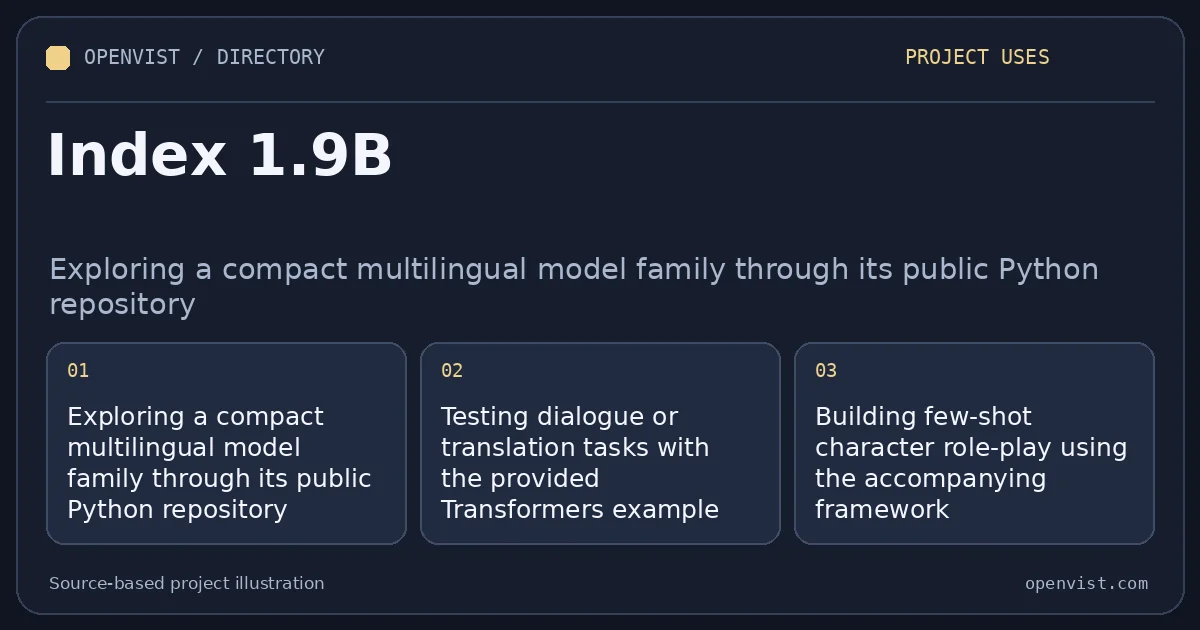
Use the Chat variant for multilingual dialogue experiments, Character for corpus-based role-play customization, and 32K when the input requires a longer context and the documented CLI workflow fits.
Who it is for
- Developers evaluating or integrating multilingual language models.
- Researchers comparing base and instruction-trained model variants.
- Builders creating dialogue, translation or customizable role-play experiences.
- Users processing long text with the 32K model's documented CLI tool.
Documented uses
- Generate dialogue and experiment with Chinese–Japanese translation using the Chat model.
- Create a role-play character from a dialogue corpus and character description.
- Summarize long text in Chinese with the 32K variant's CLI workflow.
- Compare a base model with the Pure control variant that excludes instruction-related training data.
Requirements & limits
The repository is public and identified as Apache-2.0 licensed. Model downloads are linked through Hugging Face and ModelScope; the project page also links hosted Chat and role-playing spaces.
- The series has distinct Base, Pure, Chat, Character and 32K variants; choose according to the task rather than treating them as interchangeable.
- The 32K variant is documented for demo/cli_long_text_demo.py only.
- The README's local setup uses Python and pip and gives a Transformers loading example with CPU, CUDA or Apple silicon device settings.
- llama.cpp and Ollama support is identified for the Chat-GGUF variant, but setup steps are not included in the provided README excerpt.
Check current requirements in the official documentation. Source-based guidance does not mean OpenViST has run or independently tested this project.
Set up the repository for a Transformers dialogue demo
Prepare the documented Python environment and load Index-1.9B-Chat using the provided Transformers pipeline example.
Before you start
- Python environment with pip
- An Index-1.9B-Chat model directory
Steps
Clone https://github.com/bilibili/Index-1.9B and change into the repository directory.
Install the listed dependencies with pip install -r requirements.txt.
Use the README's Transformers example with AutoTokenizer and a text-generation pipeline, setting model_path to the model directory and selecting a device.
Expected outcome
The documented code prepares a text-generation pipeline for dialogue with Index-1.9B-Chat.
Guide limitations
- The guide does not specify hardware requirements or model-download commands.
- The model directory must not contain a period; the README says it can be replaced with an underscore.
Prepare the documented Index-1.9B-32K long-text workflow
Set up the repository environment for the 32K variant's documented interactive long-text tool.
Before you start
- Python environment with pip
- A downloaded Index-1.9B-32K model directory
- A text file to use as input
Steps
Clone https://github.com/bilibili/Index-1.9B and change into the repository directory.
Install the repository dependencies with pip install -r requirements.txt.
Place the text to process in the documented input file, data/user_long_text.txt, or specify an input file path when using the tool.
Expected outcome
The documented setup leads to the repository's CLI workflow for long-text processing; its example summarizes the input in Chinese.
Guide limitations
- The 32K model is documented for demo/cli_long_text_demo.py only.
- The setup steps here do not claim a successful run or provide hardware requirements.
Sources & review
Source record details
- Source availability
- Active
- Sources checked
- 4 November 2026
- Original website title
- bilibili/Index-1.9B · Official homepage title · retained in its source language