
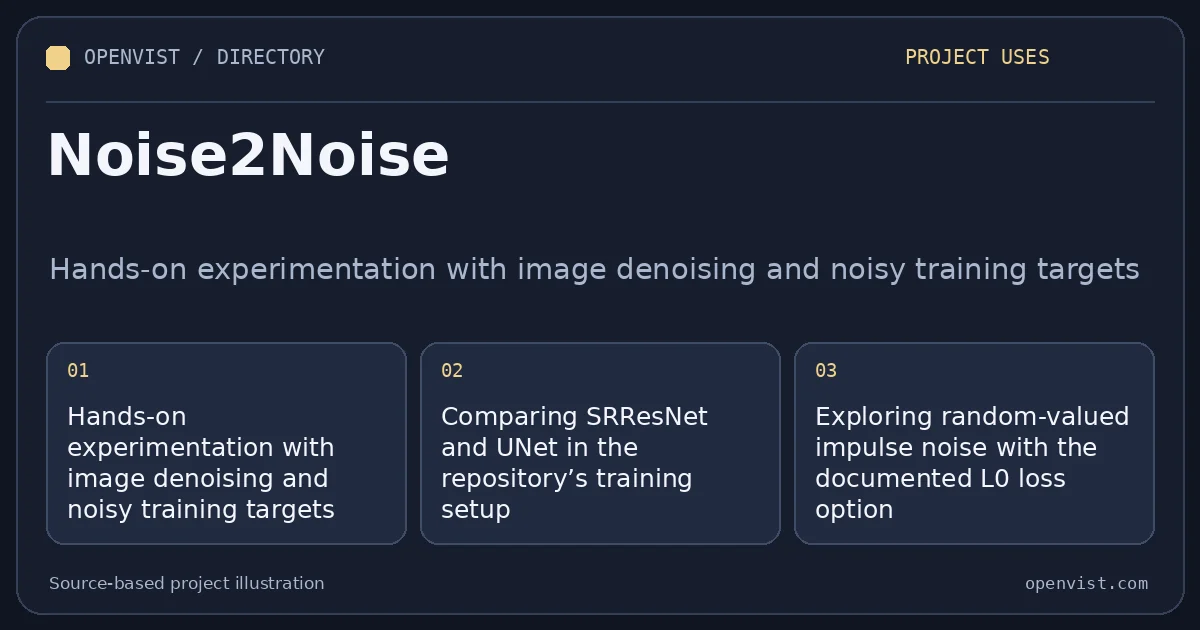
Practical overview
When it fits
Use the repository when you want a code-based starting point for exploring noise-to-noise image restoration, including its example Gaussian, text-insertion and impulse-noise configurations.
Who it is for
- Researchers and developers exploring image denoising with noisy training targets.
- Practitioners comparing noise-to-noise training with conventional clean-target training.
- Python users who want to experiment with SRResNet or UNet restoration models and documented noise configurations.
Documented uses
- Train an image-restoration model using noisy image pairs when clean targets are unavailable.
- Compare noisy-target and clean-target training configurations.
- Test a trained model on images and save or display denoising results.
- Plot and compare training histories.
Requirements & limits
The repository is public and reports an MIT license.
- The implementation is explicitly unofficial and partial, and differs from the original paper in its dataset and model choices.
- The documented dependencies are Keras 2.1.2 or later, TensorFlow, NumPy and OpenCV.
- The README allows other datasets for training and validation.
- Training and image testing are performed through Python scripts using local image directories and model weights.
Check current requirements in the official documentation. Source-based guidance does not mean OpenViST has run or independently tested this project.
Train an image-restoration model from noisy pairs
Use the documented training script to train with noisy source and target images rather than clean targets.
Before you start
- Python 3
- Keras 2.1.2 or later, TensorFlow, NumPy and OpenCV
- Training and test image directories; the README permits using datasets other than its examples
Steps
Prepare the training and test image directories.
Run the command below to review available optional arguments.
python3 train.py -hRun
train.pywith--image_dir,--test_dirand--output_path; for Gaussian noise, the README’s example also specifies--image_size 128,--batch_size 8and--lr 0.001.For the Gaussian noise-to-noise example, leave the target noise model at its default; the README contrasts this with setting
--target_noise_model cleanfor standard clean-target training.
Expected outcome
The training script writes results to the chosen output path for subsequent model testing or training-history plotting.
Guide limitations
- The implementation is explicitly unofficial and partial, and differs from the original paper in dataset and architecture.
- The supplied command values are example settings; the README directs users to the help output for optional arguments.
Test a trained model on image files
Apply a selected trained model and weight file to an image directory.
Before you start
- A trained weight file
- An image directory
- The repository dependencies: Keras 2.1.2 or later, TensorFlow, NumPy and OpenCV
Steps
Run the command below to review the script’s options.
python3 test_model.py -hProvide
--weight_fileand--image_dirtotest_model.py.Choose
--model unetor--model srresnetas appropriate; the documented default is SRResNet.Set
--test_noise_model cleanwhen the input images are already noisy, or choose a noise model to have the script add noise; provide--output_dirto save results instead of displaying them.
Expected outcome
The script performs denoising and either displays the resulting images or saves them to the chosen output directory.
Guide limitations
- The README describes testing on an image directory and does not document a hosted service or an interactive application.
Sources & review
Source record details
- Source availability
- Active
- Sources checked
- 4 November 2026
- Original website title
- yu4u/noise2noise · Official homepage title · retained in its source language