
Practical overview
When it fits
Use it for experiments where a graph-based text-classification workflow and the repository's documented Python and TensorFlow requirements fit the task.
Who it is for
- Researchers reproducing the Text GCN paper's text-classification results.
- Developers preparing labeled document collections for graph-based classification experiments.
Documented uses
- Run the documented preprocessing, graph construction and training workflow on listed datasets.
- Prepare custom text data using aligned document metadata and raw-text files.
Requirements & limits
The repository is public and identified as open source.
- The README specifies Python 2.7 or 3.6 and TensorFlow 1.4.0 or later.
- Custom data must align metadata entries with raw-text lines and remove newline characters from documents or sentences.
- The linked fast_text_gcn version is described as inductive, with test documents excluded from training.
Check current requirements in the official documentation. Source-based guidance does not mean OpenViST has run or independently tested this project.
Reproduce results on a documented dataset
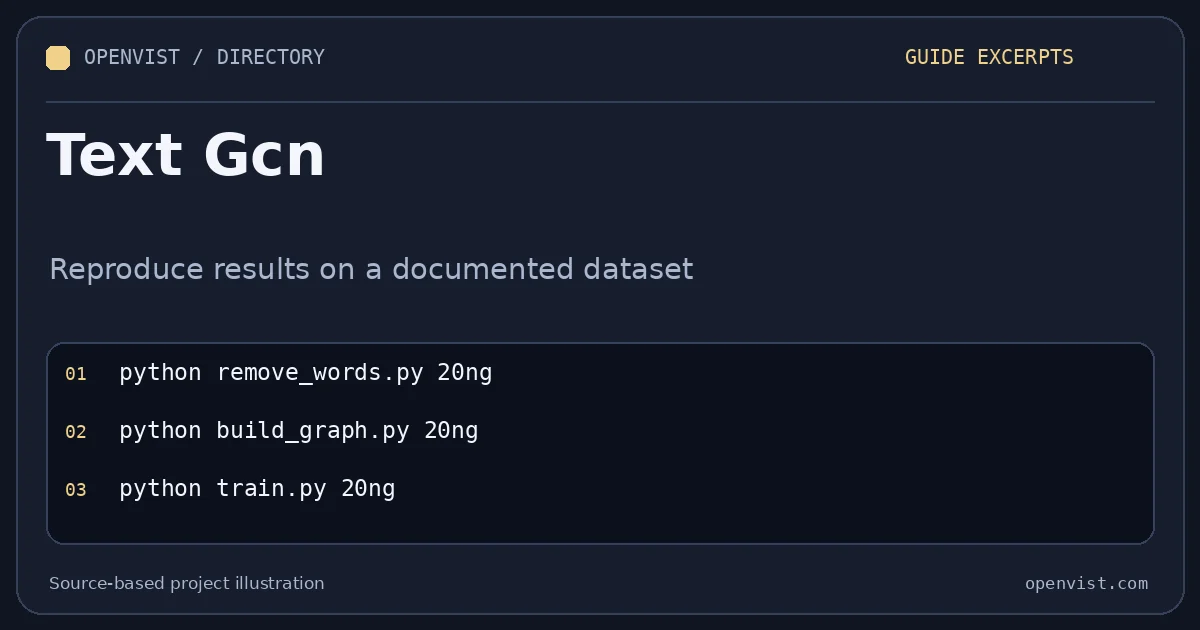
Run the documented preprocessing, graph-building and training sequence for 20ng or another listed dataset.
Before you start
- Python 2.7 or 3.6
- TensorFlow 1.4.0 or later
Steps
Run the command below.
python remove_words.py 20ngRun the command below.
python build_graph.py 20ngRun the command below.
python train.py 20ngFor the other listed datasets, replace
20ngin all three commands withR8,R52,ohsumedormr.
Expected outcome
The repository's documented sequence for training Text GCN on the selected dataset.
Guide limitations
- The README describes commands for reproducing results but does not provide benchmark outcomes here.
Prepare custom text-classification data
Format custom documents using the repository's example data-preparation guidance.
Before you start
- Document names, training/test split and labels, with one document per line in the metadata file.
- Raw document text in a corresponding corpus file, with each line aligned to the metadata entry.
Steps
Create the metadata file with document names, split information and labels.
Create the corpus file with the corresponding raw text, one document per line.
Use
prepare_data.pyas the example for preparing the data, removing newline characters from documents or sentences.
Expected outcome
Custom text data arranged in the input structure described by the README.
Guide limitations
- The README gives an example preparation script, not a complete custom-data training procedure.
Sources & review
Source record details
- Source availability
- Active
- Sources checked
- 3 November 2026
- Original website title
- yao8839836/text_gcn · Official homepage title · retained in its source language
Related options
fast_text_gcn — The README identifies it as an inductive version of Text GCN in which test documents are not included in training.