
Practical overview
When it fits
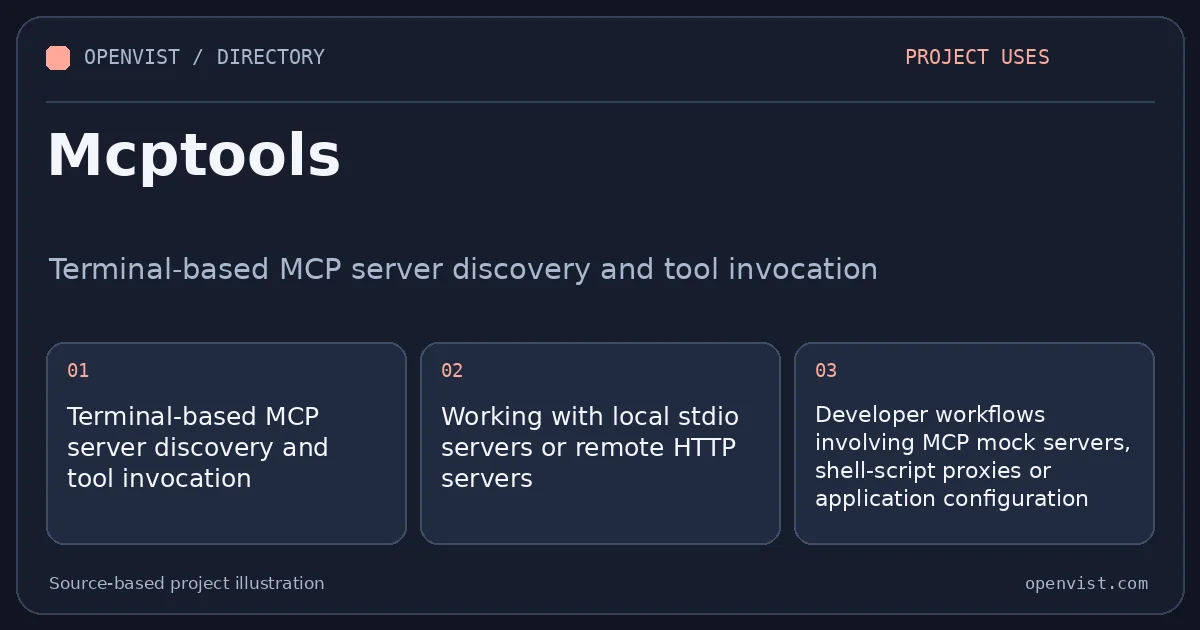
Use Mcptools when you want to inspect or interact with an MCP server from the command line, or need its documented mock, proxy and configuration-management commands.
Who it is for
- Developers exploring or integrating MCP servers from a terminal.
- Client developers who need mock MCP servers for testing.
- Users managing MCP server entries for supported applications.
Documented uses
- List tools, resources and prompts exposed by an MCP server.
- Invoke a server tool or read a resource or prompt.
- Explore server interactions in an interactive shell.
- Create a mock server or proxy tool requests to shell scripts.
- Scan and manage MCP server configurations for supported applications.
Requirements & limits
The repository lists an MIT license. Its README documents Homebrew installation for macOS and installation from source for Windows and GNU/Linux.
- Choose stdio for local command-line servers; HTTP supports remote server connections.
- The README recommends streamable HTTP for modern remote connections and notes that legacy HTTP SSE supports MCP protocol version 2024-11-05.
- The CLI offers table, JSON and pretty output formats.
- The documented
mcpbinary may also be accessed asmcptto avoid command-name conflicts.
Check current requirements in the official documentation. Source-based guidance does not mean OpenViST has run or independently tested this project.
List and call tools on a local stdio MCP server
Connect to the documented filesystem server example, list its tools, and call a file-reading tool.
Before you start
- Mcptools installed
- The
npxcommand and the@modelcontextprotocol/server-filesystempackage available through the documented invocation - A filesystem path to pass to the server
Steps
Run
mcp tools npx -y @modelcontextprotocol/server-filesystem ~to list available tools.Run
mcp call read_file --params '{"path":"README.md"}' npx -y @modelcontextprotocol/server-filesystem ~to call the documentedread_filetool.
Expected outcome
The CLI lists the server's tools and provides a command to invoke its `read_file` tool with a path parameter.
Guide limitations
- The example depends on the filesystem MCP server and its runtime being available.
- The README describes the commands; this guide does not assert that they have been executed.
Sources & review
Source record details
- Source availability
- Active
- Sources checked
- 3 November 2026
- Original website title
- f/mcptools · Official homepage title · retained in its source language